Upload Image
JPG/PNG (Max 10MB)
Required
Upload Image
JPG/PNG (Max 10MB)
(Optional)
Upload Image
JPG/PNG (Max 10MB)
(Optional)
Upload Image
JPG/PNG (Max 10MB)
(Optional)
OpenAI's latest video generation model with enhanced quality
Google's latest model with exceptional quality output
30-second multimodal video generation with precise reference control and native audio
When this option is enabled, the output video may be selected by AI Generate and published to the Explore.
Experience the raw beauty of industrial aesthetics through AI-powered video creation. Lovart ME transforms your creative vision into mechanically precise, atmospherically rich videos that capture the cold elegance of steel, concrete, and machinery. Our specialized AI Video Generator understands industrial design language—from weathered factory floors to gleaming modern infrastructure.
Industrial-grade capabilities engineered for professional video creation
Lovart AI transforms your concepts into stunning videos in mere minutes. Our advanced AI Video Generator processes complex scenes efficiently, delivering professional-grade results without the wait times typical of traditional rendering systems.
Simply describe your vision to Lovart, and watch as our AI Video Generator interprets your words into dynamic visual sequences. The intelligent system understands context, motion, and aesthetic preferences to craft videos that match your creative intent.
Bring static images to life with Lovart's transformation capabilities. Upload your pictures and let our AI Video Generator analyze composition, add natural motion, and create cinematic sequences that breathe movement into still frames.
Lovart ME specializes in the harsh beauty of industrial design. Our AI Video Generator captures the cold elegance of steel, steam-powered machinery, and brutalist architecture, perfect for creators seeking that distinctive mechanical aesthetic.
Lovart provides granular control over every aspect of your video. Adjust lighting intensity, modify motion speed, fine-tune color grading, and customize atmospheric effects through our intuitive AI Video Generator interface.
No heavy software installation required. Lovart AI runs entirely online, leveraging powerful cloud infrastructure to handle intensive video generation tasks while keeping your local machine free for other work.
Lovart outputs videos compatible with all major platforms. Whether you need content for social media, professional presentations, or cinematic projects, our AI Video Generator delivers in formats optimized for your specific needs.
Access Lovart from any device with a web browser. Create videos on your desktop workstation, continue editing on your tablet, and review final renders on your mobile device—all synced seamlessly through the cloud.
Lovart ME keeps your creative workflow organized. Track multiple video projects simultaneously, manage revisions efficiently, and maintain a complete history of iterations through our AI Video Generator's built-in project management features.
Never settle for "close enough." Lovart AI allows unlimited regenerations and tweaks. Experiment with different approaches until your video perfectly captures your artistic vision, all within the same project workspace.
Lovart understands cinematography principles. Our AI Video Generator automatically applies rules of thirds, optimal framing, and visual balance to create professionally composed shots that engage viewers from the first frame.
From harsh industrial spotlights to soft ambient glows, Lovart recreates realistic lighting conditions. The AI Video Generator calculates shadows, reflections, and atmospheric scattering to achieve photorealistic illumination in every scene.
Lovart AI operates entirely through your web browser—no bloated software installations, no system requirements anxiety. Our cloud-based AI Video Generator handles all the heavy computational work on industrial-grade servers, freeing your local machine from processing burdens. Access Lovart ME from any device, anywhere, anytime. The platform runs smoothly on modest laptops, tablets, even smartphones. All your projects sync automatically across devices, so you can start a video on your desktop and continue refining on mobile during commute.
Discover what creators achieve with Lovart AI Video Generator
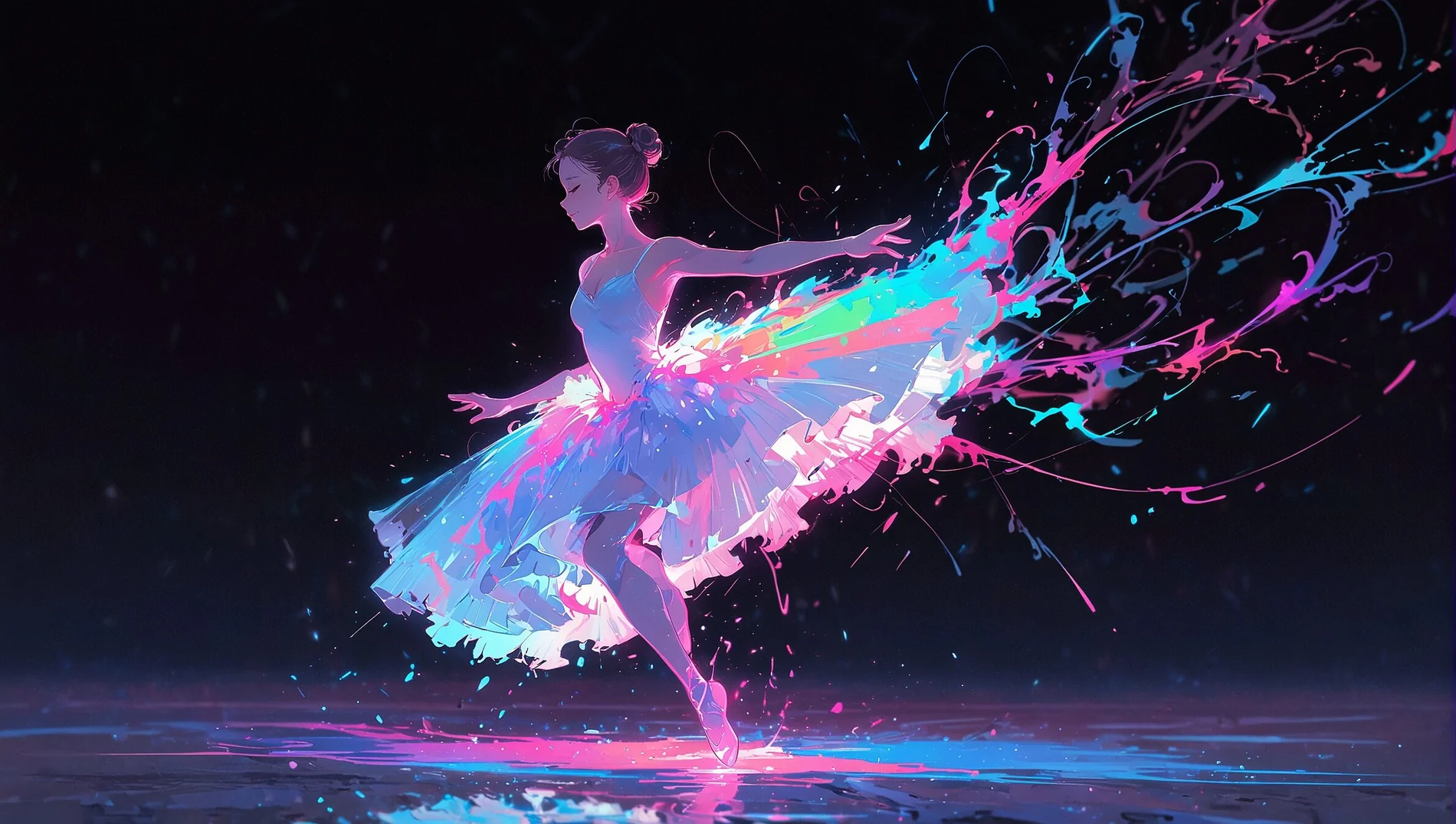
Lovart captures the intricate beauty of industrial machinery in motion
Bringing concrete and steel structures to cinematic life through AI
Lovart AI masters lighting and atmosphere in industrial environments
Cutting-edge advancements in industrial video generation technology
Lovart now simulates realistic material behaviors—rust flaking, metal deformation, concrete weathering. The AI Video Generator understands how industrial materials age and interact, adding unprecedented authenticity to generated videos.
Access pre-configured motion patterns for common industrial mechanisms—conveyor belts, hydraulic presses, rotating gears. Lovart ME provides these as building blocks for complex machinery animations without manual keyframing.
Enhanced steam, smoke, and dust particle generation creates immersive industrial atmospheres. Lovart AI calculates particle behavior based on environmental factors, producing photorealistic atmospheric effects in every video.
Professional methods for maximizing your Lovart AI Video Generator results
Real-world uses where Lovart ME delivers exceptional value
Manufacturing companies leverage Lovart to showcase heavy machinery, production processes, and facility capabilities. The AI Video Generator creates compelling product demonstrations that highlight mechanical precision and industrial strength—perfect for B2B marketing campaigns.
Create Industrial Imagery →Indie game developers use Lovart AI for concept videos, environmental previews, and atmospheric trailers. The industrial aesthetic works brilliantly for steampunk, cyberpunk, and dystopian game worlds requiring mechanical authenticity.
Architects and urban planners utilize Lovart ME to animate brutalist designs, industrial conversions, and modern infrastructure projects. The AI Video Generator brings static blueprints to life with realistic material rendering and atmospheric lighting.
Musicians in industrial, metal, and electronic genres use Lovart to create visually striking music videos without expensive film crews. The platform excels at dark, mechanical aesthetics that complement heavy sonic landscapes.
Technical educators employ Lovart AI to demonstrate mechanical principles, engineering concepts, and industrial processes. The AI Video Generator visualizes complex machinery operations that would be difficult or dangerous to film in real environments.
Read More Tutorials →Companies in construction, manufacturing, and engineering sectors use Lovart for internal communications, safety training, and stakeholder presentations. The industrial visual language resonates with audiences in these sectors.
Common questions about using Lovart ME for industrial video creation
Lovart ME focuses on industrial aesthetics and mechanical beauty that most video tools overlook. While generic AI Video Generator platforms produce soft, organic content, Lovart specializes in the cold elegance of steel, concrete, and machinery. Our algorithms are trained specifically on industrial design principles, brutalist architecture, and mechanical motion patterns.
Most videos are ready within 2-4 minutes on Lovart. The exact time depends on complexity—simple scenes with minimal motion generate faster, while intricate industrial environments with multiple mechanical elements may take slightly longer. Our AI Video Generator prioritizes quality over raw speed, ensuring each frame maintains professional standards.
No installation necessary. Lovart operates entirely in your web browser as a cloud-based AI Video Generator. Simply visit the Lovart ME website, log in, and start creating. All processing happens on our powerful servers, so you don't need expensive hardware or dedicated graphics cards.
Yes. Videos created with Lovart AI are yours to use commercially under our standard licensing terms. The AI Video Generator produces original content rather than copying existing works, making the output suitable for advertising, client projects, product demonstrations, and commercial media.
Lovart accepts both text descriptions and image uploads. Describe your scene in words, and our AI Video Generator interprets the prompt. Alternatively, upload reference images, and Lovart analyzes visual elements to create motion sequences that complement the original aesthetics.
Be specific about industrial elements, lighting conditions, and motion types. Mention materials like "rusted steel beams," "polished concrete floors," or "weathered machinery." Reference lighting such as "harsh overhead fluorescents" or "dim steam-filtered daylight." The more detailed your description, the better Lovart AI Video Generator understands your vision.
Lovart outputs standard MP4 files with H.264 encoding, universally compatible across platforms and devices. You can choose resolution options from 720p for web previews up to 4K for high-definition projects, depending on your subscription tier and project requirements.
Absolutely. Lovart ME supports widescreen (16:9), vertical format (9:16) for mobile platforms like TikTok and Instagram Stories, and square (1:1) for traditional social feeds. Select your preferred ratio before generation, and the AI Video Generator optimizes composition accordingly.
Limits depend on your subscription plan. Free tier users receive monthly generation credits, while paid subscribers access higher quotas. Lovart AI tracks usage transparently, and you can upgrade anytime if you hit limits during intensive creative periods.
Lovart focuses primarily on environmental storytelling and mechanical motion rather than detailed character animation. The AI Video Generator excels at industrial scenes, architectural walkthroughs, and mechanical processes. For human characters, Lovart works best with silhouettes and atmospheric presence rather than close-up facial expressions.
Team features are available on professional plans. Share project workspaces, exchange generated videos, and maintain version histories collaboratively. Multiple team members can work on different aspects of video projects simultaneously through Lovart ME's cloud infrastructure.
Simply regenerate with adjusted parameters. Lovart AI allows unlimited iterations within your credit allowance. Modify prompts, adjust settings, or try completely different approaches until you achieve the desired outcome. Each generation teaches the AI Video Generator more about your preferences.
Yes. Lovart's web interface is fully responsive and functional on smartphones and tablets. While larger screens provide better preview experiences, you can initiate generations, adjust settings, and download completed videos from any mobile device with a modern browser.
Lovart employs quality assurance algorithms that analyze each frame for technical issues, aesthetic coherence, and motion smoothness before finalizing output. The AI Video Generator automatically corrects common artifacts and ensures consistent visual quality throughout the entire sequence.
Lovart ME follows standard content policies—no violent, explicit, or harmful material. The platform works best with industrial aesthetics, architectural subjects, mechanical processes, and environmental storytelling that aligns with our design philosophy. Focus on creating visually compelling, professional content.