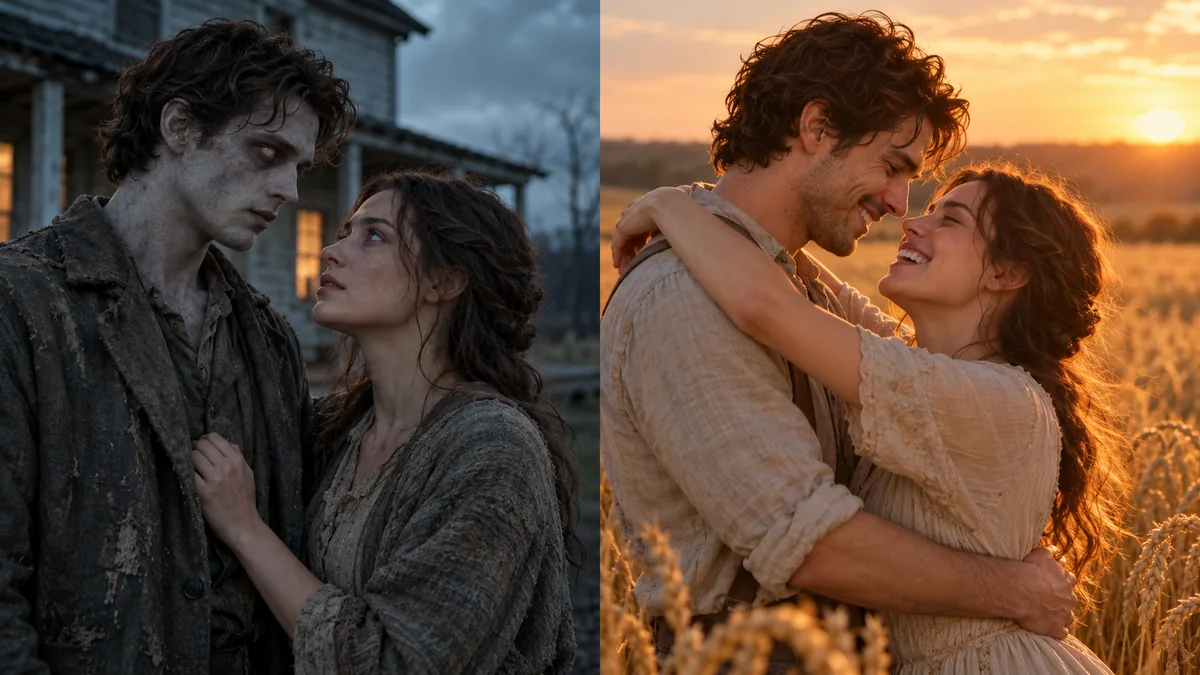
Storyboard concept still
Classic couple
Input: Two adult portraits
Couple · Farmhouse → Wheat field · 16:9
Target output: 15-second love story with sound
Upload a photo of the one who turns and a photo of the survivor; Lovart ME builds the whole 15-second zombie love story, from the standoff to the hug in the wheat field.
The zombie couple trend is free to join; making the video on Lovart ME uses credits from packs starting at $9.90 for 250 credits, and the Generate button shows the exact cost first.
STORYBOARD CONCEPTIllustrative still · your generated result will appear here.
Every version keeps the same story and swaps in two faces: a couple, a pet that comes back, a reverse version, or a Halloween teaser.
Input: Two adult portraits
Couple · Farmhouse → Wheat field · 16:9
Target output: 15-second love story with sound
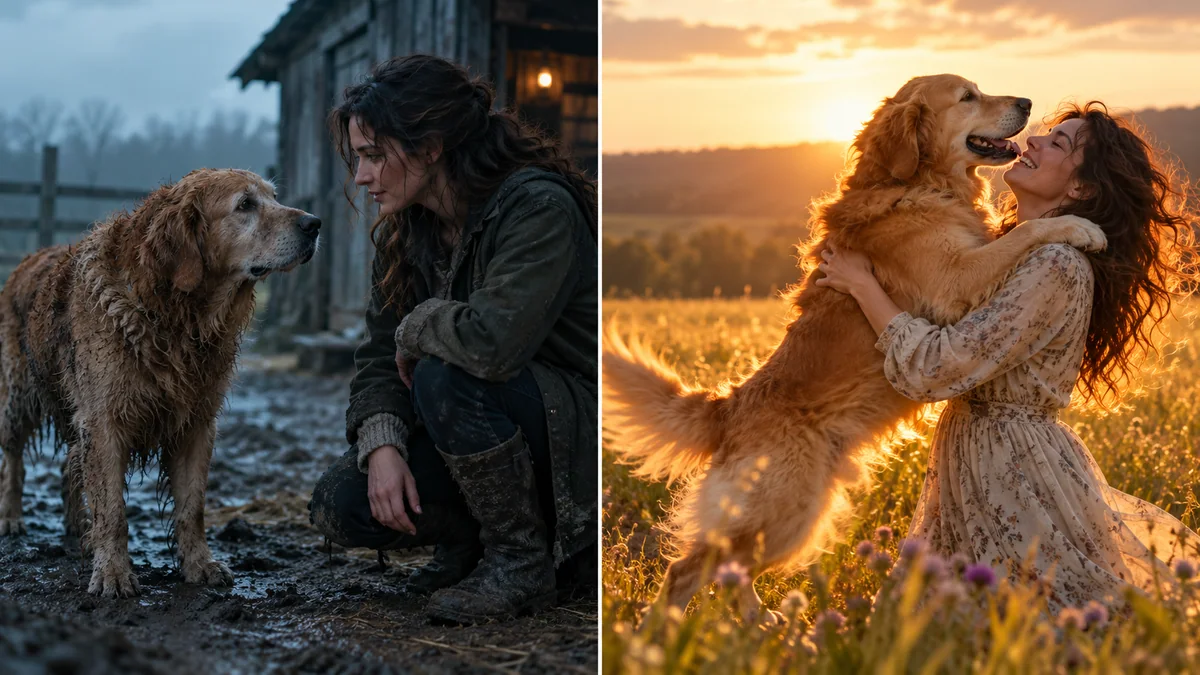
Input: Pet in Photo 1, owner in Photo 2
Pet · Farmhouse → Wheat field · 16:9
Target output: A leap into a familiar embrace
Input: The same photos, roles swapped
Couple · Farmhouse → Wheat field · 16:9
Target output: The survivor becomes the one who turns
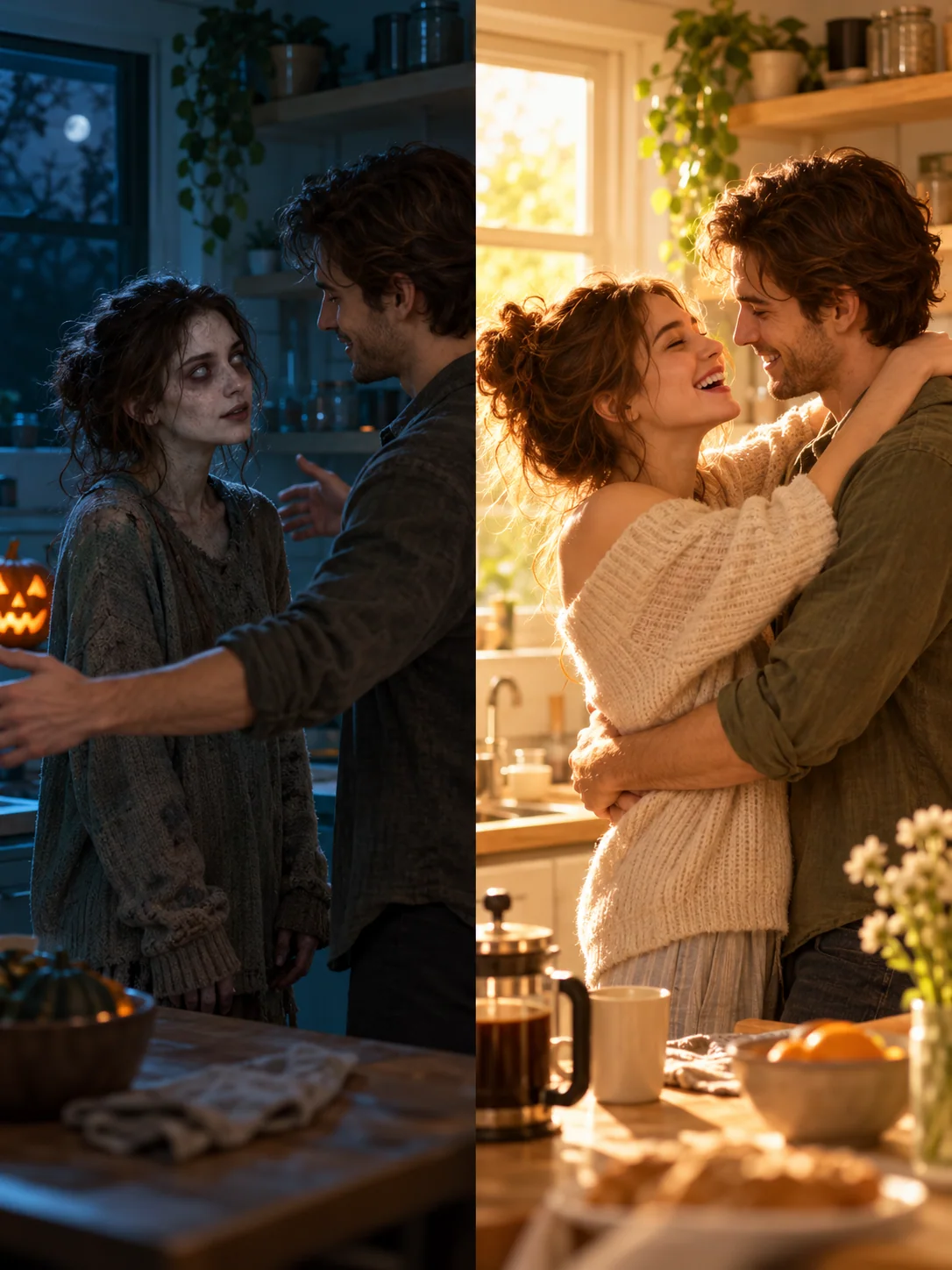
Input: Two adult portraits
Couple · Night kitchen → Sunny morning · 9:16
Target output: A vertical Halloween teaser
These are illustrative storyboards, not generated video samples. Explore more AI video effects or make an AI Kiss Me video.
Upload a photo of the one who turns and a photo of the survivor, pick a scene and 16:9 or 9:16, generate, then post with the AI label on.
Start with the classic two-person story, or bring a dog or cat into the memory.
Photo 1 = turnsPhoto 2 = survivor
Swap roles to reverse the story.
Choose your cold-to-warm setting, 16:9 or 9:16, duration and sound.
Check the displayed credit cost. The job continues if you leave; find the result in video history.
Download and turn on TikTok’s AI-generated content setting. Caption: “Would you still love me if I were a zombie?”
Photo checklist: one subject · front-facing · both eyes visible · even light · waist-up · two clearly different photos · JPG/PNG up to 10 MB.
A zombie couple video is a 15-second AI love story made from two photos: one partner has turned into a zombie, the other lowers the gun, and the leap cuts to a hug in a golden memory.
Only one person turns. The survivor stays human. The cold grey-teal standoff changes to warm gold with a hard cut in mid-air, rather than a fade or a morph. It is generated from photos, rather than filmed with a camera filter or taken from a feature movie.
“Would you still love me if I were a zombie?” Let the last hug answer the question.
Choose a farmhouse, a night kitchen or an empty road. Match two clear portraits with the scene and format you want.
For your own scenes, create a zombie portrait, then animate the still. Generate separate clips and join them when you need precise control over a cut.
Faces swap or merge when the two photos look alike or the roles are unclear; use two clearly different front-facing photos, label Photo 1 and Photo 2, and fix the faces in a still first.
| Symptom | Why it happens | Fix on Lovart ME |
|---|---|---|
| Faces swap or merge | Photos look alike or roles are unclear. | Use distinct front-facing photos and assign each photo to the correct role. |
| One long shot, no hard cut | The cut and its timing are vague. | For exact editing, generate two clips and join them at the moment of the leap. |
| A different couple in the field | Identity references drift between scenes. | Make cold and warm stills in Image to Image first. Use the same references. |
| Faces cropped in portrait | The source framing has too little space. | Leave space around heads and choose 9:16 before generating. |
| Too much horror | The zombie description is too intense. | Choose a gentler scene and use clear, evenly lit portraits. |
Your photos stay in the workbench when you switch tabs or try another scene. Model output can vary; a written hard-cut instruction does not guarantee frame-exact editing.
Use a two-photo zombie couple generator to get the full story in minutes; build it shot by shot in an image-to-video model only when you want your own scenes.
Two photos, built-in shots, scene presets and optional generated sound. Allow a few minutes for generation.
Make consistent stills, write your shots, animate and join the clips. More control, more editing time.
Open Image to Image →Prepare the template’s requested photos or clips. The transitions and soundtrack are fixed, so results follow the same pattern.
Choose this route if speed matters more than scene control.
| Zombie Couple | Custom AI shots | Phone template | |
|---|---|---|---|
| Prepare | Two photos | Photos + shot list + stills | Template inputs |
| Story | Built-in story + your details | You direct each shot | Fixed |
| Sound | Generated when enabled | Model-dependent | Template soundtrack |
| Control | Scene + your details | Highest | Lowest |
The zombie couple trend is free to join; making the video on Lovart ME uses credits from packs starting at $9.90 for 250 credits, and the Generate button shows the exact cost first.
There is no single official song. Generate atmosphere and piano with your video, or add your preferred sound when posting. Generated audio can be kept or replaced.
No. An AI model generates the scene, zombie appearance, leap and memory from your photos. Generation usually takes minutes rather than an instant camera filter.
No. This tool generates a new scene from your photos and story prompt. It does not take footage from a feature film.
Choose Pet. Put a clear, front-facing pet photo in Photo 1 and a photo of yourself in Photo 2. Both eyes should be visible.
In the classic story, only one partner turns; the survivor stays human. For a both-zombie Halloween portrait, use Image to Image and then Animate this image.
The classic story is about 15 seconds in 16:9. Choose 9:16 before generating for TikTok and Reels, leaving room around both faces.
Turn on More options › AI-generated content before posting. Use your own photos and photos of adults who agreed to appear. The zombie styling is non-graphic: no blood or wounds.
Compare credit packs. Payment help: [email protected].
Lovart ME is an independent site and is not affiliated with TikTok or the creators of the zombie couple trend.