AI Dance Video Generator: Your Photo Sets the Look, Your Clip Sets the Moves
Add one full-body photo and a 5 to 10 second clip of the moves, design the first frame, then animate it with a model that has a reference video slot.
Last checked 2026-11-05
⚙ AI Forge Studio
Your photo sets the look; your step video, or a first and last frame, sets the moves.
1First frame · 3→
2Last frame · 3→
3Animate 10 s · 280
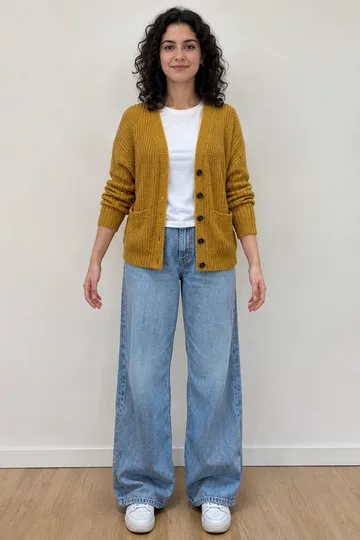
Your photo · full body
9:16 vertical · first frame, then last frame, then the clip between them
Your step video · optional
Film five to ten seconds of yourself doing the steps, full body, phone held upright. Up to 30 seconds and 200 MB. Your photo sets the look; the clip sets the moves.
Next: last frame 3 credits, then animate 10 s · 280 credits.
Joining the trend is free; making it on Lovart ME uses credits from packs starting at $9.90 for 250 credits. Each button shows its exact cost before you generate.
SAMPLE · INPUT → RESULT
Sample inputs and result from this page. Your result will appear here.
Start with an idea
01 / Frames
AI dance video generator samples
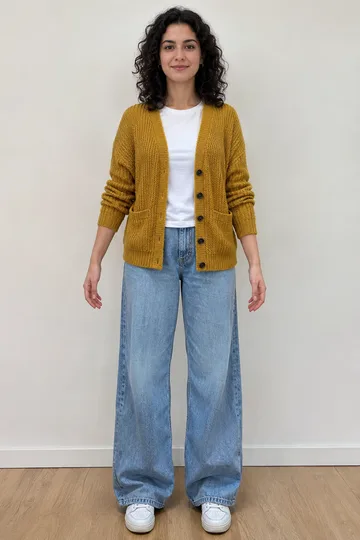
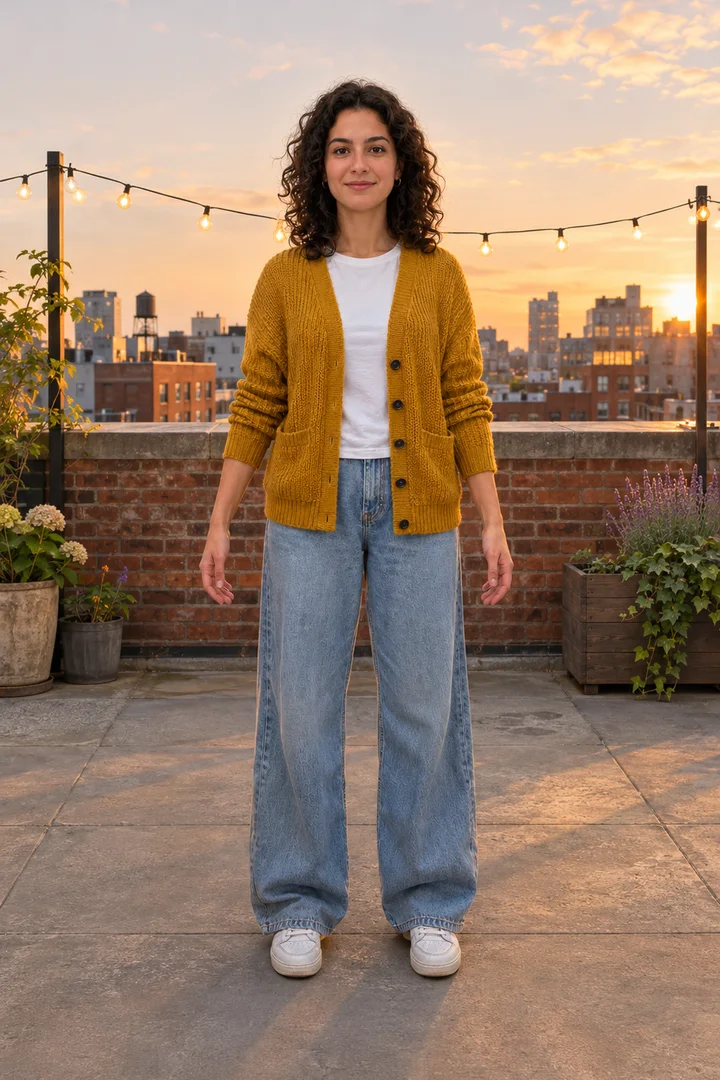
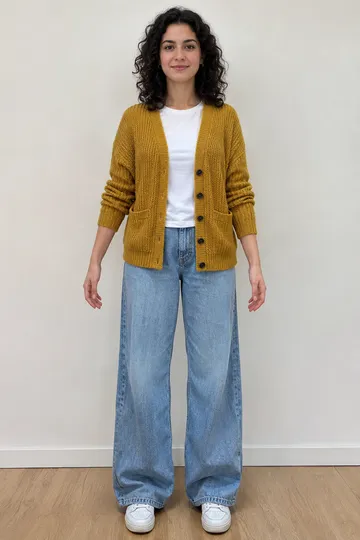
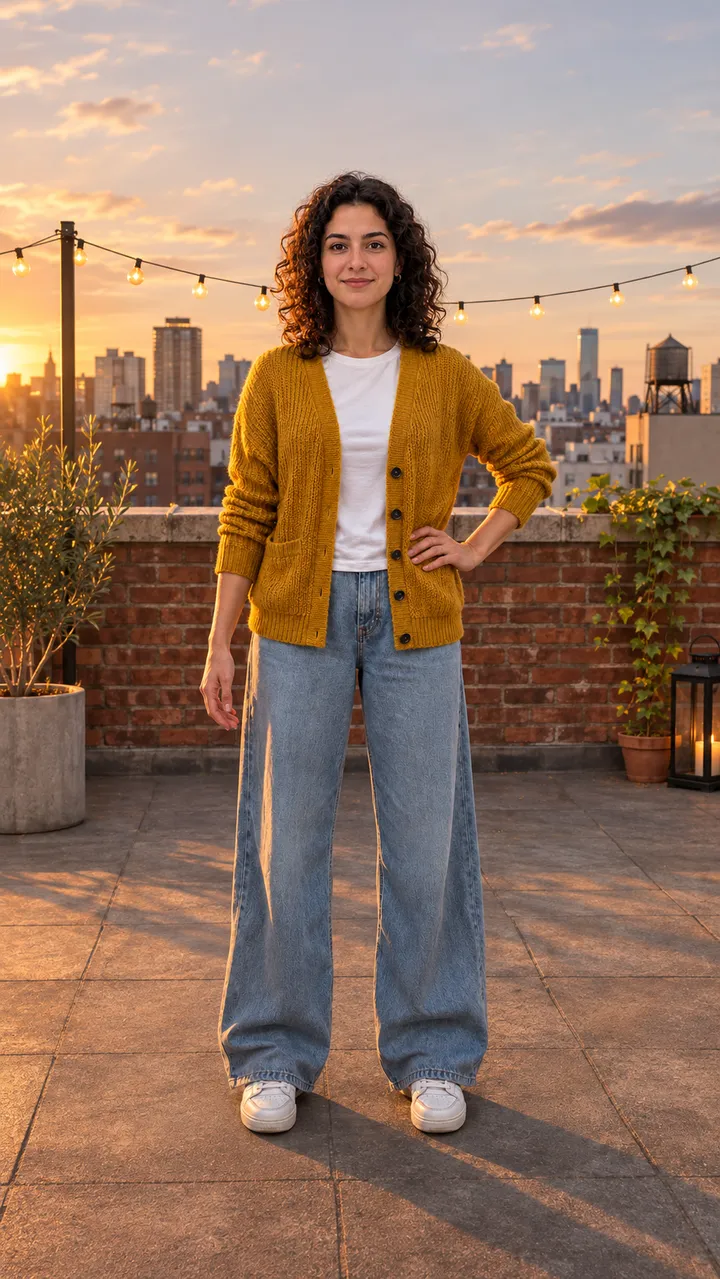
Each card shows the photo, the designed first frame, the last frame and the clip, re-cut on Lovart ME from 10-second aiaigenerator.ai originals with original adult characters.
The two clips are edits of Seedance 2.0 Fast originals made on November 4, 2026; the Ready Stance and Final Point cards below are GPT Image 2.5 Flare stills with no video. None of them is workbench output, and no real dancer's footage was used.
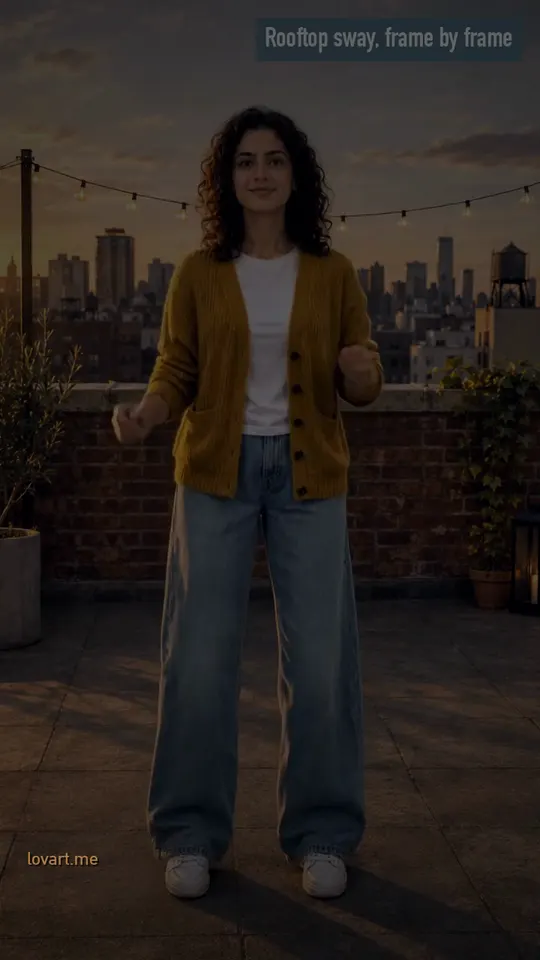
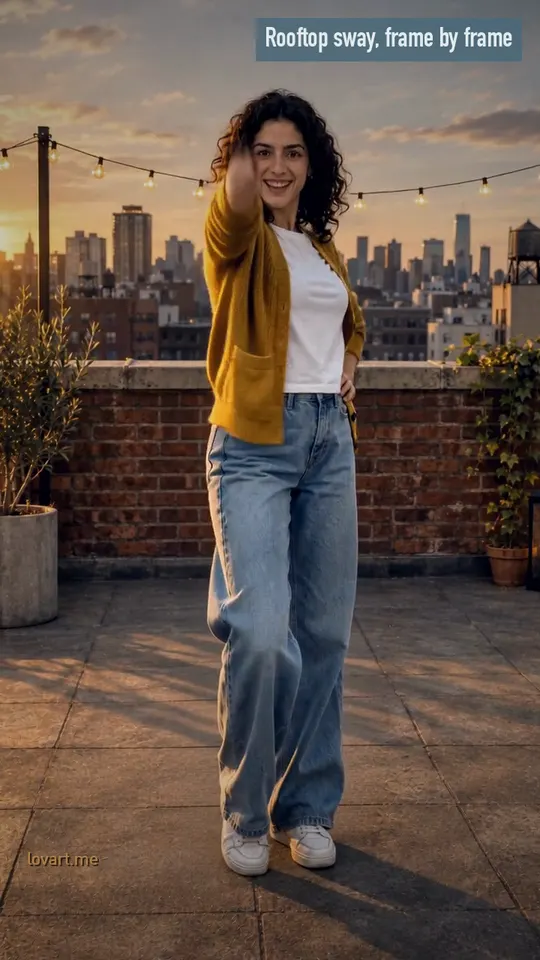
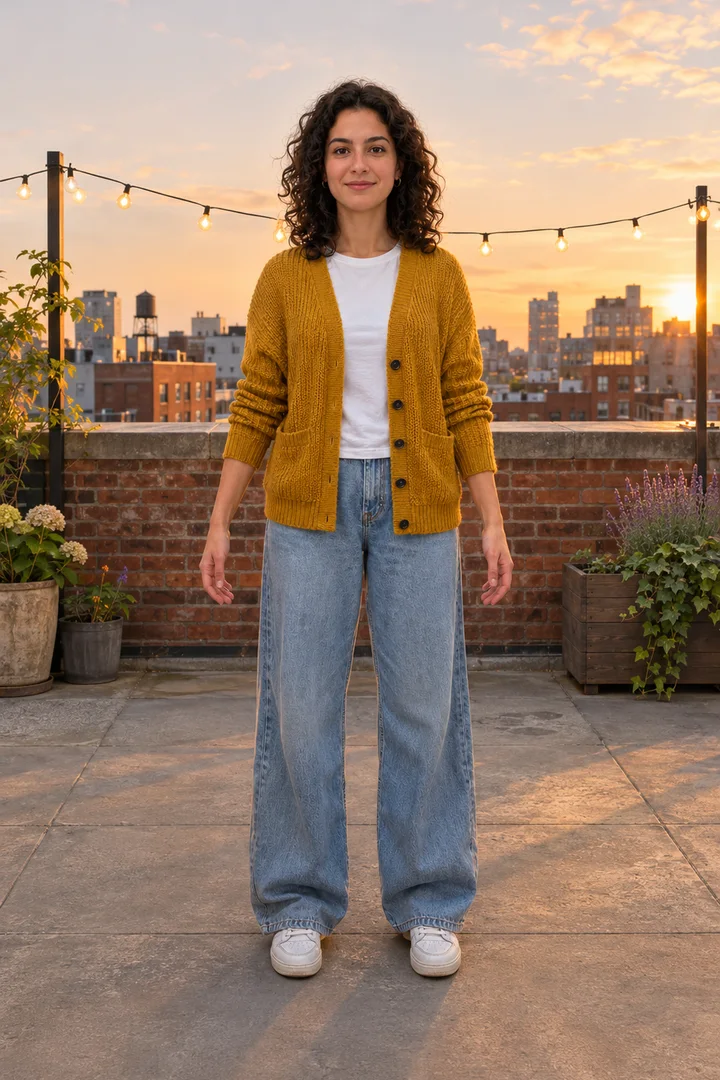
Rooftop sway, frame by frame
Photo →Still→StartEnd
Rooftop sway, frame by frame
Remixed from an aiaigenerator.ai clip · Seedance 2.0 Fast
Original
A 10-second Seedance 2.0 Fast 720p clip made November 4, 2026 for aiaigenerator.ai from one photo and a designed rooftop first frame
Shot by shot
0–2 s small bounce with loose arms; 2–4 s arms roll in front of the chest and she turns side-on; 5 s back to the camera; 6–8 s both arms up overhead
This cut
8.5 s, 9:16, re-cut, reframed and color graded on Lovart ME; no new generation
Copy your own moves with the AI dance video generator
Film 5 to 10 seconds of the moves full body with the phone upright, add it as your step video next to your photo, and pick Seedance 2.5 or Seedance 2.0 Mini so the clip drives the dance.
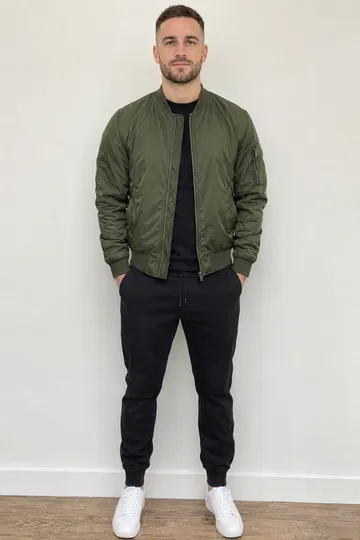
The photo
One person, head to feet, facing the camera, good light, arms and legs not hidden, plain background. Hands in pockets or a cropped foot make the model guess.
Film the step video
Phone upright, the whole body in frame from head to feet the entire time, one dancer, a plain wall, 5 to 10 seconds. Short and simple moves come out cleaner than a long spin.
Design, then animate
The step video goes in the slot marked “Your step video · optional”. Press Design the frame, check the face and clothes, then animate on a model with a reference video slot: on Video that is Seedance 2.5 or Seedance 2.0 Mini, and each model shows its own clip length limit in the slot.
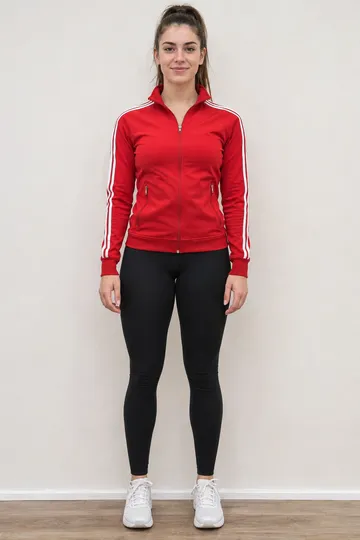
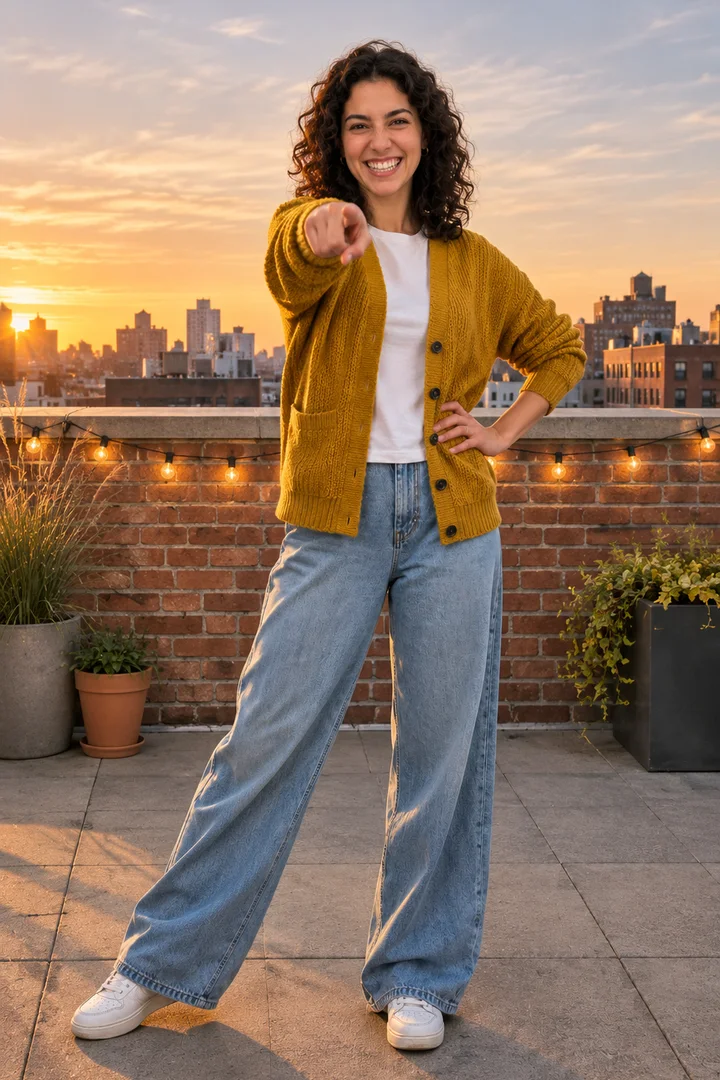
With no clip, design a ready stance as the first frame and a final point as the last frame, then write the moves second by second for the AI dance video generator to fill in.
First frame · Ready Stance→Last frame · Final Point
Write the moves in between
0–2 s Starting from the ready stance, she sways her hips side to side on the beat, arms loose.
2–5 s Two steps to the right with a shoulder roll, then two steps back to the left.
5–8 s A slow half turn to the left and back to face the camera, hair moving.
8–10 s She lands the final point: right arm toward the camera, left hand on the hip. Camera holds still, full body in frame.
Make both frames on this page or on Image, then use first-and-last-frame mode on Video and paste the moves. Keep the same rooftop and light in both frames so the model only has to fill in the body.
Viggle copies a clip from its template library onto your photo with a watermark on the free tier; here you design the first frame from your photo and drive the dance with your own clip or two frames.
Viggle
Lovart ME
Where the moves come from
10,000+ templates or an uploaded clip (JST-1 model)
Your step video, or moves written between two frames
First frame
Your character image as uploaded
Designed from your photo: place, light and outfit kept
Free tier
Up to 5 videos a day after sign-up, watermarked, one at a time
Credits per run; the cost shows on the button first
Groups
Multi-Track: up to seven characters, each from its own image
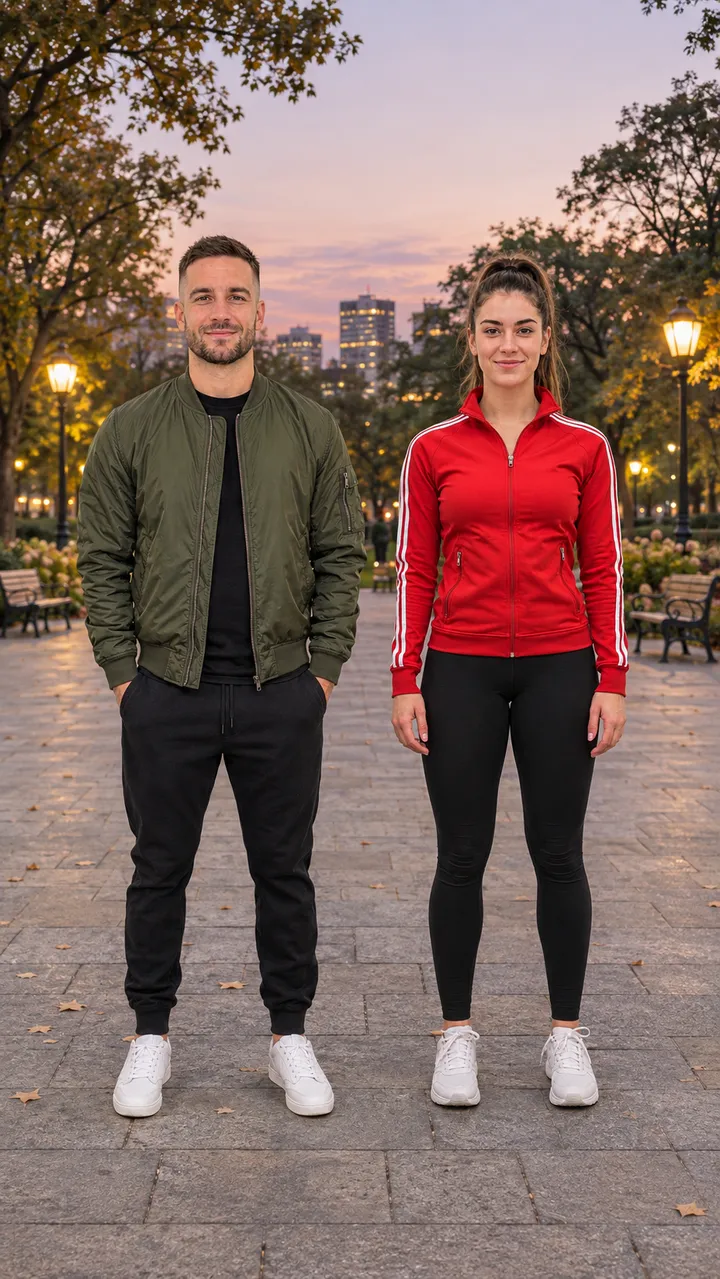
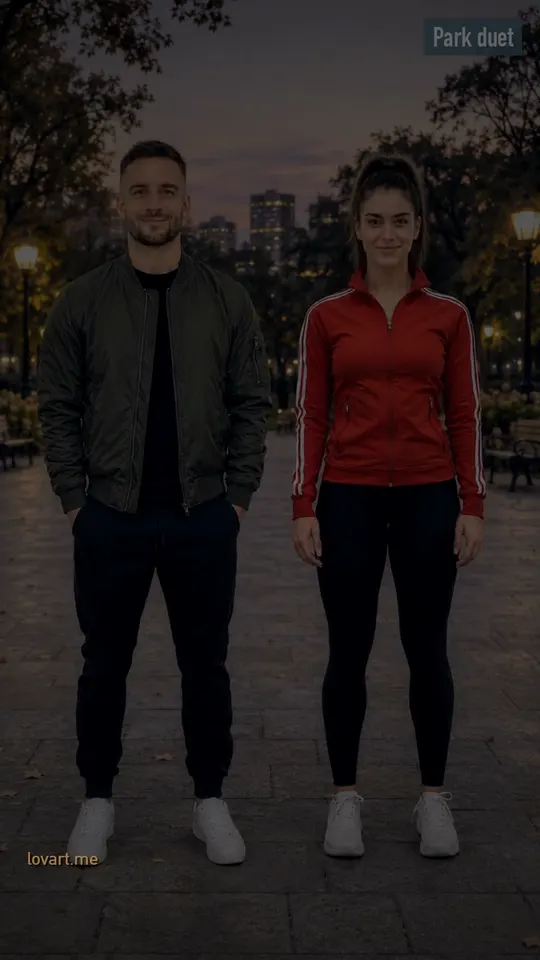
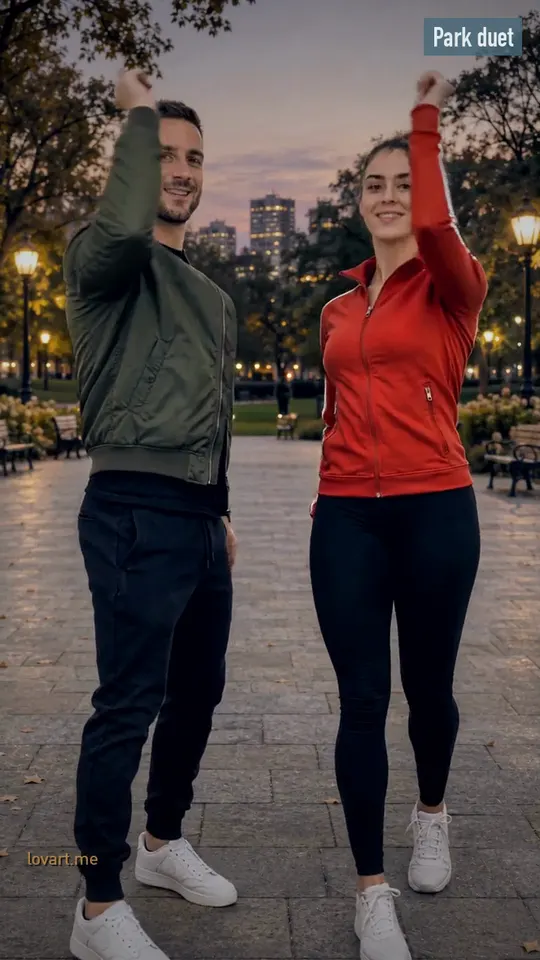
Park duet: two photos, left and right, swap with one tap
Where it runs
Web, iOS app and Discord
Web
Viggle went viral in April 2024 with the “Lil Yachty walks out on stage” edits and raised a USD 19 million Series A on August 26, 2024.
05 / Dance pages
Dance pages that pair with this AI dance video generator
Puerto Rican Mami, Baile Charme and I'm Not Yo B No More already take your step video; Swing Dance, Window Dance, Gangnam Style, Fuzzy Dream, Bing Bing Bing Kicking, the Elf Dance and Strike A Pole run from photos and frames.
How long and how sharp AI dance video generator clips are
Most clips run 5 to 15 seconds in vertical 9:16; on Video each model lists its own length and resolution, and a short, simple routine stays cleaner than a long spin.
Length
5 to 15 seconds per clip is typical. On Video each model shows its own length choices in the slot.
Shape
Vertical 9:16 for TikTok, Reels and Shorts.
Sharpness
720p or 1080p depending on the model.
Why limbs warp
Cropped limbs, hands in pockets, loose crossing clothes, busy backgrounds, fast spins and long clips. Fix the photo first, then shorten the routine.
Questions
AI dance video generator questions
Can I upload my own dance video as the reference?
Yes. On Dance Copy pick a model with a reference video slot (Seedance 2.5 or Seedance 2.0 Mini), add your photo and a 5 to 10 second clip filmed full body; the photo sets the look, the clip sets the moves.
How is this different from Viggle?
Viggle copies a clip from its template library onto your photo; here you design the first frame from your photo, then copy your own clip or write the moves between two frames.
Does Viggle AI dance cost anything?
It has a free tier with watermarked exports and a daily cap; paid plans remove the watermark.
What if I have no dance clip?
Design a Ready Stance first frame and a Final Point last frame, then write the moves in between second by second.
How long and how sharp are the clips?
Commonly 5 to 15 seconds in 9:16; each model on Video shows its own length and resolution choices.
How do I film a good reference clip?
Phone upright, whole body in frame from head to feet, one dancer, plain wall, 5 to 10 seconds.
Can two people dance together?
Yes. Pick Park duet and add two photos, left and right; swap them with one tap before you design the frame.
Want a caption on the final frame? Add it in PhotoCraft, the free editor.