AI Tattoo Generator for Flash Sheets, Placement Boards and Matching Ink
Add your references, design a sheet of six tattoo options, pick one, then place it on a photo of your skin at three sizes to choose before you book.
Last checked 2026-11-04
⚙ AI Forge Studio
Add your references, design a sheet of six options, then place your pick on a photo of your skin.
Reference · flower photo, your sketch or a style
3:4 · still only, no video
Joining the trend is free; making it on Lovart ME uses credits from packs starting at $9.90 for 250 credits. Each button shows its exact cost before you generate.
SAMPLE · INPUT → RESULT
Sample inputs and result from this page. Your result will appear here.
Start with an idea
01 / Boards
AI tattoo generator boards made on Lovart
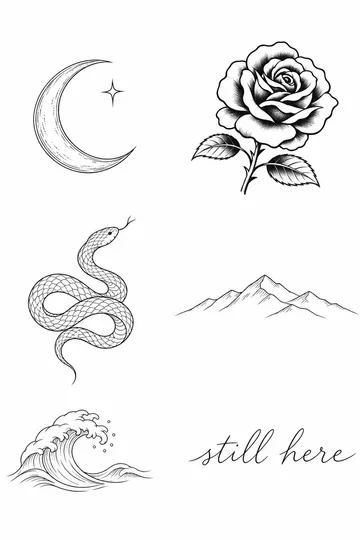
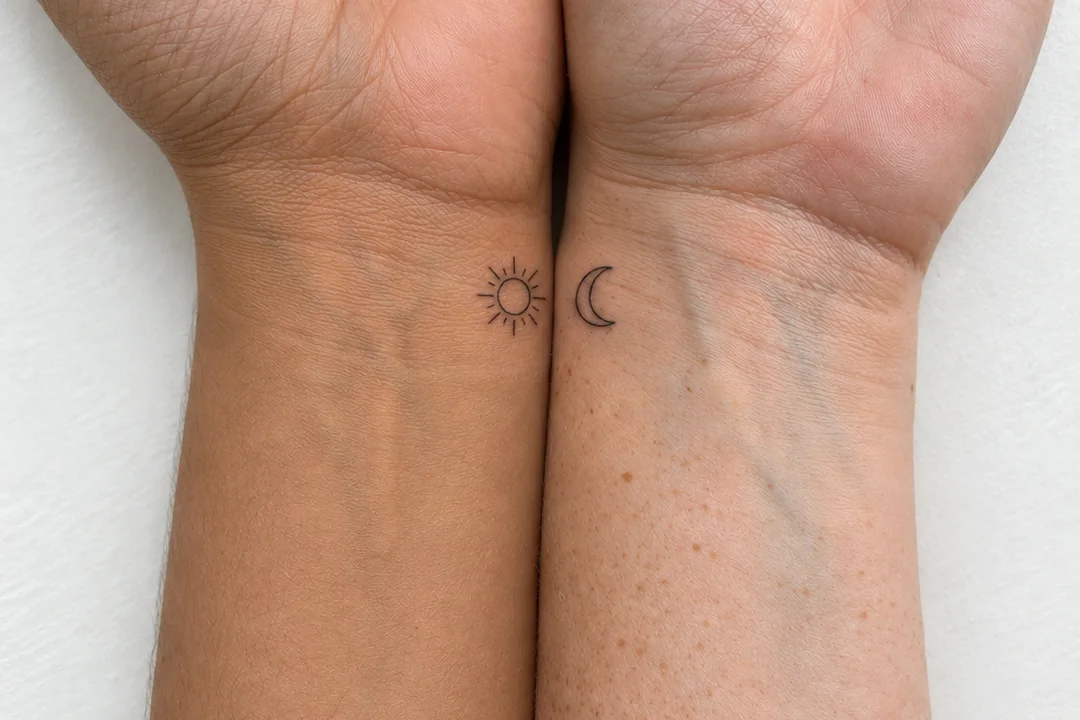
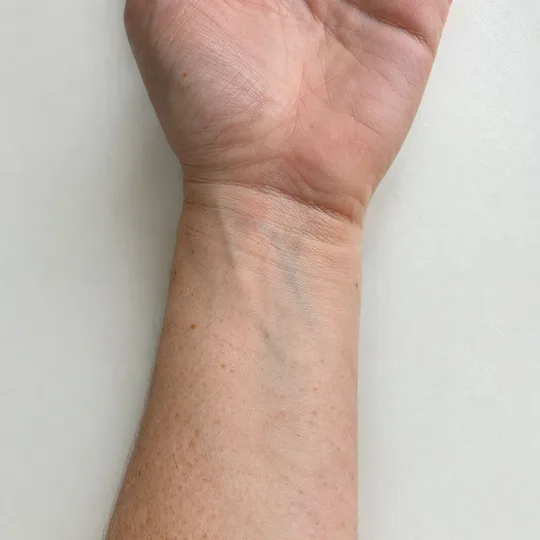
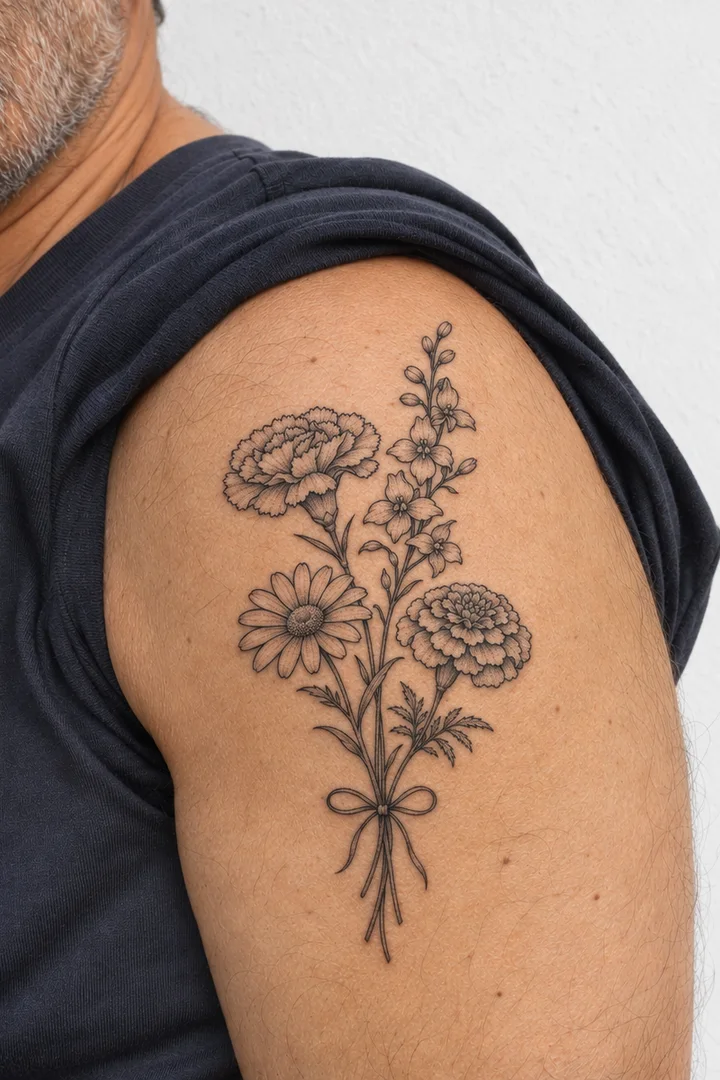
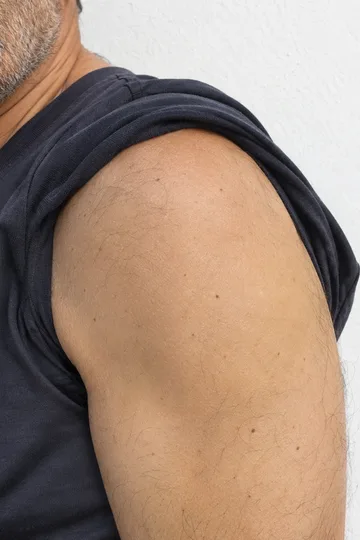
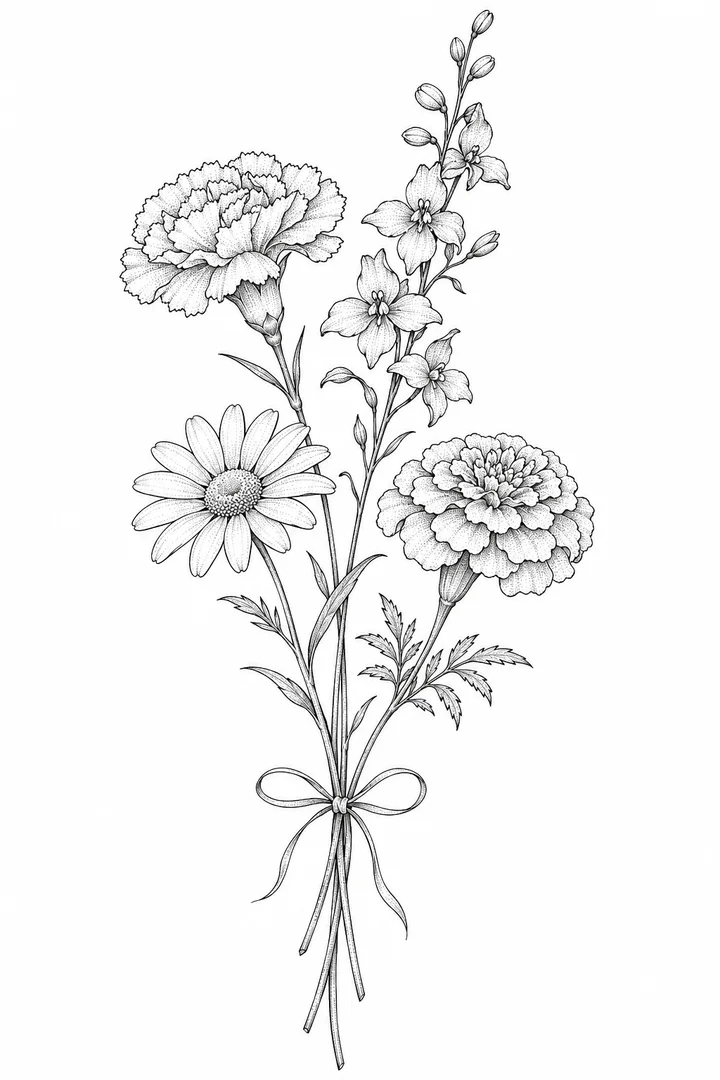
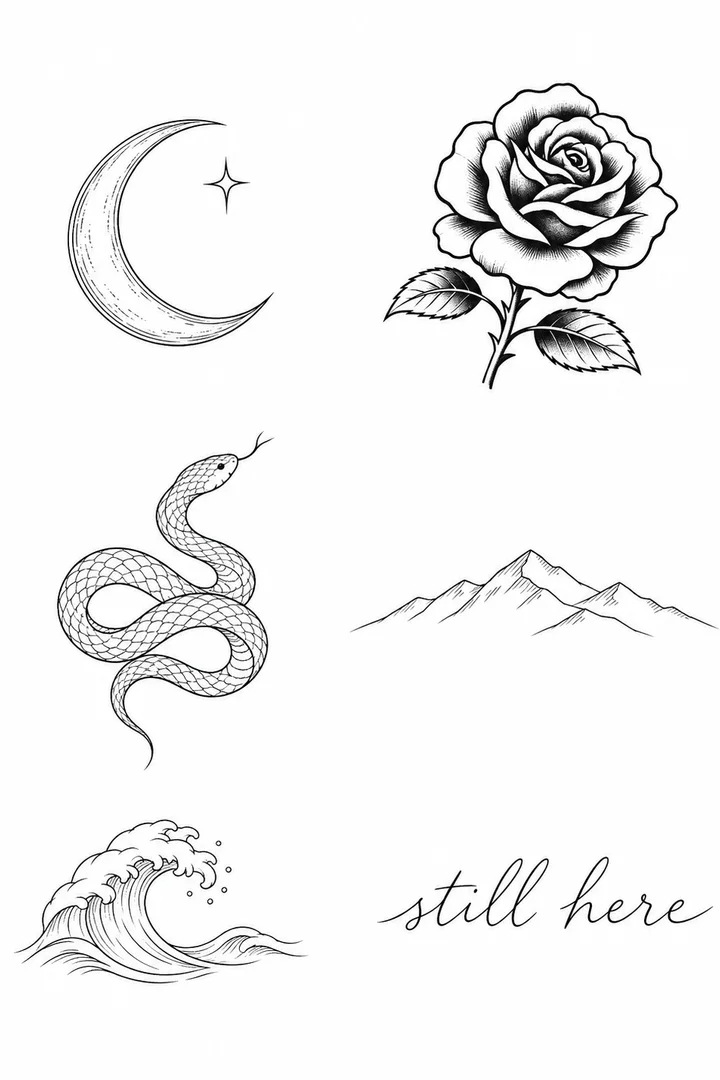
A six-design flash sheet from three references, one moon placed at three sizes, a matching pair on two wrists and a four-month family bouquet, all made here with original adults.
Each card shows what went in and what came out. The arms and wrists belong to original generated adults, not customers. All four boards were made on November 4, 2026 with GPT Image 2.5 Flare through the project's sample tools, the same image-to-image route the Tattoo Board uses; none of them is a finished stencil.
Still only
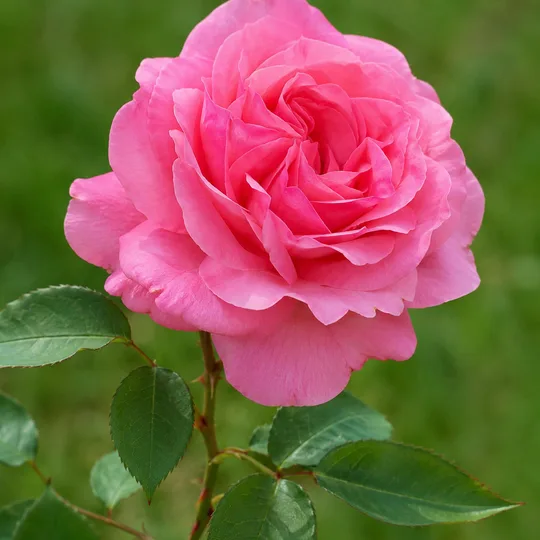
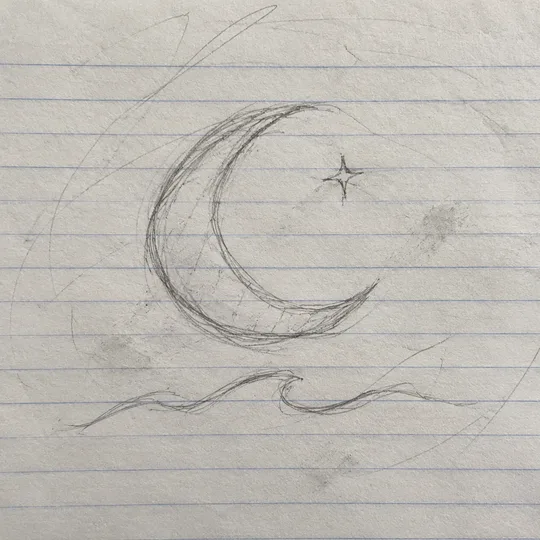
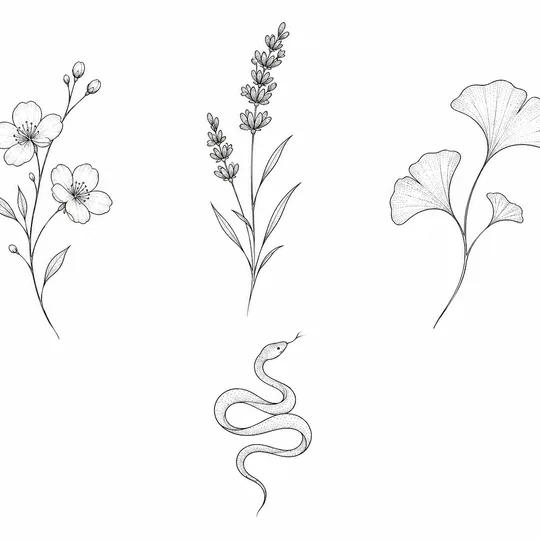
Rose photoPencil sketchStyle→Result
Flash Sheet
Input
Three references: a rose photo, a pencil moon sketch and a fine-line style sample
Brief
Six small designs in a two-by-three grid: fine-line moon, traditional rose, blackwork snake, single-line mountains, a small wave and the script words “still here”
Model
GPT Image 2.5 Flare, image to image, 2:3, made November 4, 2026 with the project's sample tools
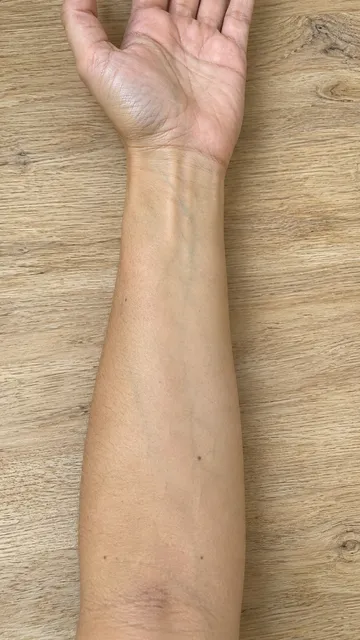
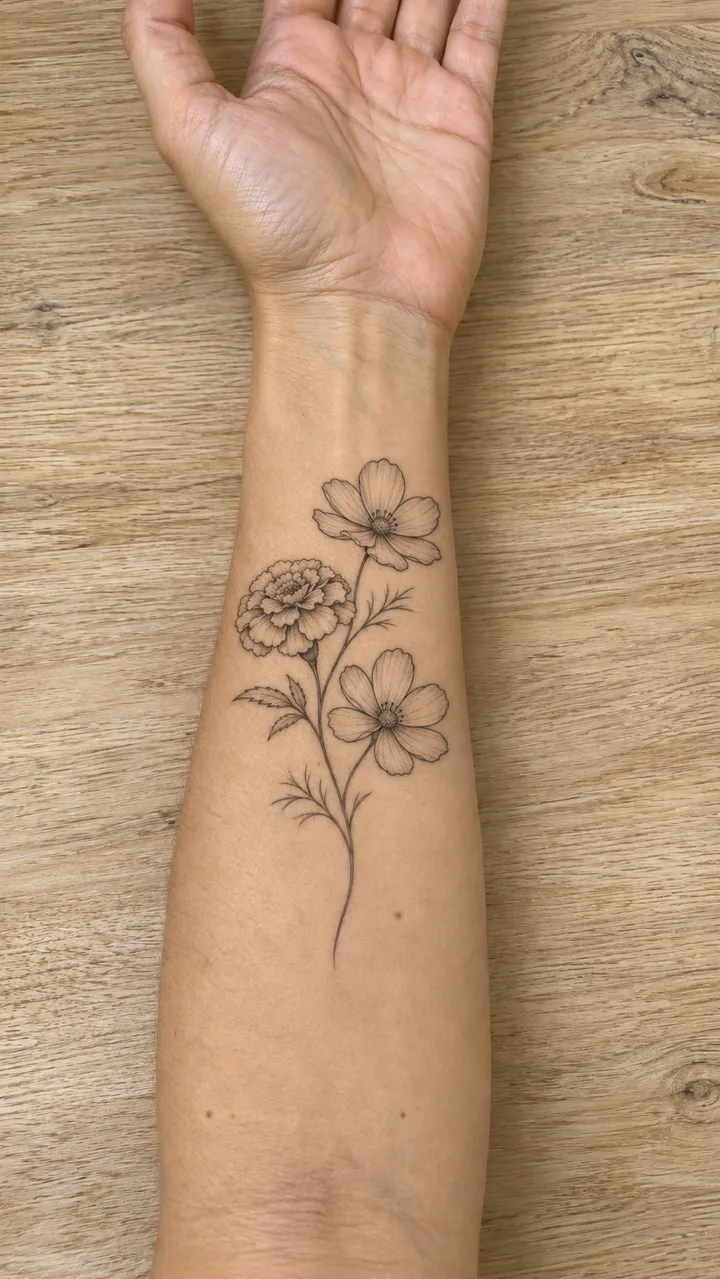
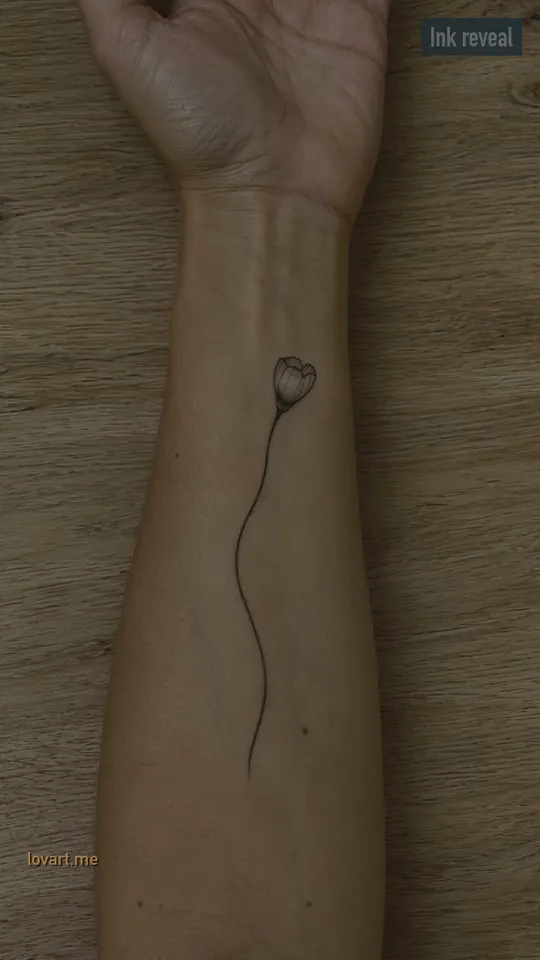
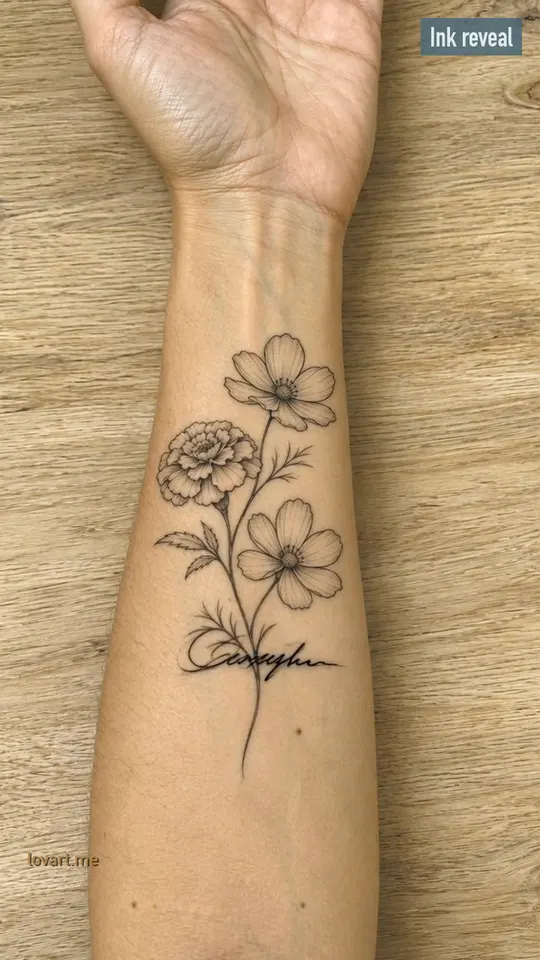
A 5-second Seedance 2.0 Fast clip (720p, 9:16) made for this play by aiaigenerator.ai on November 4, 2026: the bare-skin photo as the first frame and the try-on as the last
Shot by shot
Fixed camera on the forearm: thin black lines draw a stem and bud, then the flowers fill in one by one, and a script name lands under them at the end
This cut
4.3 s, re-cut, reframed, color graded and slightly sped up on Lovart ME; not mirrored, no new AI generation, not made with the Tattoo Board above
Note
An animation of the design, not how a tattoo is applied or how it heals
Write the idea in one line, add up to 16 reference images such as a flower photo or your pencil sketch, and ask for six small designs on one white sheet.
Write the brief
Name the subject, the style, the line weight, the layout (a single motif, a band or a vertical piece) and any words, and end with “clean white background, black ink”. A vertical 3:4 sheet suits a forearm piece. The one-line field under the scenes takes the idea, for example “a crescent moon with a small star”.
Add references
Flash Sheet takes up to three references; on Image one request takes up to 16, depending on the model. A pencil sketch photographed from above comes back as clean line work; a flower photo becomes a drawn flower, not a pasted photo.
Pick one from the sheet
Press Design the sheet. You get six options on one white page; pick the one you like, download the still and use it as the design in Placement Board. Run the sheet again with a changed line if none of the six is right.
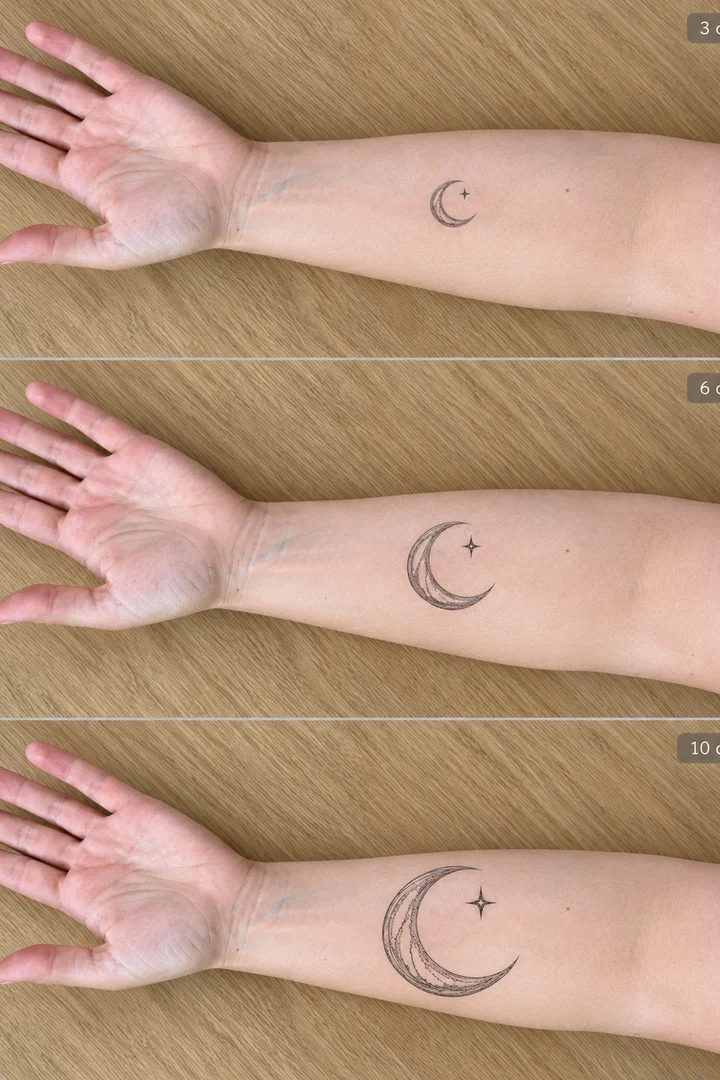
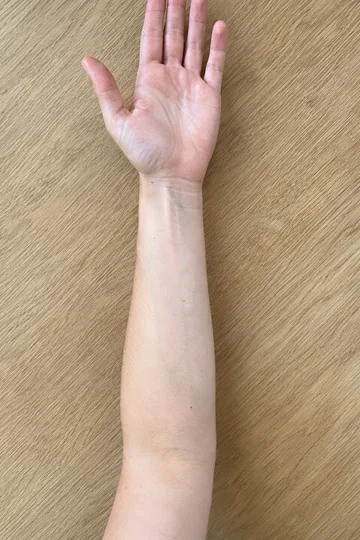
Upload a well-lit photo of the bare spot and the design, and get one board with it at small, medium and large so you can pick a size before you book.
3 cmSmall: wrist, behind the ear
6 cmMedium: inner forearm
10 cmLarge: forearm, calf, upper arm
Shoot the skin photo
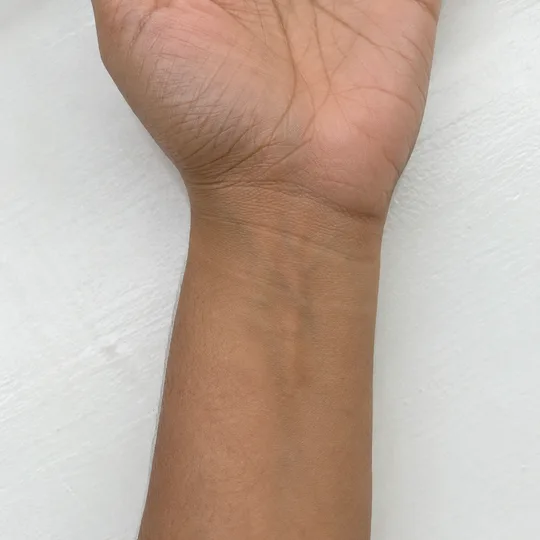
Photograph the bare spot straight on in daylight, with no jewelry and the whole area in frame, wrist to elbow for a forearm. A sharp, evenly lit photo lets you judge size and placement before you book.
Three sizes on one board
Placement Board puts the same design on the same photo three times, at about 3, 6 and 10 cm, so you compare them in one picture instead of running three single try-ons. The sizes are drawn by eye from the photo, so measure the spot with a ruler before you decide. To see a new outfit in the same picture, try the AI Clothes Changer.
Spots that hold fine lines
The inner forearm, wrist, collarbone and back of the neck are common fine-line spots. Thin lines hold less ink, so a design where every line is equally thin can look sharp on day one and lose clarity after healing; at 3 cm, leave open skin around small details.
Matching tattoos from one AI tattoo generator brief
Add both people's wrist or arm photos and ask for two halves of one idea, such as a sun and a moon, then see them side by side.
Best friends
Two halves that meet: a sun and a moon, two puzzle edges, a matching small symbol in each person's style. Write it as “a sun and a moon” and put each person's wrist in their own slot.
Couples
Pick one shared motif and split it: the two halves of a heart line, a date in script on one and a small plane on the other. Keep the words short and check every letter before the studio.
Siblings and parents
Three or four people? Run Matching Pair twice with the same idea, or give everyone their birth flower and build one bouquet in Family Bouquet that each person wears a stem of.
AI tattoo generator style and birth flower references
Pick a style row for the words to use, and for a birth flower bouquet list each family member's month: January carnation, April daisy, July larkspur, October marigold.
Style reference table
Style
Line and shading
Size that works
Words for the brief
Fine line
Single thin needle, little shading
Small to medium; leave space between details
fine line, thin even lines, no shading
American traditional
Bold outline, solid black and simple fill
Medium and up; reads at a distance
American traditional, bold outline, solid black shading
Neo-traditional
Varied line weight, richer detail
Medium to large
neo-traditional, varied line weight
Japanese
Bold outline, waves, wind bars, big motifs
Large: sleeve, back, thigh
Japanese style, bold outline, wind bars
Blackwork
Solid black areas and pattern
Any size; needs open skin around it
blackwork, solid black fill
Minimalist / geometric
One line or simple shapes
Small; wrist, ankle, collarbone
minimalist single line, geometric
Black-and-grey realism
Soft grey shading, photo-like
Medium to large
black and grey realism, soft shading
Dotwork
Shading built from dots
Medium; mandalas and geometry
dotwork shading, stipple
Script lettering
Words in a written hand
Short words; letters need room
script lettering, “your words” in quotes
Birth flowers by month
Month
Main flower
Second flower
January
Carnation
Snowdrop
February
Violet
Primrose
March
Daffodil (jonquil)
—
April
Daisy
Sweet pea
May
Lily of the valley
Hawthorn
June
Rose
Honeysuckle
July
Larkspur
Water lily
August
Gladiolus
Poppy
September
Aster
Morning glory
October
Marigold
Cosmos
November
Chrysanthemum
—
December
Narcissus
Holly
A family bouquet
A birth flower follows the birth month and is not the same as a zodiac flower. List every person's month in the one-line field, for example “January, April, July and October”, and Family Bouquet ties those flowers into one slim bouquet, then places it on your skin photo. People often add a name under a stem; keep the name short and check its spelling.
The sample bouquet came from the months alone: carnation, daisy, larkspur and marigold, drawn first on white and then placed on the arm in a second run.
What to hand your artist after the AI tattoo generator
Hand over a high-resolution PNG of the chosen design and the placement board; the artist redraws it as a stencil, sets the line weight and checks every letter.
The file
Download still gives you a PNG. Bring the clean design and the placement board with the size you chose. The output is a design reference for your artist, not a ready stencil: the artist redraws it and adjusts it to your skin. Add the size in cm in PhotoCraft, the free editor here.
Letters and dates
Image models can misspell words or bend letter shapes. Put the exact words in quotes, keep them short and check every letter of a name, date or quote before the studio; let the artist set the final script.
Your own design
Asking for another artist's piece or a brand logo copies their work, so describe your own idea instead. In the US, the Copyright Office's AI report Part 2 (January 29, 2025) and the D.C. Circuit's Thaler v. Perlmutter decision (March 18, 2025) say registration needs a human author; your own changes and arrangement are judged case by case.
Drawing it yourself costs nothing, free generator tiers usually stop after a few designs a day, and on Lovart each sheet shows its credit cost before you run it.
Route
What you get
What you prepare
Limits
Compare sizes?
Pencil and tracing paper (free)
Your own drawing, at the size you trace
Paper, a fine pen, a photo to trace
Your drawing skill; one version at a time
By hand, with a printout on the skin
Free tiers on generator sites
A few designs from a text prompt
A written idea
Usually a few designs a day, then credits
Some place one design on one photo
Lovart boards
Six designs per sheet, a three-size board, a matching pair, a birth flower bouquet
One line, up to three references, a skin photo
Uses credits on this site; the cost shows on the button before you run it
Up to 16 in one request on Image, depending on the model; the Tattoo Board here takes up to three references per sheet, which is enough for a flower photo, a sketch and a style you like.
Can two people design matching tattoos here?
Yes. Pick Matching Pair, add both wrist or arm photos, write the idea in one line such as “a sun and a moon”, and the board shows the two halves side by side on both people.
What file do I hand my tattoo artist?
A high-resolution PNG of the chosen design plus the placement board. The artist redraws it as a stencil, sets the line weight for your skin and checks every letter.
Is my birth flower the same as my zodiac flower?
No. A birth flower follows your birth month, so January is carnation or snowdrop; a zodiac flower follows your star sign. Use the month table on this page for a birth flower bouquet.
Will a fine line design blur?
Thin lines hold less ink and soften as they heal. Leave open skin around small details, avoid packing many hairlines together, and let your artist adjust the line weight.
Can I turn my own sketch into a clean design?
Yes. Photograph the sketch from above, add it as a reference on Flash Sheet and write what it is; the sheet redraws it as clean black line work on white, next to five variations.
Designs here are references for a licensed tattoo artist, not stencils. Sample people are original generated adults; no artist's flash or brand logos were copied.
 Still only