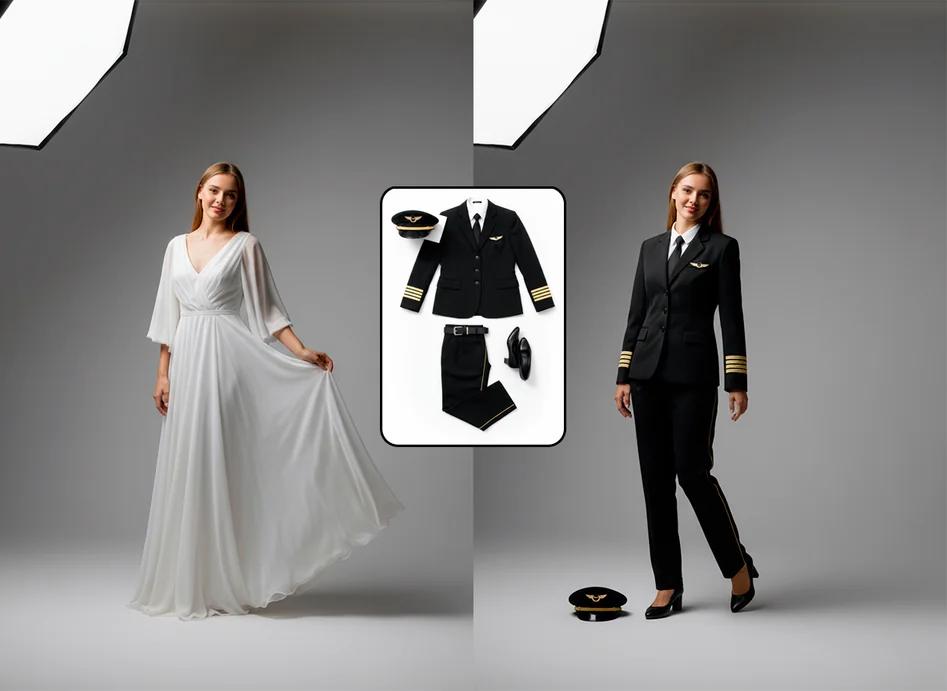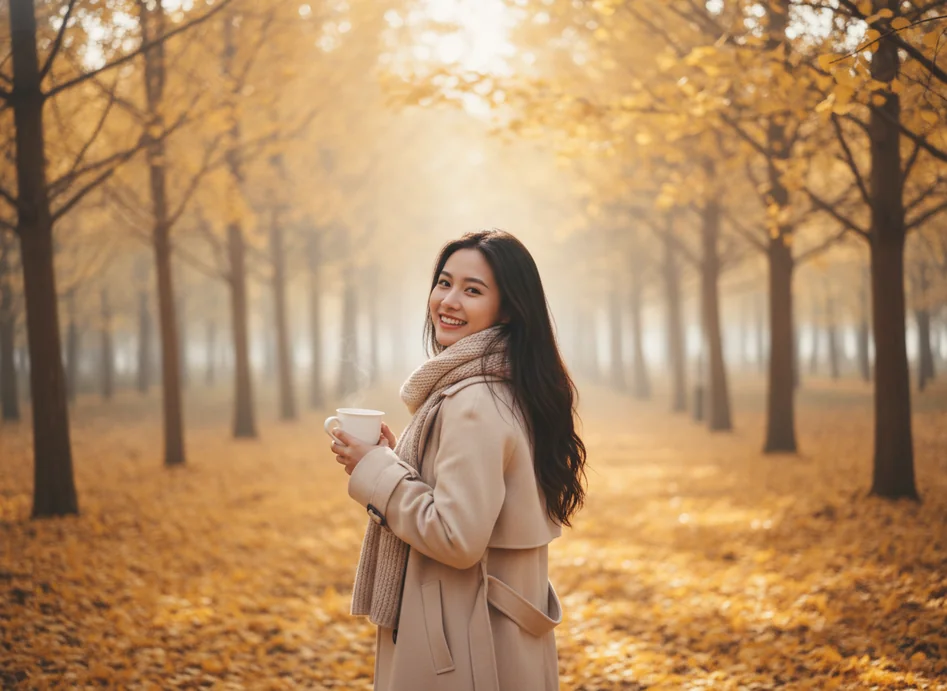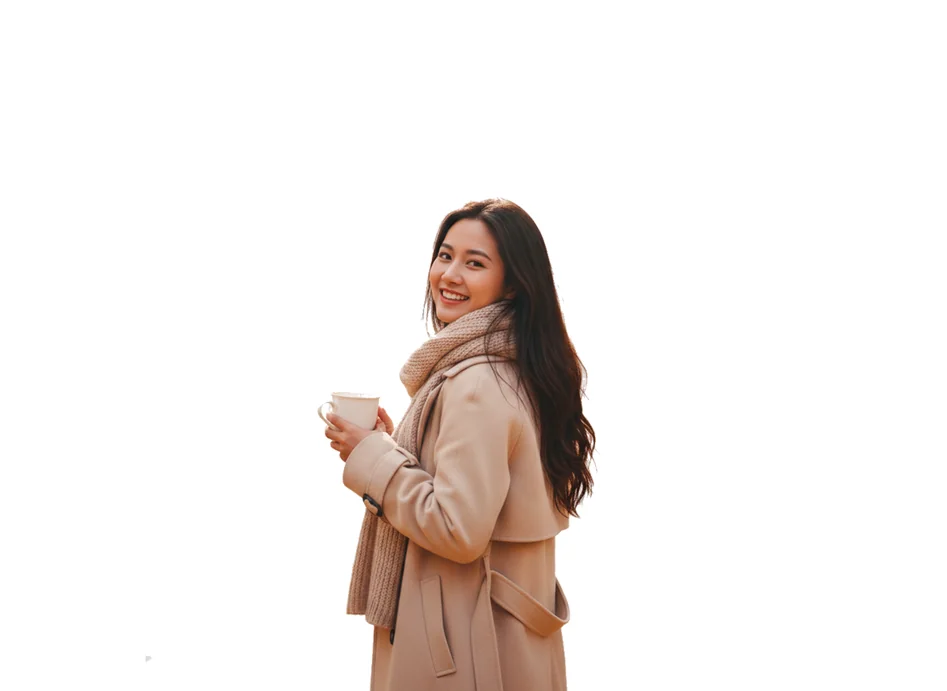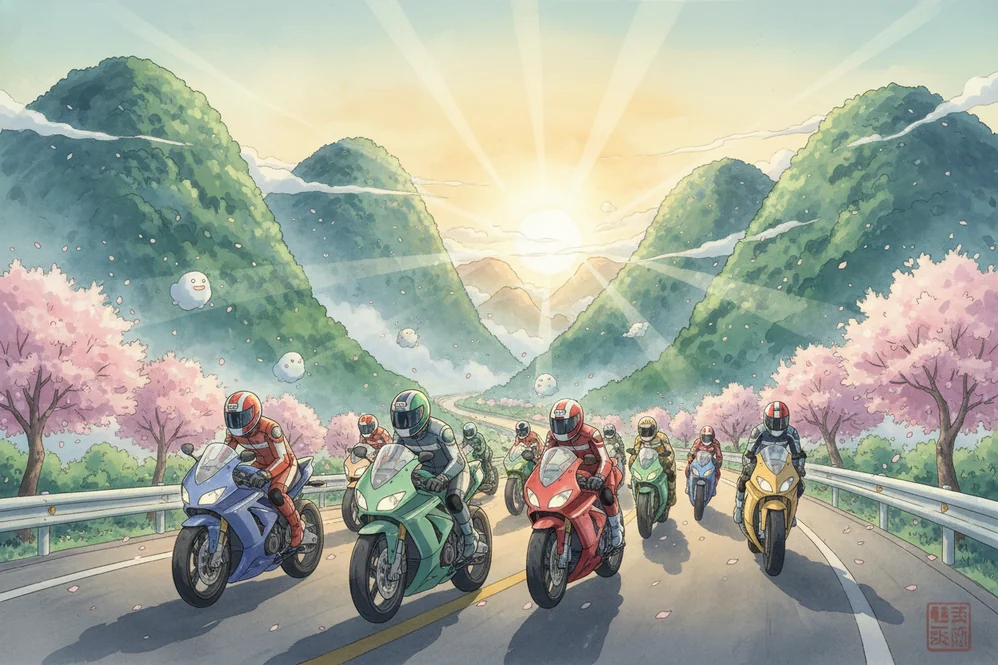
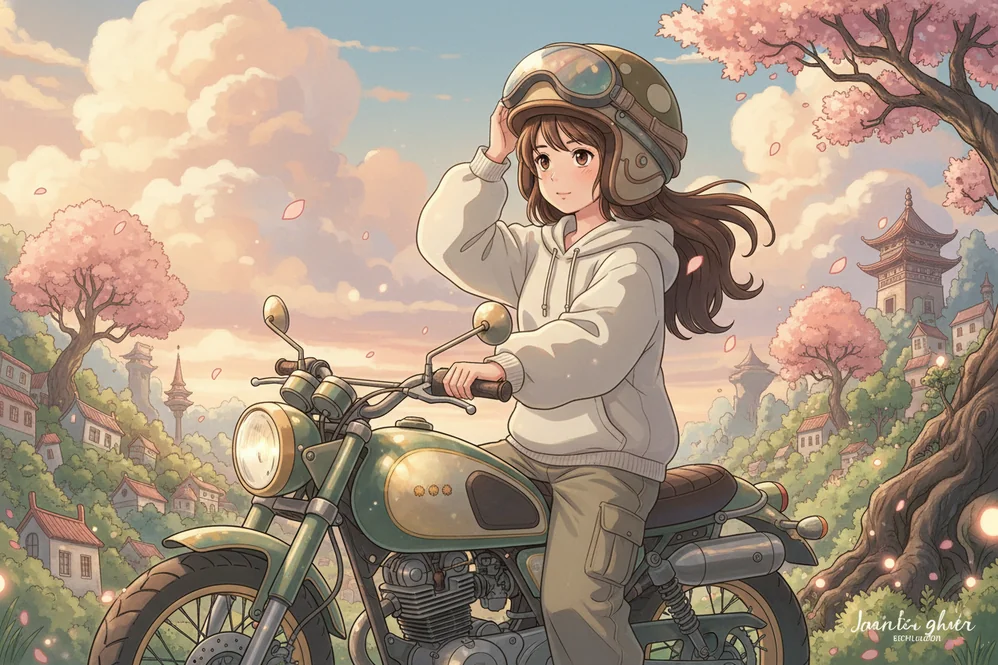
Transform Your Photos with Advanced AI-Powered Effects
Welcome to the Lovart image effects library, where cutting-edge artificial intelligence meets stunning visual transformation. Our comprehensive collection of Lovart AI image effects transforms ordinary photographs into extraordinary artwork, capturing professional-grade aesthetics with intuitive controls. Whether your enhancing portraits, creating social media content, or developing marketing materials, Lovart ME delivers authentic artistic transformations that preserve the quality of your original images while leveraging advanced AI technology for stunning results.
Lovart AI image effects represent a unique fusion of artificial intelligence and professional-grade photo editing capabilities. Unlike conventional photo filters that simply adjust colors or apply preset transformations, Lovart intelligently analyzes your image's visual structure, recognizes subjects and backgrounds, and applies sophisticated enhancements that preserve the natural quality of your photographs. Our AI-powered effects understand context—whether your transforming portraits, landscapes, or creative compositions—and automaticaly adjust parameters to achieve professional-quality results that capture the essence of your creative vision.
The Lovart ME platform seamlessly combines traditional image processing techniques with cutting-edge neural networks trained specifically on distinctive visual styles. From soft pastel aesthetics to bold cinematic looks, our Lovart AI image effects library draws inspiration from decades of artistic photography and digital art. Each effect is meticulously designed to maintain the organic, authentic feel that defines quality visual content while leveraging modern AI technology for instant, professional transformations. Explore our AI image generation tools to experience how Lovart brings creative possibilities to your photography workflow.
Behind every Lovart AI image effect lies sophisticated machine learning algorithms trained on thousands of visual examples to understand subtle nuances of artistic styling. When you apply a Lovart effect to your photograph, our AI doesn't just overlay a simple filter—it intelligently analyzes facial features for portrait enhancements, identifies natural elements for landscape optimization, recognizes architectural structures for perspective adjustments, and understands lighting conditions to apply appropriate atmospheric effects. This semantic understanding enables Lovart to deliver transformations that feel authentically crafted rather then digitally processed, maintaining warmth and organic quality that makes professional photography so compelling.
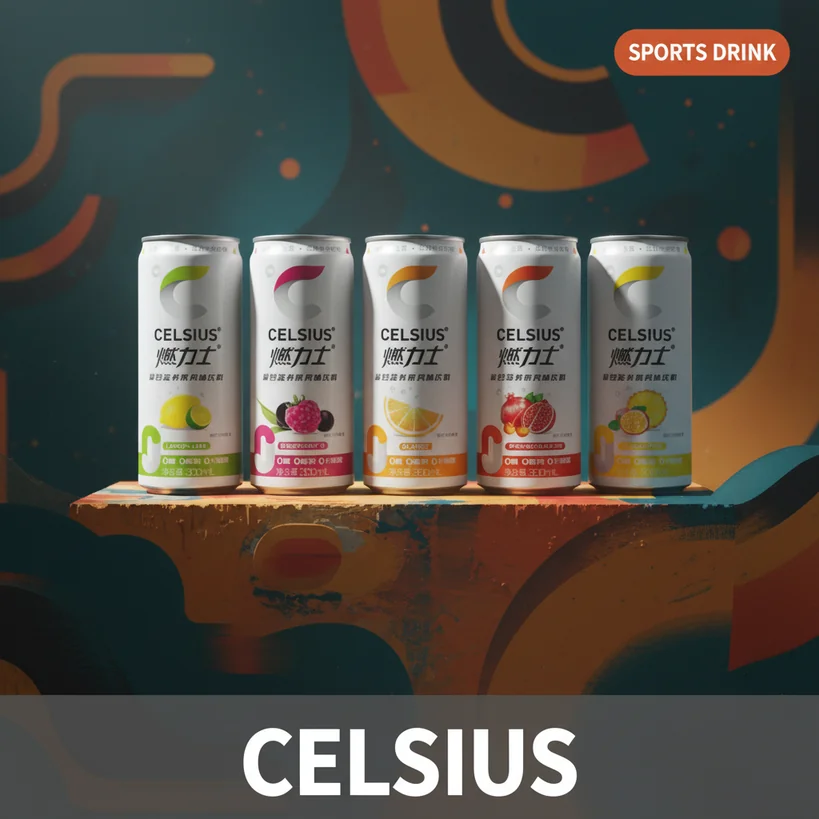
Whether your creating content for social media platforms, developing marketing materials for businesses, or enhancing personal photos and memories, Lovart AI image effects provide professional-grade results without requiring expertise in complex editing software. Our comprehensive library includes effects for every creative need: artistic style transfers that reimagine your photos as stunning visual pieces, intelligent background tools that isolate and enhance subjects with precision, color grading presets inspired by cinematic masterworks, and atmospheric enhancements that add characteristic depth and mood to your artwork. Visit our video creation platform to discover how Lovart ME extends these image effects to motion content, or browse our complete collection of Lovart artistic effects for comprehensive creative solutions powered by advanced AI technology.
Lovart's proprietary AI system uses deep learning trained on professional aesthetics to deliver automatic color correction, subject detection, atmospheric enhancement, and style transfer that captures the essence of artistic photography in every transformation.
Access hundreds of curated Lovart AI image effects including soft pastel color grading, dreamy atmospheric filters, natural lighting enhancements, seasonal themes, and film-specific aesthetics inspired by iconic visual productions.
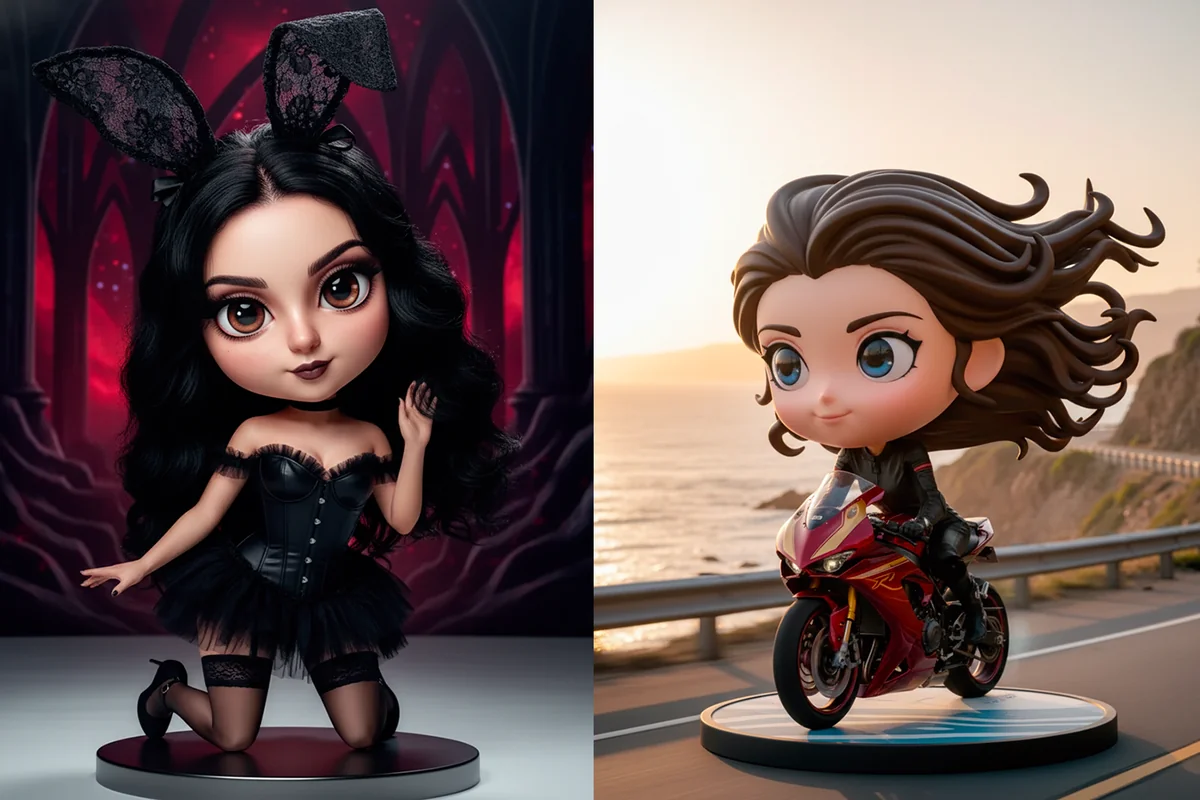
Transform portraits with Lovart's specialized effects that capture soft, professional quality. Intelligent facial detection ensures natural-looking enhancements that preserve authentic expressions while adding characteristic warmth and polish.
Apply the same Lovart effects to multiple images simultaneously, ensuring consistent aesthetics across entire photo collections for unified visual branding and efficient workflow management.
Lovart intelligently isolates subjects and transforms backgrounds with atmospheric effects inspired by professional environmental artwork, adding depth and magical atmosphere to your photographs.
Apply Lovart's sophisticated color grading inspired by professional cinematography. Choose from preset palettes matching specific visual styles or customize hue, saturation, and tone to achieve perfect color harmony.
All photos processed through Lovart ME are encrypted during upload and transformation. Your images remain private with secure processing and optional offline editing mode for complete data protection.
Download your Lovart-transformed images in multiple formats (JPG, PNG, WebP) with customizable quality settings, or share directly to social platforms with optimized sizing and compression.
Select an image from your device or drag and drop directly into the Lovart editor. Our intelligent system automaticaly analyzes your photo's composition, lighting, and subjects to recommend the most suitable AI effects.
Browse our extensive library of AI-powered image effects with real-time preview. Each effect displays before-and-after comparisons so you can see exactly how Lovart will transform your photograph.
Fine-tune effect intensity and parameters with AI-assisted suggestions. Combine multiple Lovart effects to create unique artistic results that perfectly capture your vision while maintaining professional quality.
Download your Lovart-transformed photo in optimized formats or share directly to social platforms. Lovart automaticaly applies appropriate sizing and compression for each destination while preserving image quality.
Lovart AI image effects are advanced photo transformations specifically designed to deliver professional-quality visual enhancements. Unlike generic filters, Lovart uses machine learning trained on artistic visual styles to apply sophisticated color palettes, atmospheric effects, and the organic quality that defines professional photography.
Simply upload your photo to the Lovart ME platform, browse the image effects library, and click your desired effect to preview it in real-time. Our intelligent system automaticaly detects subjects and applies AI enhancements optimally. You can then fine-tune intensity and parameters before finalizing your transformation.
Yes! Lovart AI image effects work with portraits, landscapes, architecture, still life, and creative photography. Our AI adapts the aesthetic style to different subject types, whether your transforming selfies into polished portraits or landscapes into stunning natural scenery.
Traditional filters apply mathematical formulas to pixels, while Lovart uses neural networks trained specifically on professional artistic styles. This enables context-aware transformations that understand subjects, lighting, and composition to deliver authentic aesthetics rather then generic filtered looks.
Absolutely! The Lovart ME platform is fully responsive and works seamlessly on desktop computers, tablets, and mobile phones. Apply professional AI effects to your photos from any device with a modern web browser—no app download required.
Yes! Images transformed with Lovart AI effects can be used for commercial purposes including marketing materials, social media content, and business presentations. Our effects create professional-quality artwork suitable for any commercial application.
Most Lovart image effects are applied in real-time for instant preview. More complex AI transformations typically complete within 10-30 seconds depending on image size and effect complexity. Batch processing multiple images runs effeciently in the background.
Yes! All photos uploaded to Lovart ME are encrypted using industry-standard SSL/TLS protocols during transfer and processing. Images are automaticaly deleted from our servers after 24 hours unless you choose to save them to your secure Lovart account.
Absolutely! The Lovart ME platform allows layering multiple effects to create unique artistic results. Combine color grading with atmospheric effects, or blend different visual styles to achieve your perfect aesthetic.
Lovart accepts common image formats including JPG, PNG, HEIC, and WebP for upload. You can export your transformed photos in JPG, PNG, or WebP with customizable quality settings optimized for different use cases from web sharing to print.