AI Image Generator
Models
Nano

Google's cutting-edge image generation model

3 credits
Fast
High Quality
Flux

Flux Kontext standard model with balanced performance

4 credits
Fast
High Quality

Powered by Google Nano Banana Official API

Public Visibility

When this option is enabled, the output image may be selected by AI Generate and published to the Explore.

Notification
This is a notification message
Sample Images

Free AI Background Remover Online

Transform your photos with Lovart ME AI background remover - the fastest way to remove background from any image. Our intelligent algorithm detects subjects automatically and creates perfect transparent backgrounds in seconds. Whether you're editing product photos or creating professional portraits, this free background remover delivers studio-quality results without any software download.

Key Features of AI Background Remover

Discover why creators worldwide trust Lovart ME for professional photo background removal

Instant Background Detection

Our AI background remover uses advanced neural networks to identify subjects with pixel-perfect accuracy. The algorithm process complex edges like hair and fur, delivering clean transparent background results that looks professionally edited.

Crystal-Clear Edges

Unlike basic background removal tools that leave jagged edges, Lovart ME preserves fine details and semi-transparent elements. Every strand of hair and delicate texture is maintained when you remove background from photos.

Custom Background Colors

After using the free background remover, easily add solid colors or gradients to your images. Create transparent backgrounds for layering in design software, or apply new backdrops for immediate use in marketing materials.

Batch Processing Power

Process multiple images at once with our photo background removal system. Perfect for e-commerce stores needing to remove background from product catalogs. Save hours of manual editing with AI-powered automation.

High Resolution Export

Export your edited images in full resolution with transparent background support. The AI background remover maintains original image quality, ensuring your photos are ready for print or digital publishing.

Privacy Guaranteed

Your photos are processed securely and never stored after using our free background remover. We respect your privacy - all background removal operations are encrypted end-to-end for complete peace of mind.

No Downloads Required

Why waste time installing heavy software when you can remove background from images directly in your browser? Lovart ME's AI background remover works entirely online - no plugins, no downloads, and no complicated setup process.

Our cloud-based photo background removal technology means you can access professional editing tools from any device. Whether you're on a laptop, tablet, or even your phone, creating transparent backgrounds takes just a few clicks. For more creative transformations, explore our Ghibli-style AI art generator for unique artistic effects.

The free background remover processes images using powerful cloud servers, so your device doesn't need to handle the heavy lifting. This mean faster results and consistant performance whether you're on a brand new workstation or an older laptop.


3 Seconds
Average Processing Time
PNG, JPG, WebP
Supported Formats
100% Free
No Credit Card Needed

Background Remover Artwork Showcase

See what's possible when AI meets creativity - real examples of photo background removal

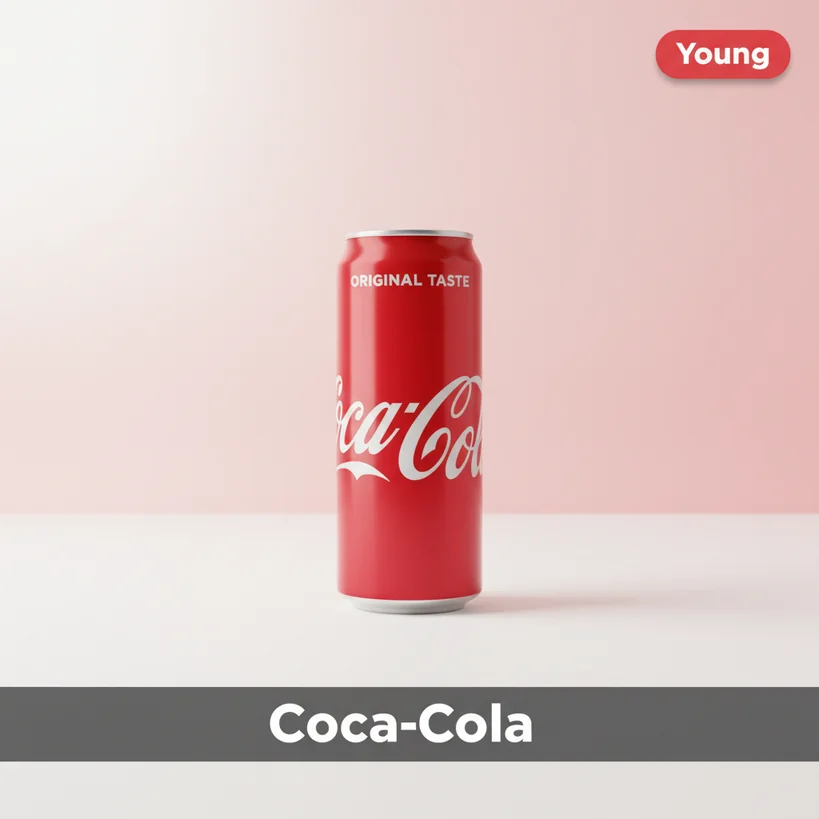
Product photo with transparent background created by AI background remover
Product Photo
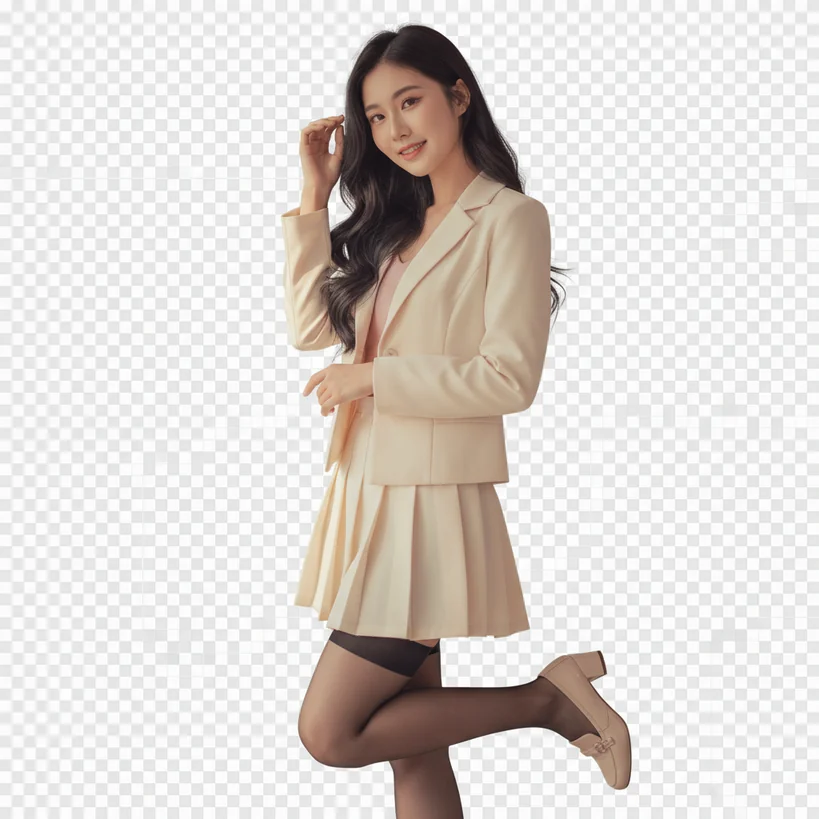
Portrait with clean background removal using free background remover
Portrait Edit
E-commerce product with removed background for transparent PNG
E-commerce Ready
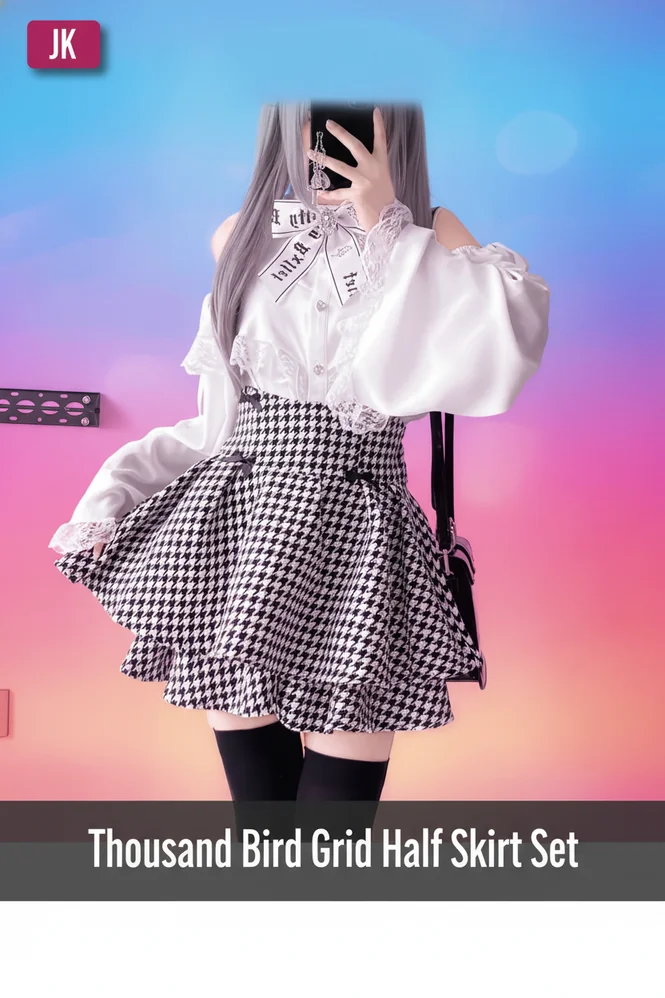
Fashion photo with AI photo background removal
Fashion Shot
Object isolation using remove background feature
Object Isolation
Creative composite with transparent background layer
Creative Composite
Professional headshot with background removal
Professional Headshot
Marketing visual created with free background remover tool
Marketing Visual

Latest Background Remover Innovations

Stay ahead with cutting-edge AI technology that continuously improves

New

Neural Edge Detection 2.0

Our latest AI background remover model features enhanced edge detection algorithms that can process semi-transparent materials like glass and fabric with unprecedented accuracy. The new system analizes light transmission patterns to remove background while preserving natural translucency.

Enhanced

Smart Subject Recognition

The upgraded subject detection now identifies multiple objects in complex scenes. Photo background removal no longer struggles with group photos or cluttered compositions - each element can be isolated with a single click for transparent background export.

Beta

Hair & Fur Processing

Our experimental hair processing feature tackles the most challenging aspect of background removal. Using strand-level analysis, the free background remover now handles wispy hair, pet fur, and feathers without the halos that plague other tools.

Coming

Video Background Removal

Taking remove background technology to motion pictures. The upcoming video feature will apply consistent photo background removal across frames, maintaining temporal coherence for professional video production with transparent backgrounds.

Advanced Background Removal Techniques

Master the art of professional photo editing with these expert tips

01

Optimal Image Preparation

Before using the AI background remover, ensure good contrast between subject and background. High-resolution images with clear lighting produce the best results when you remove background from photos.

02

Handling Complex Edges

For images with intricate details, the photo background removal tool works best with good edge contrast. Consider adjusting exposure or contrast before processing to help the AI create cleaner transparent backgrounds.

03

Color Spill Correction

When backgrounds reflect color onto subjects, our free background remover automatically detects and corrects color contamination. This ensures subjects look natural after background removal even from colored backdrops.

04

Shadow Preservation

Sometimes you want to remove background but keep natural shadows. The AI background remover can detect and preserve shadow elements, making subjects look grounded when placed on new backgrounds.

05

Batch Workflow Optimization

For large-scale photo background removal projects, organize images by similarity. Process similar photos together for consistent results and create transparent background outputs efficiently. Try our AI product image generator for e-commerce needs.

06

Format Selection Guide

After using the AI background remover, choose PNG for transparent backgrounds in design work, WebP for web optimization, or JPEG with new backgrounds for smaller file sizes. Match format to your final use case.

Creative Applications for Background Remover

Unlock endless possibilities with professional photo background removal

🛍️

E-commerce Product Photos

Remove background from product images to create consistent, professional catalogs. The AI background remover helps online sellers present merchandise with clean, transparent backgrounds that meet marketplace requirements.

🎨

Graphic Design Projects

Designers use photo background removal to extract elements for composites, collages, and layered artwork. Create transparent background assets that integrate seamlessly into any design project.

📱

Social Media Content

Stand out with eye-catching posts using our free background remover. Remove background from selfies and place yourself in creative settings for engaging social content that gets noticed.

🏢

Professional Headshots

Transform casual photos into professional portraits with the AI background remover. Apply solid color or gradient backdrops after background removal for polished LinkedIn profiles and corporate materials.

📧

Marketing & Advertising

Create compelling marketing materials by using photo background removal on brand assets. Build transparent background libraries of products and people for flexible campaign designs. Visit our AI logo design tool for brand identity creation.

🖼️

Digital Art & Illustrations

Artists use the free background remover to isolate subjects from reference photos. Remove background elements to focus on composition or create digital cut-outs for mixed-media artwork.

Background Remover FAQs

Everything you need to know about using Lovart ME AI background remover

What is an AI background remover and how does it works?

An AI background remover uses machine learning to analyze images and separate foreground subjects from backgrounds. Lovart ME's technology processes millions of pixels in seconds, automatically detecting edges and creating precise masks to remove background areas while preserving your subject perfectly.

Is this free background remover really completly free?

Yes, Lovart ME offers a genuinely free background remover with no hidden costs. You can remove background from images and export with transparent backgrounds without entering credit card information. We also offer premium features for high-volume users.

What image formats does the background removal tool support?

Our AI background remover supports PNG, JPEG, and WebP input formats. For output, you can export with transparent background as PNG or WebP, or add a new background and save as JPEG for smaller file sizes.

How accurate is the photo background removal for complex edges?

Lovart ME's photo background removal achieves over 98% accuracy on standard images. For complex edges like hair and fur, our advanced algorithms process individual strands to remove background while maintaining natural-looking results without halos.

Can I remove backgrounds from multiple images at once?

The free background remover supports batch processing for registered users. Upload multiple images and our AI background remover will process them sequentially, creating transparent background versions of each photo automatically.

Does background removal reduce image quality or resolution?

No, our background removal process preserves full resolution. The AI background remover maintains original pixel dimensions and quality. Your exported transparent background image will be identical in size and clarity to the original.

How do I get a transparent background instead of white?

After using the remove background feature, export your image as PNG or WebP format. These formats support alpha transparency, so your transparent background will be preserved when you download the file.

What's the maxiumum file size for background removal?

The free background remover accepts images up to 10MB. For larger files or higher resolution photo background removal, premium accounts support uploads up to 25MB. We recommend optimizing very large images before processing for faster results.

Can the AI remove background from images with similar colored subjects?

Yes, our AI background remover uses depth and texture analysis, not just color difference. Even when subjects and backgrounds share similar colors, the algorithm can accurately remove background by detecting subtle variations in patterns and edges.

Are my images stored after background removal processing?

Privacy is paramount. Images processed through our photo background removal tool are automatically deleted from servers after processing. Your original images and transparent background outputs are never permanently stored.

How long does it take to remove background from a photo?

Most images are processed in under 3 seconds using our AI background remover. Complex images with intricate details may take slightly longer. The remove background process speed depends on image size and complexity.

Can I add a new background after removing the orignial one?

Absolutely! After background removal, you can download the transparent background image and use any design software to add new backdrops. Lovart ME also offers built-in background replacement with solid colors, gradients, or custom images.

Does the free background remover work on mobile devices?

Yes, Lovart ME's AI background remover is fully responsive and works on smartphones and tablets. You can remove background from photos and create transparent backgrounds directly from your mobile browser without installing any apps.

What makes this AI background remover different from others?

Lovart ME's photo background removal technology uses proprietary neural networks trained on millions of images. Our free background remover excels at handling difficult cases like hair, transparent objects, and complex textures that challenge other tools.

Can I use background removed images for comercial purposes?

Yes, images processed through our remove background tool can be used commercially. The transparent background outputs are yours to use for e-commerce, marketing, advertising, or any business purpose without additional licensing.