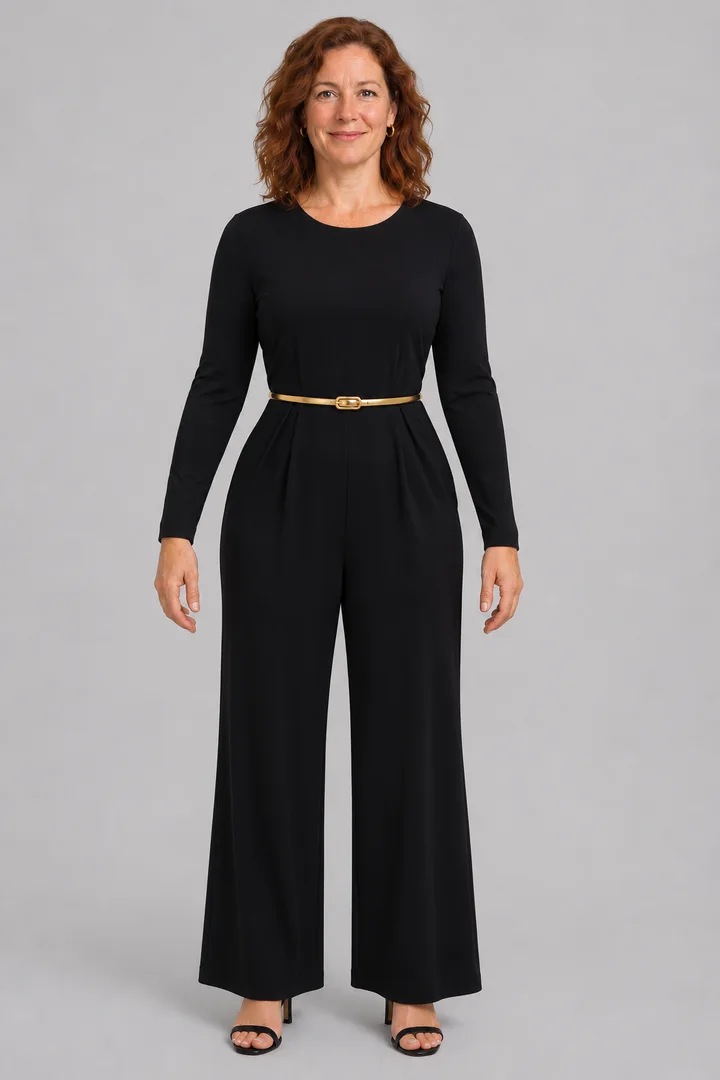
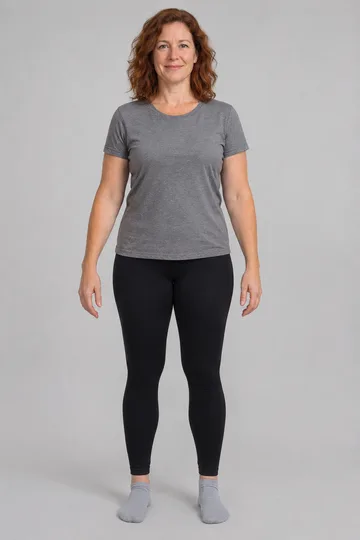
AI Clothes Changer: Style a Full Look From Up to 16 Photos
Put your photo first, add one photo per piece, write which piece goes where, and Lovart ME dresses you in the whole look while your face and pose stay.
Last checked 2026-11-04
AI Clothes Changer
Models
Nano
Google's cutting-edge image generation model
3 credits
Fast
High Quality
Gpt
OpenAI's GPT-4o image generation model
3 credits
High Quality
Text & Image
Seedream
ByteDance image generation and reference-based editing in 2K, 3K, or 4K
6 credits
2K/3K/4K
Text & Image
Flux
Flux Kontext standard model with balanced performance
4 credits
Fast
High Quality
GPT Image 2.5 Flare
Upload an Image
or Select from
Upload an Image
or Select from
(Optional)
Upload an Image
or Select from
(Optional)
Upload an Image
or Select from
(Optional)
Upload an Image
or Select from
(Optional)
Upload an Image
or Select from
(Optional)
Upload an Image
or Select from
(Optional)
Upload an Image
or Select from
(Optional)
Upload an Image
or Select from
(Optional)
Upload an Image
or Select from
(Optional)
Upload an Image
or Select from
(Optional)
Upload an Image
or Select from
(Optional)
Upload an Image
or Select from
(Optional)
Upload an Image
or Select from
(Optional)
Upload an Image
or Select from
(Optional)
Upload an Image
or Select from
(Optional)
Public Visibility
When this option is enabled, the output image may be selected by AI Generate and published to the Explore.
Notification
This is a notification message
AI Forge Studio
Industrial-grade prompt crafting system
System initializing...
Transform your vision into precise prompts with mechanical precision
Blueprint Input Terminal
Select Forged Prompt
1 / 1
Sample Images
Generating Image...
Task ID:
Status: Processing
0%
💡
Please wait while your image is being generated...
1 image generated
Generation Failed
01 / Samples
AI Clothes Changer Transformation Showcase
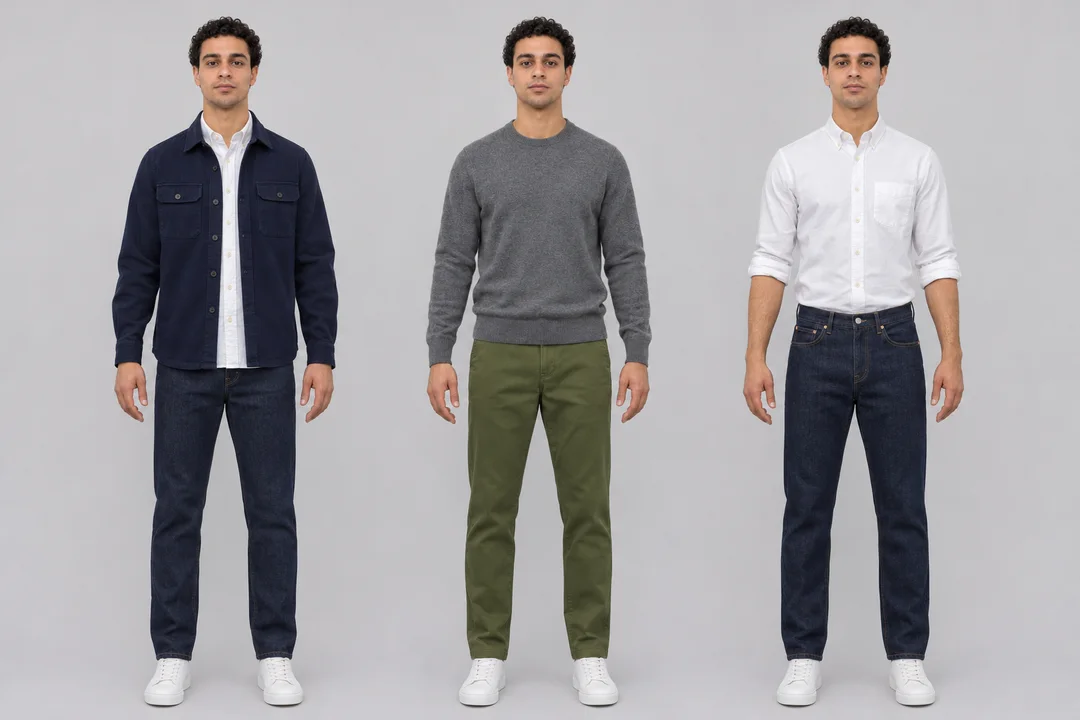
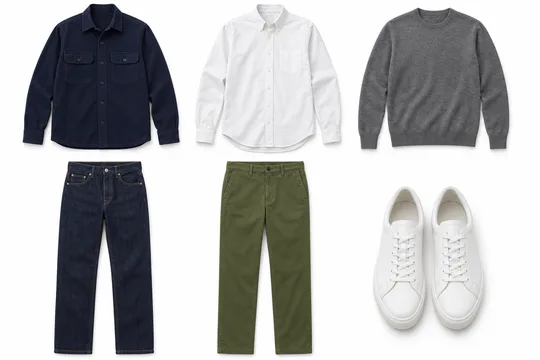
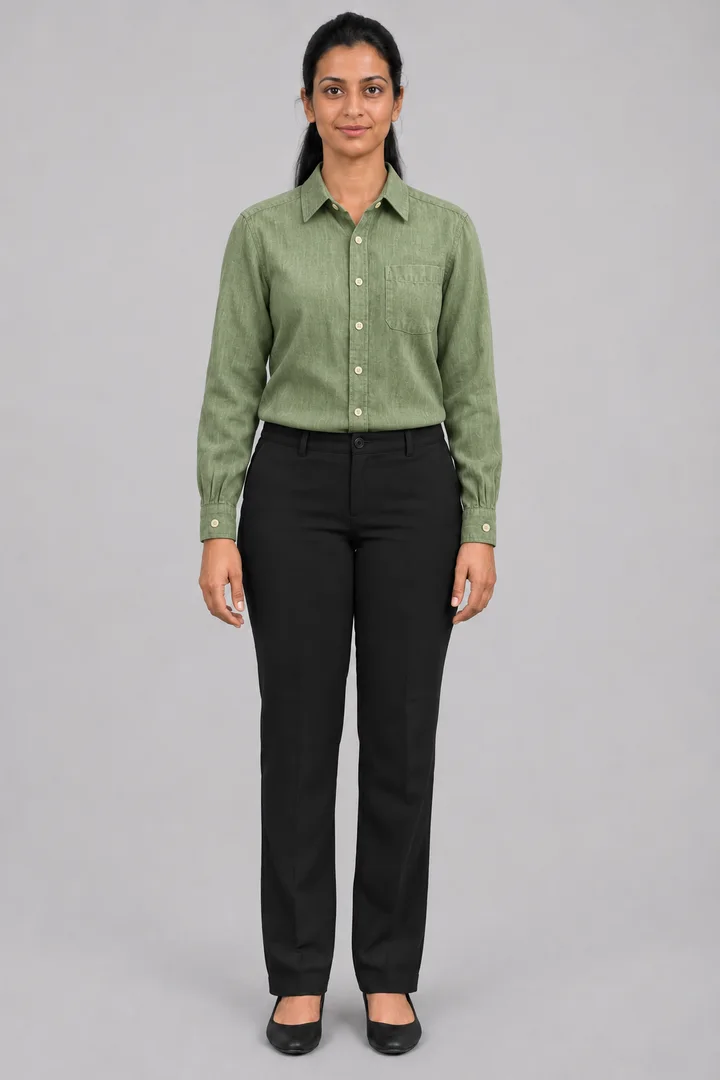
Four looks built here from original photos: five pieces into one outfit, three outfits from a six-piece capsule, a flat lay put on a model, and a date night look from one preset.
The people and clothes below are original generated adults and original pieces with no brands. Each result was made once on November 4, 2026 with GPT Image 2.5 Flare through the project's sample tools, the same image-to-image route the workbench above uses; Use this preset loads the preset and piece map into the workbench, then you add your own photos.
Full Look Builder
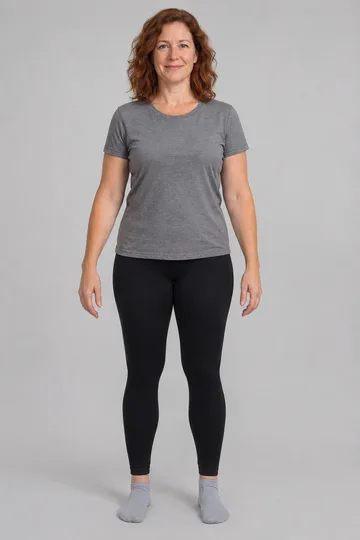
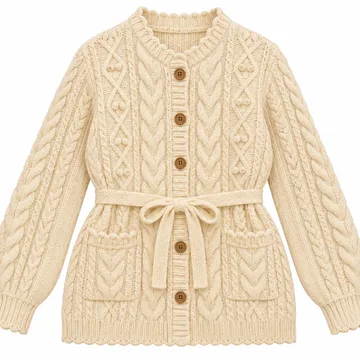
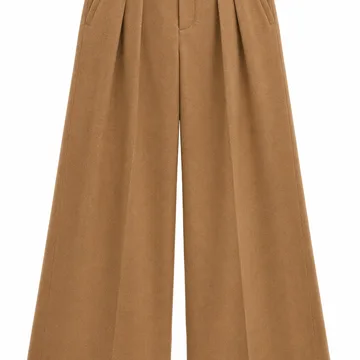
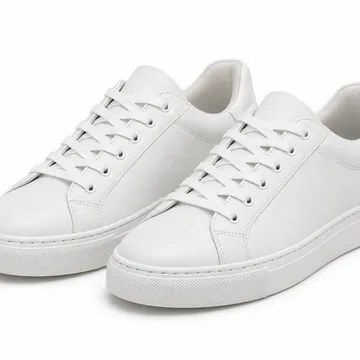
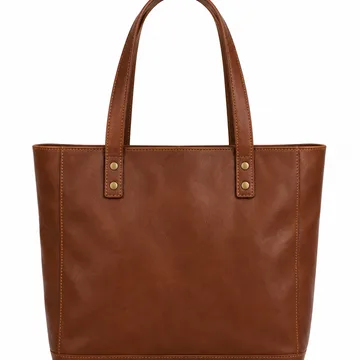
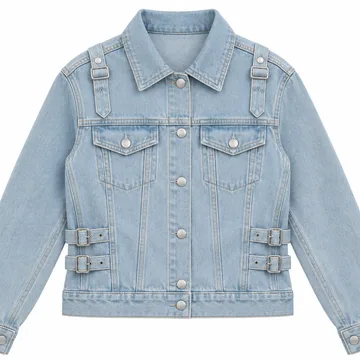
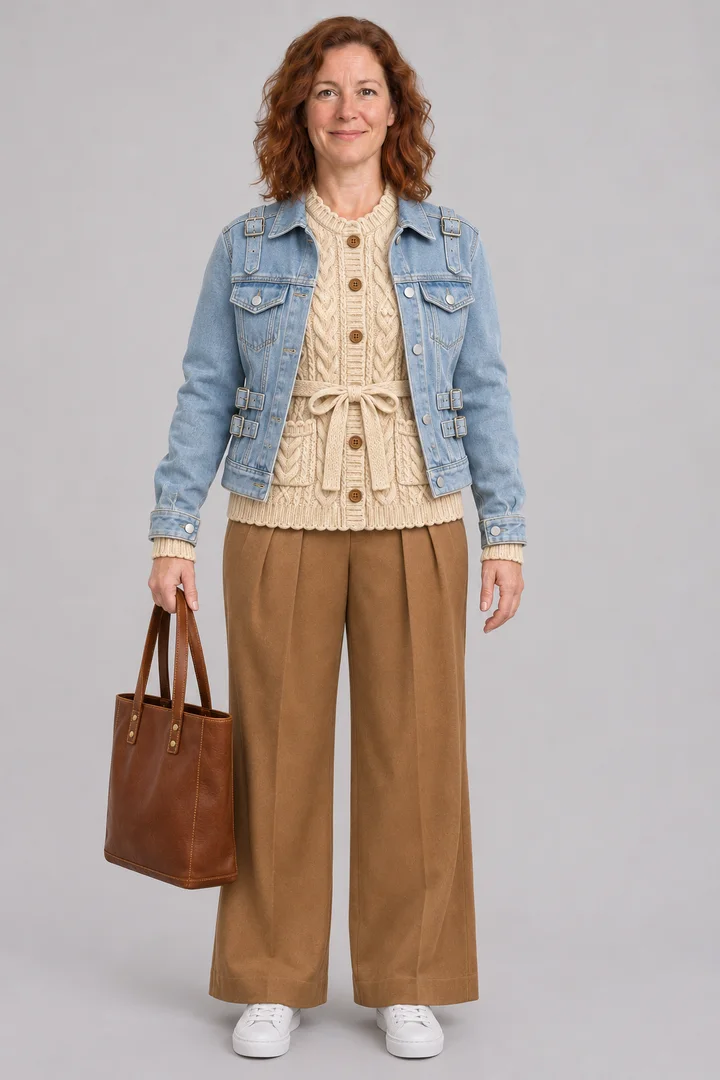
YouCardiganTrousersSneakersToteJacket→Result
Full Look from Five Pieces
Input
6 images: her photo plus five original piece photos
Piece map
“cardigan from image 2, trousers from image 3, sneakers from image 4, tote from image 5, denim jacket from image 6”
Output
Same face, pose and grey backdrop; the knit came out as a belted cardigan, as in the piece photo
Load your photo as image 1, add each piece as its own image, write one line that maps pieces to images, then press Build the look.
Your photo goes first
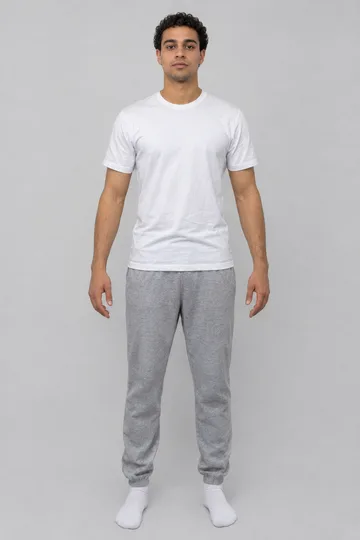
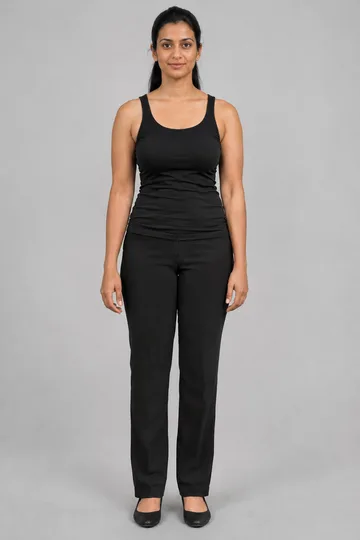
Image 1 is always you: one person, standing straight, facing the camera, arms slightly away from the body, even light, plain background. Full body when trousers and shoes are in the look.
One photo per piece
Every slot after your photo is one piece: a top, trousers, shoes, a bag, a jacket. The default model takes up to 16 images in total, so you can lay out a whole look; it runs in the browser on desktop or phone, with nothing to install and no cutting out.
Write the piece map
In Piece map, write one line such as “sweater from image 2, trousers from image 3, sneakers from image 4”. The keep-list for your face, pose and background is already part of the effect.
Build and compare
Pick a Preset and press Generate; the cost shows on the button first. Compare the result with your photo; if one piece is off, run again with only that piece changed.
Use the AI clothes changer as an AI outfit changer
An AI outfit changer gets every piece right when you say where each one comes from: "sweater from image 2, trousers from image 3, sneakers from image 4".
“AI outfit changer” usually means the whole look at once: top, bottom, shoes and accessories. “AI clothes changer” is the wider name and often means one piece. Both run here; the difference is how many piece photos you add and how clearly the piece map names them.
Piece map template
sweater from image 2, trousers from image 3, sneakers from image 4, bag from image 5 keep my face, hair, pose, hands, light and background
Swap one piece, keep the rest
Upload the result as image 1 and only the new piece as image 2, then write “replace only the trousers with image 2”. The rest of the outfit stays.
Shoes and bags
Shoes are the hardest piece to get right: give them their own photo from a three-quarter angle and name them in the map. Say which hand holds a bag, as the sample did with the tote.
AI clothes changer presets for lookbooks and capsules
Pick Full Look Builder for one outfit, Capsule Week for three outfits from six pieces, Store Lookbook for flat lays on a model, or Date Night for a ready look.
Full Look Builder
The default: every piece in one outfit. Best with one photo per piece and a full piece map.
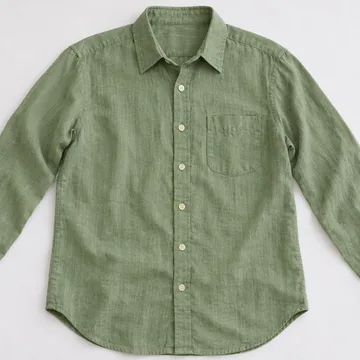
A flat lay, hanger or ghost-mannequin shot on a model. Before you publish, check colour, print placement, sleeve and hem length, neckline and pockets against the real garment.
Google's Try it on and Doppl are free in the US for listed items; the AI clothes changer here takes any piece photos, up to 16 images, and builds the whole outfit.
Route
Where the clothes come from
Pieces at once
What you prepare
Limits
Google Shopping Try it on (free, US)
Eligible dresses, tops, pants, jackets and shoes in store listings
One listed item
A full-body photo
US only, listed items only; links back to the retailer
Doppl app (free, US)
Outfit photos or screenshots
A look per photo
A full-body photo, the iOS or Android app
US app from Google Labs (June 26, 2025); short animated previews
AI clothes changer on Lovart ME (uses credits on this site)
Any piece photo: stores, flat lays, your own wardrobe
Up to 15 pieces after your photo
Your photo, piece photos, a piece map
Credits per run, shown on the button
Every route shows style and colour; size still comes from the store size chart.
Use one person standing straight in even light, full body when trousers and shoes are in the look, and one flat, front-facing photo per piece.
Your photo
✓ One person, upright, facing the camera · ✓ Arms slightly away from the body, hands visible · ✓ Even light, plain background · ✓ Head to feet for trousers and shoes ✕ Crossed arms, bags over the body, mirror selfies with the phone in front
Piece photos
✓ The whole item, front facing, unfolded · ✓ Straps, sleeves, hem and buttons in view · ✓ Plain background, one item per photo ✕ Folded piles, a piece worn by another person, heavy shadows
When one piece comes out wrong
Run again with only that piece changed and name it first in the piece map. For a small fix, such as a wrong button colour or a crop, open the result in PhotoCraft, the free editor here.
Understanding Lovart ME AI Clothes Changer Operations
The AI clothes changer reads your photo and every piece photo, then redraws only the outfit, so face, hair, pose and background stay and you end up fully dressed in the new look.
1 + 15Your photo plus up to 15 piece photos on the default model
OutfitTops, trousers, dresses, jackets, shoes, bags, small accessories
RatioPick the output ratio in the workbench; 2:3 suits a full-body look
It exchanges one complete outfit for another; the person stays fully dressed in every result. Models and the credit cost follow the site's current configuration and show on the button before a run. Before you upload, check how photos are stored and shared in the privacy policy, and upload only yourself or adults who agreed.
It swaps the outfit in your photo for a new one built from your piece photos or a description, and keeps your face, hair, pose and background. Here your photo goes first and every piece follows as its own image.
What photo of me works best?
One person standing straight to the camera, arms slightly away from the body, hands visible, even light and a plain background. Use a full-body photo when trousers and shoes are part of the look.
What piece photos should I upload?
Each item whole, facing front, unfolded on a plain background, with straps, sleeves, hem and buttons in view, one photo per item. A store product photo works.
Can I try on a dress from an online store?
Yes. Save the product photo and add it as image 2 after your photo. The result shows style and colour; for size, use the store’s size chart.
What prompt keeps my face the same?
Write the piece map first (“sweater from image 2, trousers from image 3”), and the effect adds the keep-list: face, hair, expression, body shape, pose, hands, light, background and camera angle.
Is my photo safe to upload?
Read the privacy policy for how uploads are stored and shared; transfers are encrypted and you can delete your account at any time. Upload only yourself or adults who agreed. Privacy policy.
Does it change the person or only the clothes?
Only the clothes. The person keeps face, hair, body and pose, and is fully dressed in the new look in every result.
Can I change clothes on a group photo?
One person per run works best. Crop each person into their own photo first, run them one at a time, then put the results side by side in PhotoCraft.
Which pieces come out most reliably?
Tops, dresses, jackets and trousers come out best. Shoes are the hardest piece: give them their own clear photo and name them in the piece map.
Can I change a colour or pattern?
Yes. Upload a photo of the piece in the colour you want, or write it in the piece map, for example “the same sweater in navy”.
Can I mix pieces from different stores?
Yes. Any piece photo works, wherever it comes from; put each one in its own slot and say which image holds which piece.
Can I plan a capsule wardrobe?
Pick Capsule Week, add your photo and the pieces (one flat lay or one photo per piece), and you get three outfits from the same pieces side by side.
How close is the result to wearing it?
Close enough to judge style, colour and how pieces go together; it does not measure your body, so fit and size still come from the store size chart.
 Full Look Builder