Special Offer·15% OFFLimited time offer on all credit packages
Día de Muertos · November 1 and 2
Day of the Dead AI Video Maker: Design the Ofrenda Scene First
Upload your photos, design a 9:16 ofrenda still with every face checked, then animate it into a short Day of the Dead clip.
Last checked 2026-10-26
⚙ AI Forge Studio
Design the ofrenda still, then animate it.
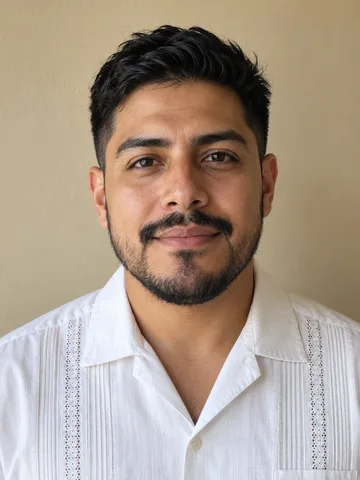
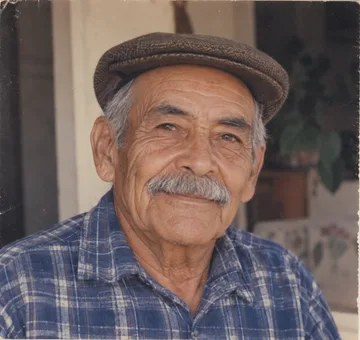
Photo 1
9:16 vertical · the still is made first, then animated as the first frame
Joining the trend is free; making it on Lovart ME uses credits from packs starting at $9.90 for 250 credits. Each button shows its exact cost before you generate.
SAMPLE · INPUT → RESULT
Sample inputs and result from this page. Your result will appear here.
Start with an idea
01 / Samples
Day of the Dead AI video samples from designed stills
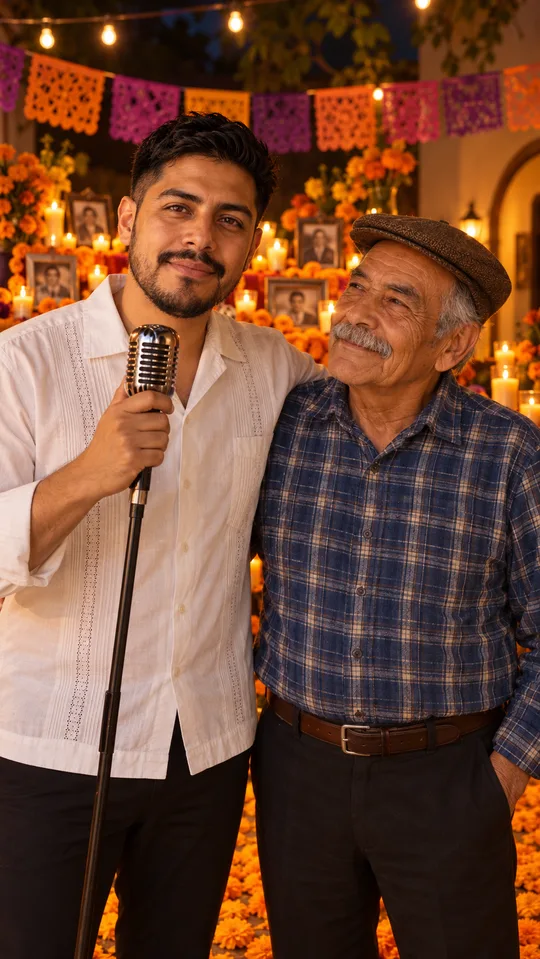
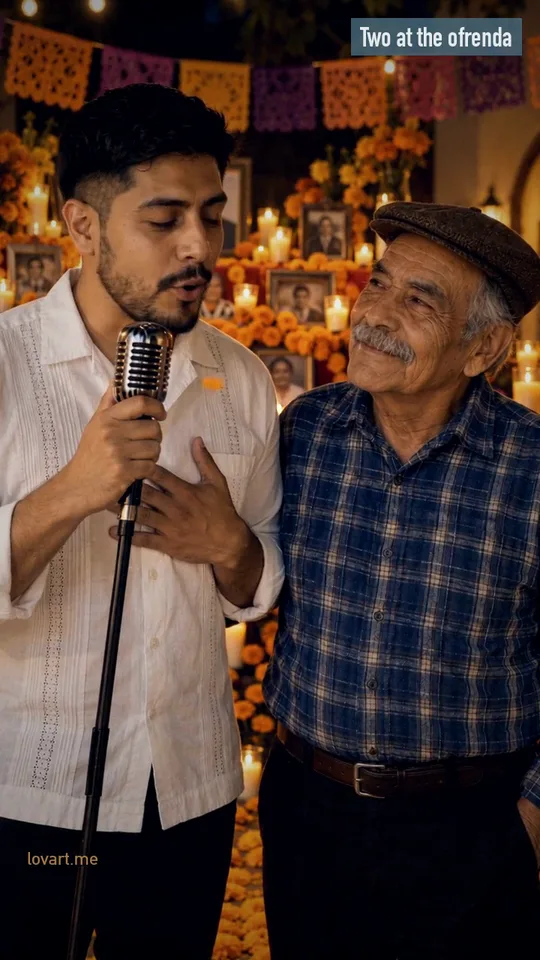
Each sample began as original portraits, became a checked 9:16 ofrenda still, and was cut into a short vertical clip; one is kept as a still-only poster.
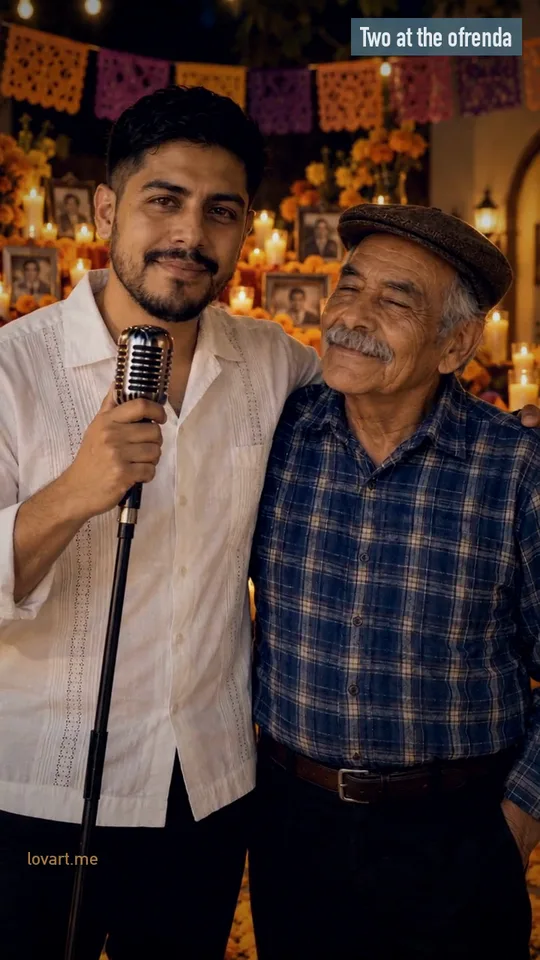
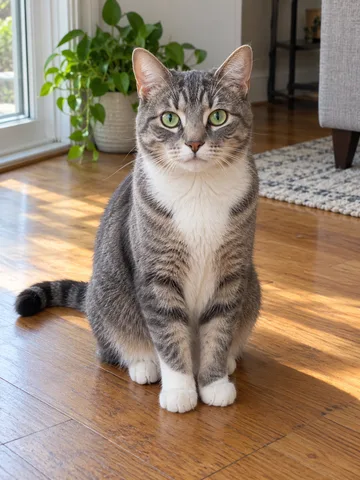
All people and the cat are original generated characters. The four clips are Lovart ME cuts of clips made for this trend with Seedance 2.0 Fast; the cards show the real photos and stills behind each one, and what moves in the original clip. Nothing here was made with the workbench above.
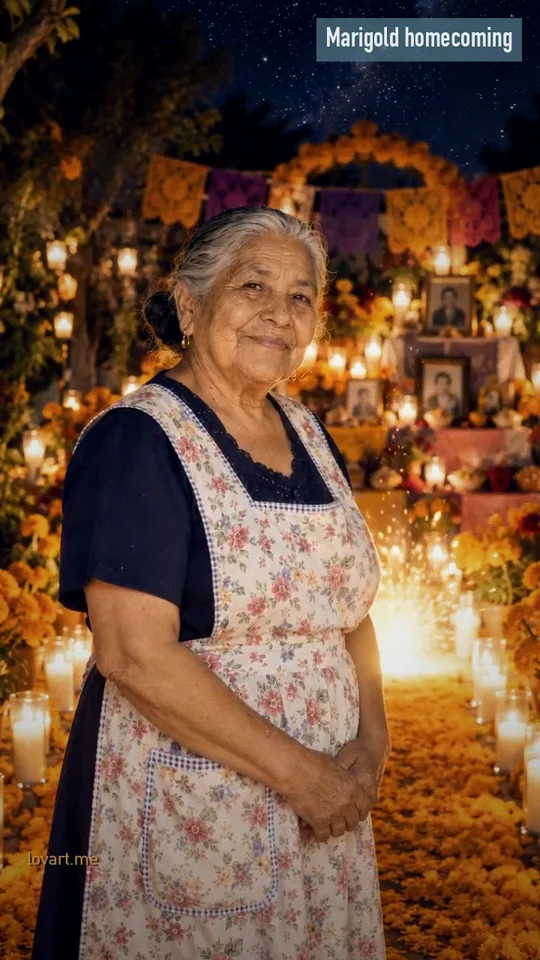
Marigold homecoming
Photo →Still→StartEnd
Marigold homecoming
Remixed from a Seedance 2.0 Fast clip
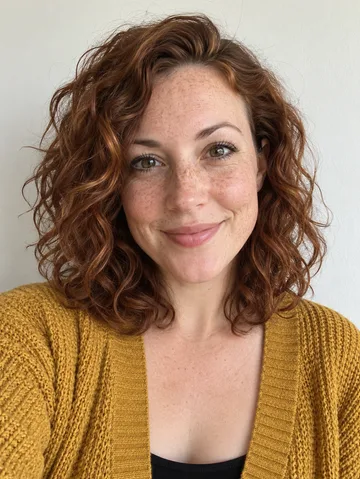
Input
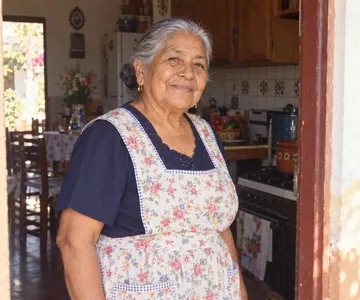
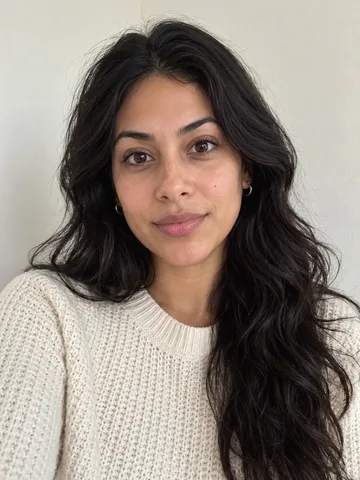
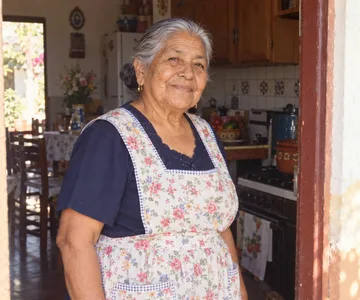
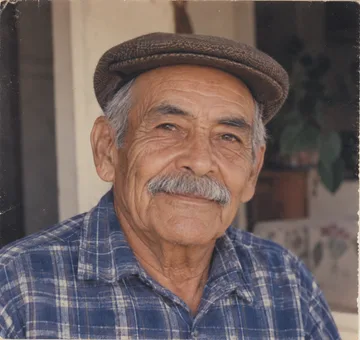
One original portrait, styled as an old family snapshot
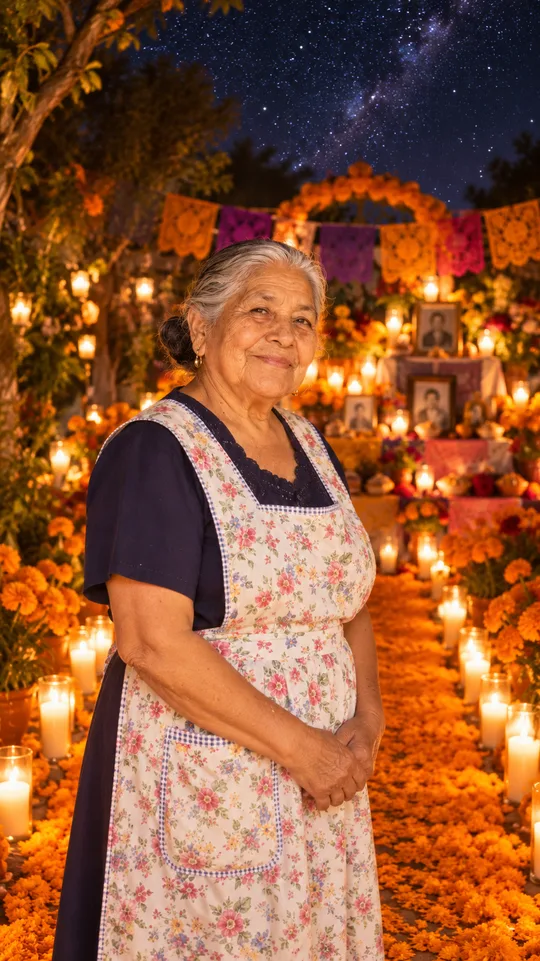
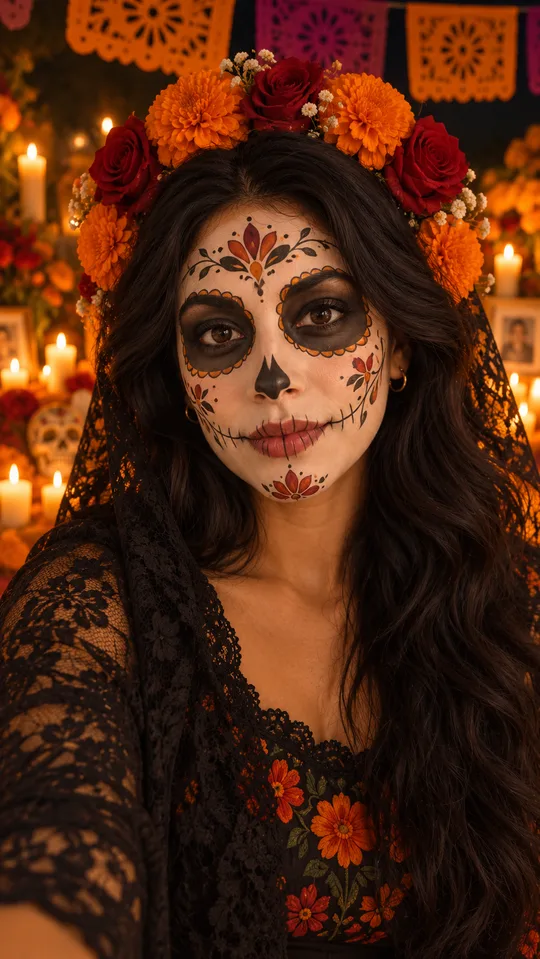
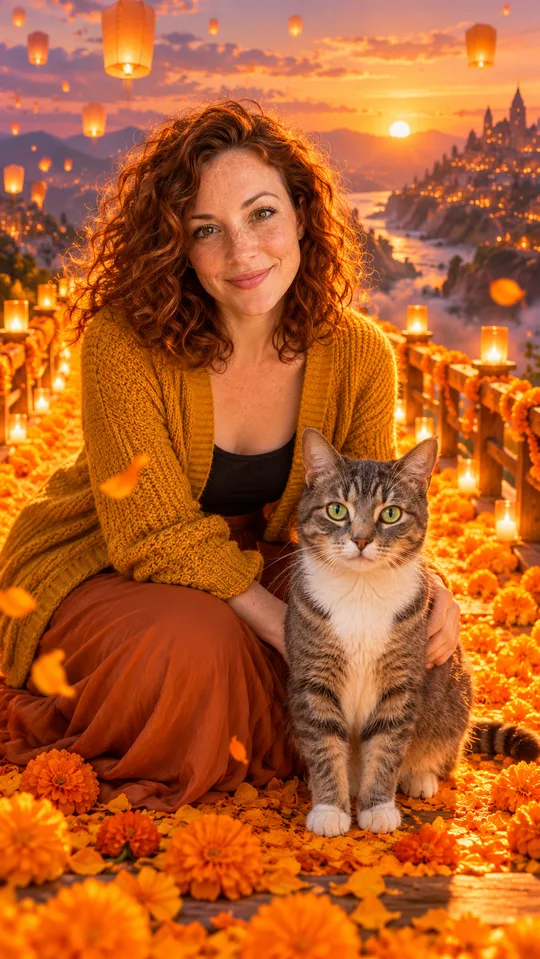
Still
GPT Image 2.5 Flare, 9:16, at the end of a candlelit marigold path
Original
Seedance 2.0 Fast · 720p · 6 s, made October 25, 2026
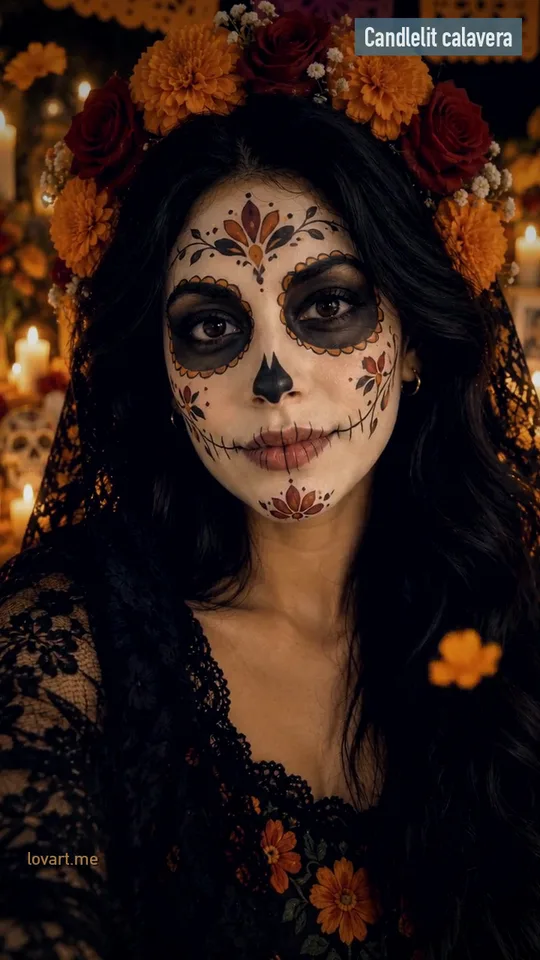
In the clip
A star streaks down onto the petal path behind her; she walks toward the camera and stops close
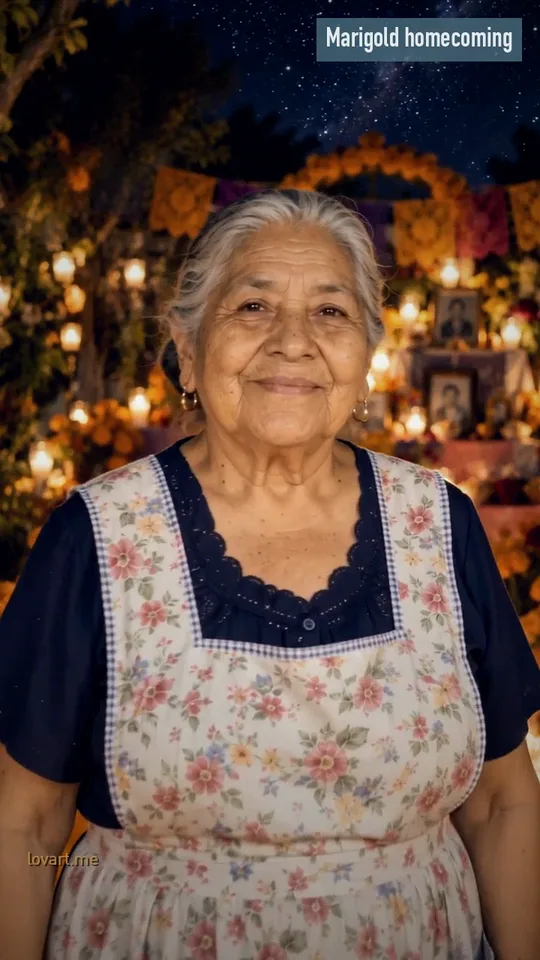
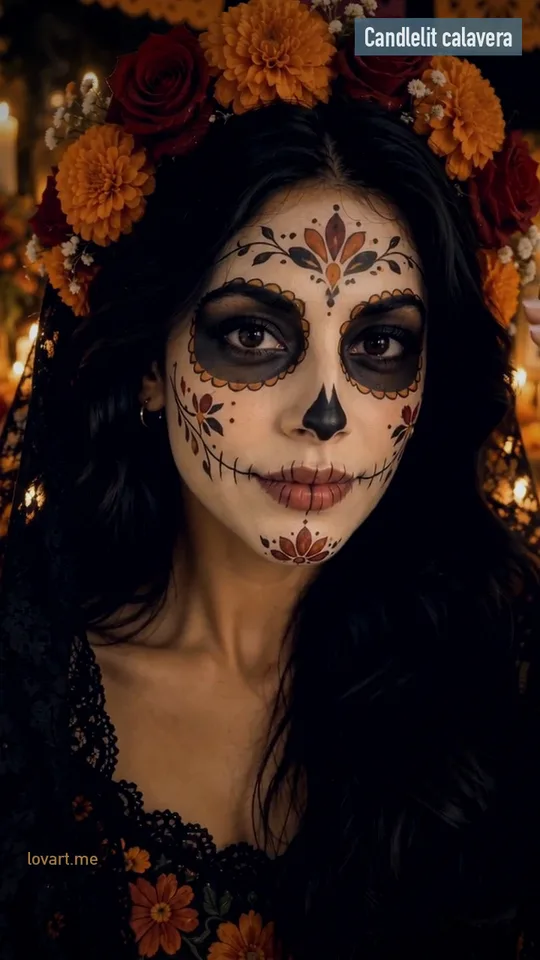
This cut
5.2 s, re-cut, reframed and steel-blue graded; no new AI generation
Upload one to four photos, pick a scene and design the still, check each face, then press Animate to turn it into a short vertical clip.
Upload and pick a scene
Add one sharp photo per person in the Día de Muertos tab and choose Marigold homecoming, Candlelit calavera, You and your pet or Family ofrenda board. The scene sets the head count, the setting and the motion.
Design and check the still
Design the still runs Image to Image with your photos as references and returns a 9:16 frame. Look at every face before you go on; if one is off, press Rebuild still and change only that photo.
Animate it
Animate it sends the still to image to video as the first frame with one slow action. Seedance 2.5 is selected by default; the button shows the credits for the model, length and resolution you pick.
A Catrina portrait: white calavera paint, black around the eyes, floral details and a crown of marigolds and roses, after José Guadalupe Posada’s etching.
Write the still prompt as format, faces, scene, light and exclusions, and the motion prompt as one slow action, a fixed or gentle camera and short length.
These are the prompts behind the Marigold homecoming sample, with the person written as “the person in photo 1”. The scene chips in the workbench fill in the same parts for you; copy a board when you want to work in Image to Image directly.
Still prompt
Format
Vertical 9:16 photo at night.
Faces
Keep the person in photo 1 exactly: same face, hair, skin tone and clothes.For a group, add: “Exactly three people, one from each photo.”
Scene
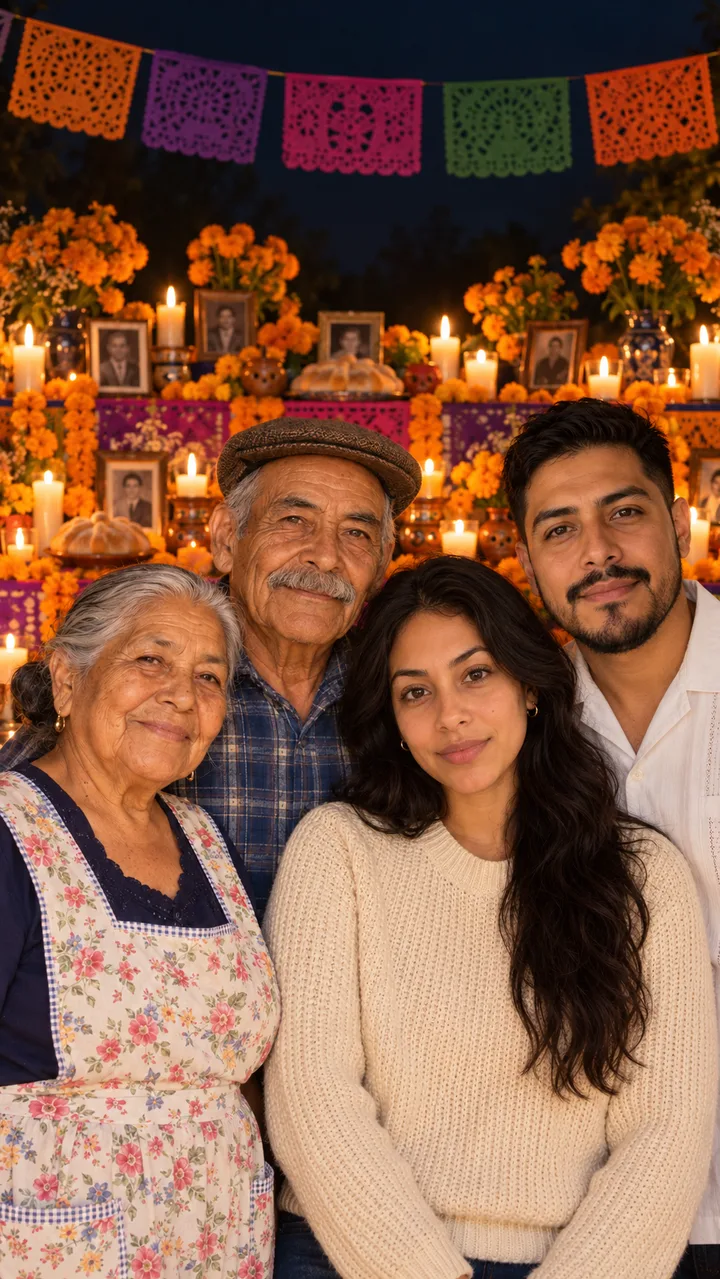
They stand at the far end of a path covered in orange marigold petals lined with lit candles, a candlelit ofrenda with papel picado and photos glowing behind them.
Light
Soft golden starlight settling around them, starry night sky, gentle warm smile, film-like soft focus.
Exclude
No text, no logos, not a real celebrity.
Motion prompt
Action
Use the photo as the first frame. A small bright star streaks down and lands softly on the marigold path behind them, candle flames flicker, then they walk slowly along the petals toward the camera and stop close.
Camera
One continuous vertical shot at night, fixed camera.
Length
5 to 6 seconds. Keep the same face, hair and clothes throughout; no face changes or extra people.
The Day of the Dead AI video trend and the dates behind it
The CapCut versions started on October 4, 2026, the falling-star caption spread from October 14, and Día de Muertos itself is November 1 and 2.
From the first template to the falling star
Oct 4, 2026Day of the Dead CapCut AI templates show up on TikTok.
Oct 14A star falls onto a marigold path in front of a candlelit ofrenda, the light turns into someone the poster misses, and they walk toward the camera. The caption “Cuando el cielo trae de vuelta un recuerdo…” means “When the sky brings back a memory”; cielo also means heaven.
Oct 31Halloween, a different holiday.
Nov 1Día de Muertos; in much of Mexico, the day for children.
Nov 2The day for adults.
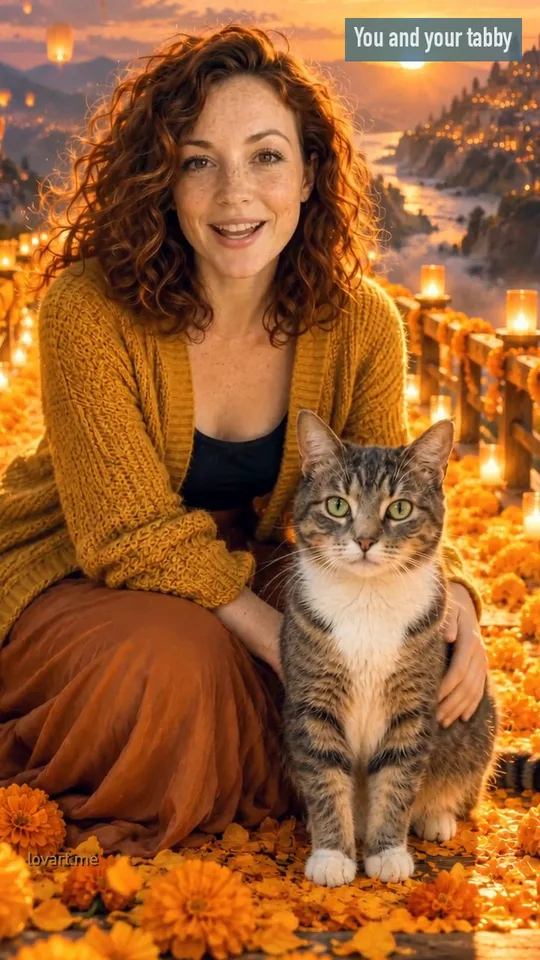
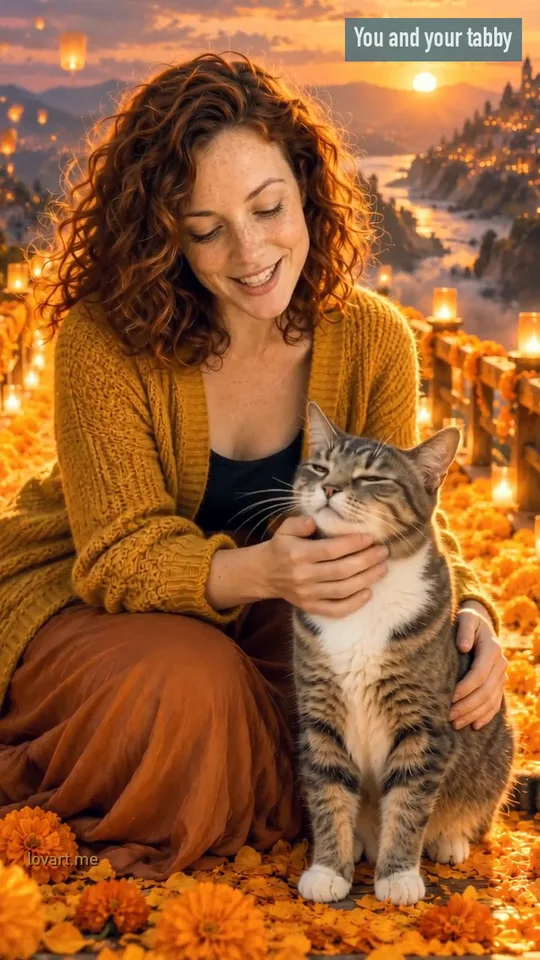
Pets have their own version: a dog or cat crossing a glowing bridge of marigolds, first shared as Gemini prompts in late September 2025 and back as CapCut templates in October 2026.
What the marigolds and candles mean
Cempasúchil marigolds
Their color and scent guide souls home, which is why the path in the trend is made of petals.
Candles
Candles light the way back; families light them on the ofrenda in the last days of October.
The ofrenda
An altar with photos, food and favorite things of the people being remembered.
Not a Halloween video
Halloween on October 31 is costumes and scares. Día de Muertos is remembering and welcoming loved ones home, so the scenes here stay warm and calm.
Keep every face right in a Day of the Dead AI video
Use one sharp, front-facing photo per person, check each face in the still before animating, and keep the motion slow and the clip short.
Photos that hold up
One face per photo
Face large and sharp, eyes visible
Even light, no heavy filters
Exact head count matches the photos
Old prints and scans
Lay the print flat in daylight and photograph it straight on, without glare. Crop to the face before uploading. Faded colors are fine; the still can bring them into the candlelight.
When one face drifts
Fix the still, not the video: swap in a sharper photo of that person and press Rebuild still. Animate only when every face looks right, and keep it to one slow action of five or six seconds.
Use the CapCut template when it opens on your phone; design the still here when you need several people, a pet beside you, or a check of every face first.
Route
What you bring
What you get
Best when
CapCut template
One photo
The template’s fixed clip and music
You want the TikTok version on your phone
One photo straight to video
One photo + a scene prompt
A clip from the photo as it is
The photo already looks the way you want
Design the still, then animate
One to four photos
A 9:16 ofrenda still you check (and can keep as a poster), then a short clip
Several people or a pet, or you want to see every face first
Two Photos story
Two photos
A story clip with sound from the two-photo workbench
You and one other person, or you and a pet
The CapCut template
Free and Pro templates exist; Pro ones need a subscription to edit or export. The clip and music are fixed.
One photo straight to video
Any image-to-video model takes a photo plus a scene prompt. Fast, but you only see the faces once the clip is done.
Design the still, then animate
The Día de Muertos tab: a still you can check and keep, then a short clip from it. Two steps, two credit costs shown on the buttons.
Two Photos story
The Two Photos tab sends both photos to Seedance 2.5 with sound in one step, the same workbench as Zombie Couple.
Turn the Day of the Dead AI video still into a poster
Download the 4K still, or open it in PhotoCraft to add a name and dates, and post it next to the clip.
Siempre con nosotrosNOV 1 · NOV 2
Layout example: the Family ofrenda board still with a title set over the dark sky left for it.
Edit it in PhotoCraft
Download the still from the workbench, then open it in PhotoCraft, the free browser editor, to set a name, the dates and a short line in the space at the top. Export a PNG for the post and keep the layered file for next year.
When did the Day of the Dead AI video trend start?
CapCut Day of the Dead AI templates appear on TikTok from October 4, 2026. The version with the falling star and the caption "Cuando el cielo trae de vuelta un recuerdo…" spreads from October 14 and was still being posted on October 23.
How many photos can go into one Day of the Dead AI video scene?
Up to four on this page. The Image to Image models take up to 16 references, but every extra face is one more to check, so the scene prompt names the exact head count from the photos you upload.
Can I make a Day of the Dead AI video for free?
CapCut has free templates, and some general tools give a few free generations. Here the credit cost shows on the Design the still and Animate it buttons before you run either step; packs start at $9.90 for 250 credits.
Can I keep the still as a poster instead of a video?
Yes. Download the still (up to 4K with GPT Image 2.5), or open it in PhotoCraft to add a name and dates before you post. The Family ofrenda board sample on this page is a still only.
Where do the sample clips on this page come from?
They are remixes of Seedance 2.0 Fast clips made for this trend on October 25, 2026: re-cut, reframed and color graded, with no new AI generation. Each card shows the input photos, the designed still and what the original clip shows.
Should I post before November 1?
Post in the last days of October, while families set up the ofrenda. In much of Mexico November 1 remembers children and November 2 remembers adults.
One face looks wrong in the group still. What now?
Rebuild only the still with a sharper, front-facing photo of that person before you animate. Keep the motion short and simple; a long clip gives faces more time to drift.
Lovart ME is an independent site and is not affiliated with TikTok, CapCut or the creators of the Day of the Dead AI trend. Sample people and pets are original generated characters.