Pet Photo to Video AI, Designed: Set the Frames, Pick the Place
Upload your pet photo, set it sitting far away as the first frame and its nose at the lens as the last, then animate the run in between.
Last checked 2026-11-07
⚙ AI Forge Studio
Upload your pet photo, set it sitting far away as the first frame and its nose at the lens as the last, then animate the run in between.
1First frame · 3→
2Last frame · 3→
3Animate 10 s · 280
Your pet photo · one animal, sharp, eyes open
9:16 vertical · first frame, then last frame, then the clip between them
Next: last frame 3 credits, then animate 10 s · 280 credits.
Joining the trend is free; making it on Lovart ME uses credits from packs starting at $9.90 for 250 credits. Each button shows its exact cost before you generate.
SAMPLE · INPUT → RESULT
Sample inputs and result from this page. Your result will appear here.
Start with an idea
01 / Samples
Pet photo to video AI frame samples
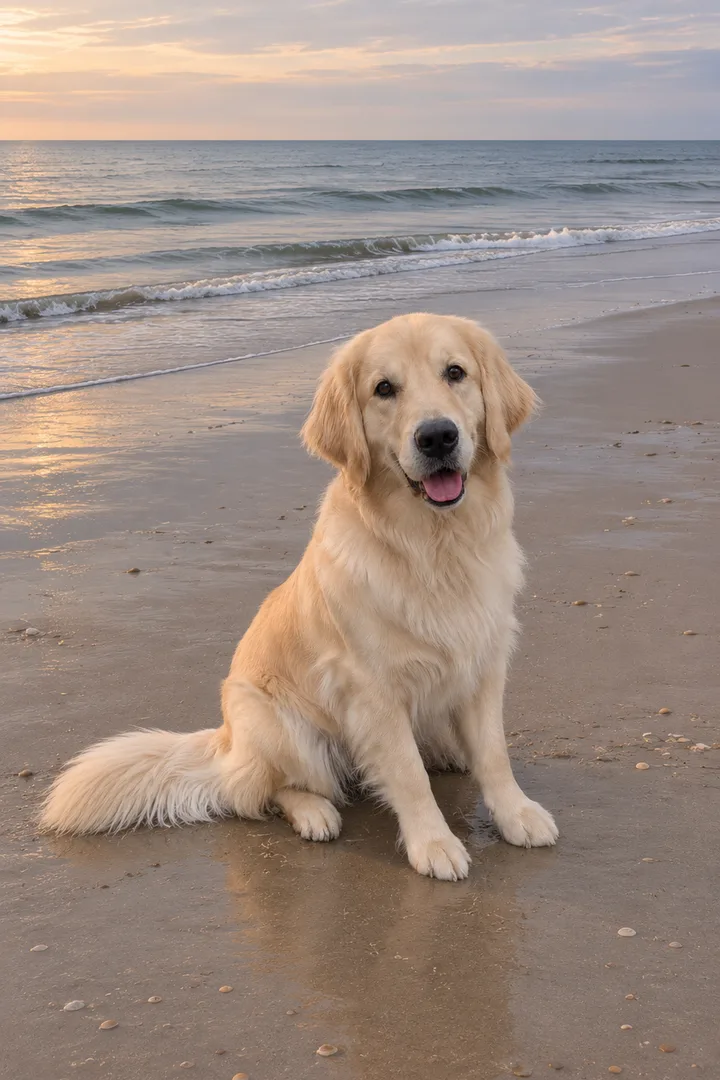
A golden retriever going from a far-off sit to a nose at the lens, and a tabby going from lying on the windowsill to a yawn, a stretch and sitting up, remixed from 10-second aiaigenerator.ai originals, plus a beach first frame and a nose last frame.
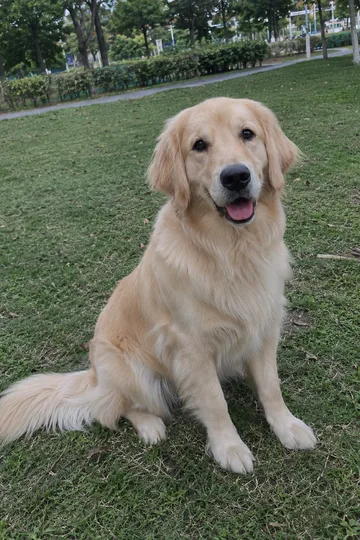
Pet photo to video AI turns one still photo of a dog or cat into a short clip where it moves: a head tilt, a run, a stretch. The photo is the first frame, so the animal that moves is the one in the photo, with the same face, fur colours and ears. The dog and cat below are original AI pets. Both clips are Lovart ME edits of Seedance 2.0 Fast originals made for aiaigenerator.ai on November 7, 2026, with original music; the frames are GPT Image 2.5 Flare stills made for this page. None came from the workbench above.
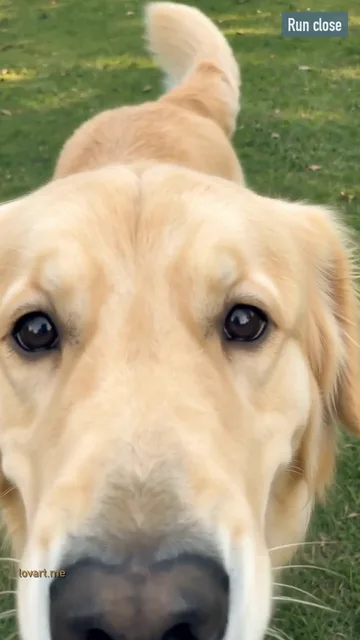
Run close
Photo →Still→StartEnd
Run close
Remixed from an aiaigenerator.ai clip · Seedance 2.0 Fast
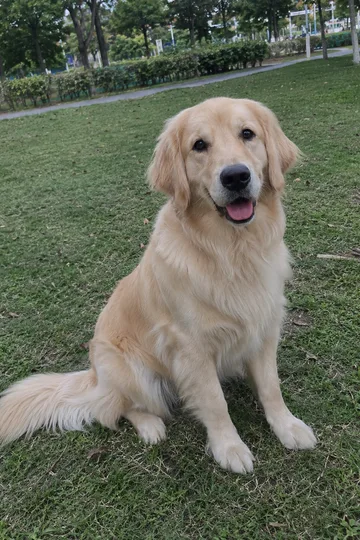
Pet photo
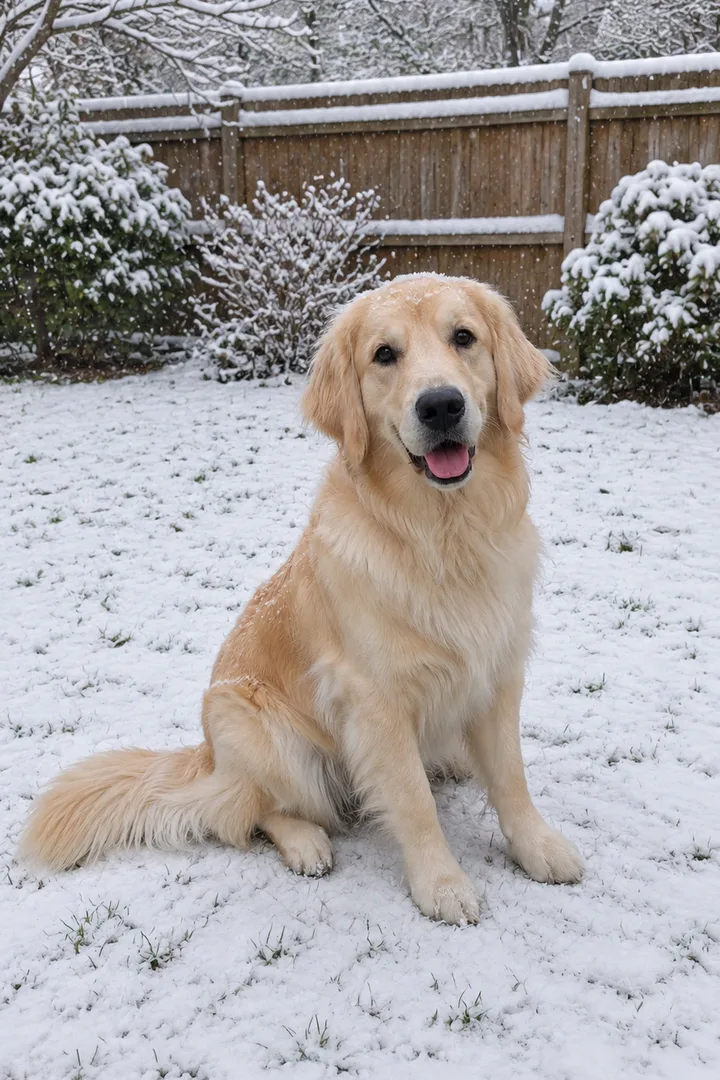
A GPT Image 2.5 Flare photo of an original AI golden retriever sitting on a lawn
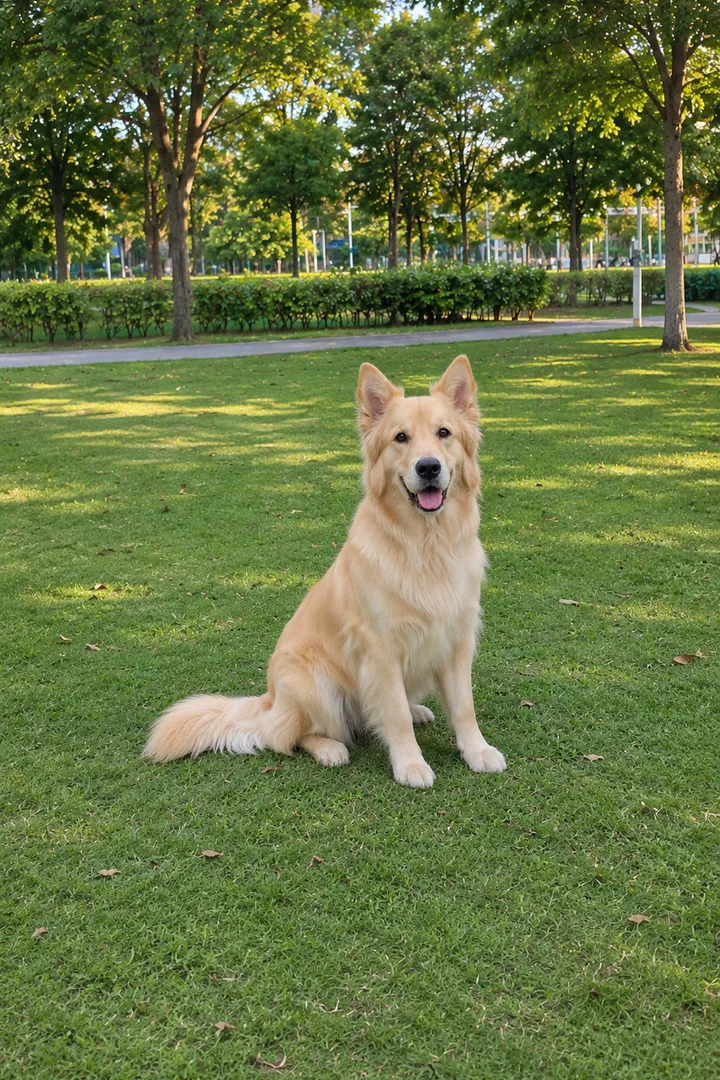
First frame
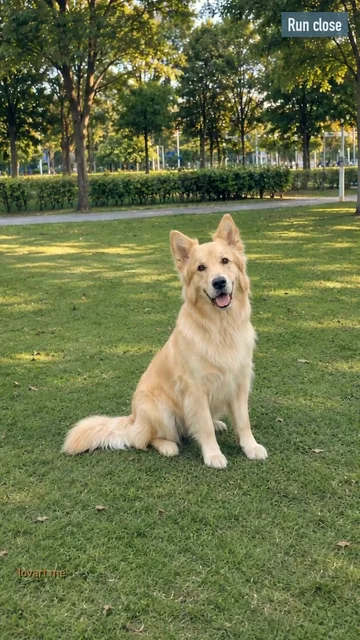
GPT Image 2.5 Flare image to image, 9:16: the same dog sitting a few metres away on open grass in a park
Master
Seedance 2.0 Fast · 720p · 9:16 · 10 s from one still as the first frame, made on aiaigenerator.ai on November 7, 2026
This cut
9.6 s re-cut for Lovart ME: reframed, ice-and-brass grade, not mirrored; zero credits
What happens
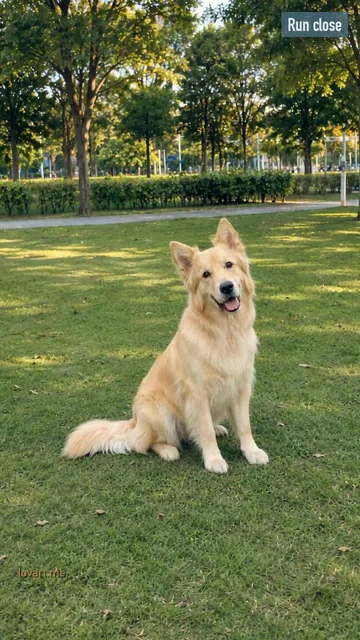
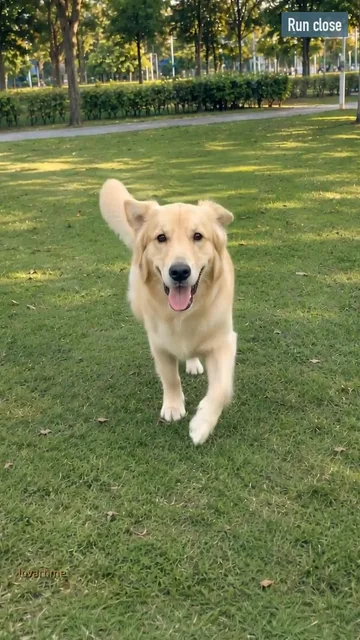
The dog sits looking at the camera for about three seconds, gets up, runs straight at the lens and ends with its nose filling the frame
Remixed from an aiaigenerator.ai clip · Seedance 2.0 Fast
Pet photo
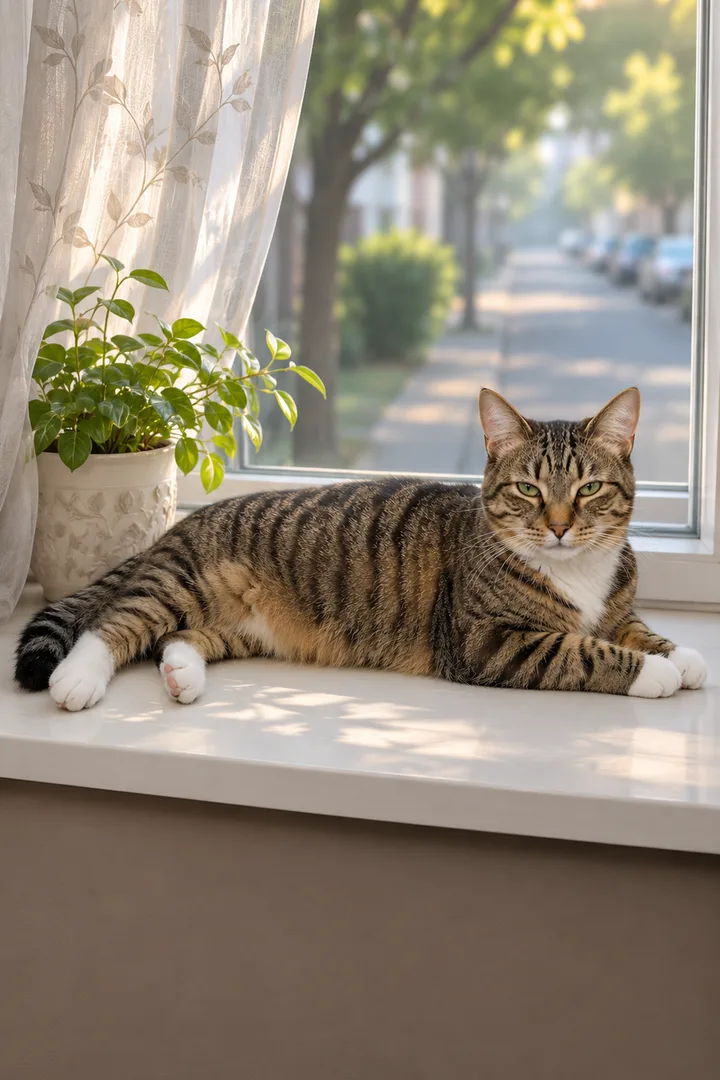
A GPT Image 2.5 Flare photo of an original AI tabby lying on a windowsill by a curtain
First frame
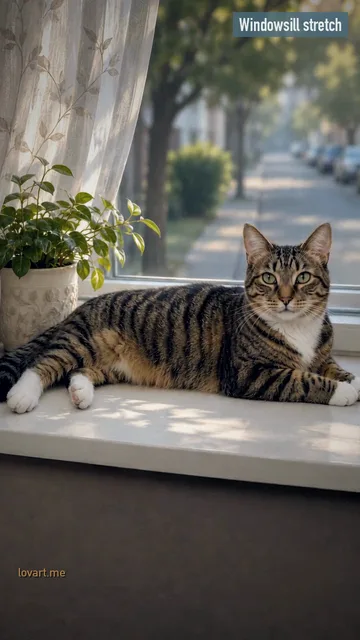
GPT Image 2.5 Flare image to image, 9:16: the same cat stretched out on a sunny windowsill with a plant
Master
Seedance 2.0 Fast · 720p · 9:16 · 10 s from one still as the first frame, made on aiaigenerator.ai on November 7, 2026
This cut
8.9 s re-cut for Lovart ME: reframed, steel-frost grade, not mirrored; zero credits
What happens
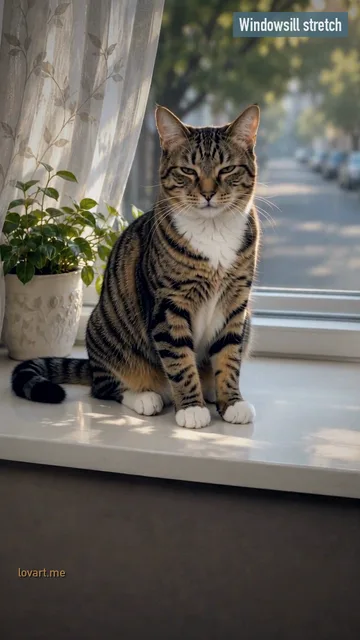
The cat lies on the sill, yawns at about 4 s, pushes its front paws out in a stretch, then sits up and looks at the camera; it does not blink slowly in this take
Set the first and last frame for pet photo to video AI
First frame: your pet sitting a few metres away, looking at you; last frame: its nose right at the lens, same fur and markings.
First frame: far away
The whole body in view, a few metres back, looking at the lens. Set the first frame designs this from your photo, in the park or in the place you add.
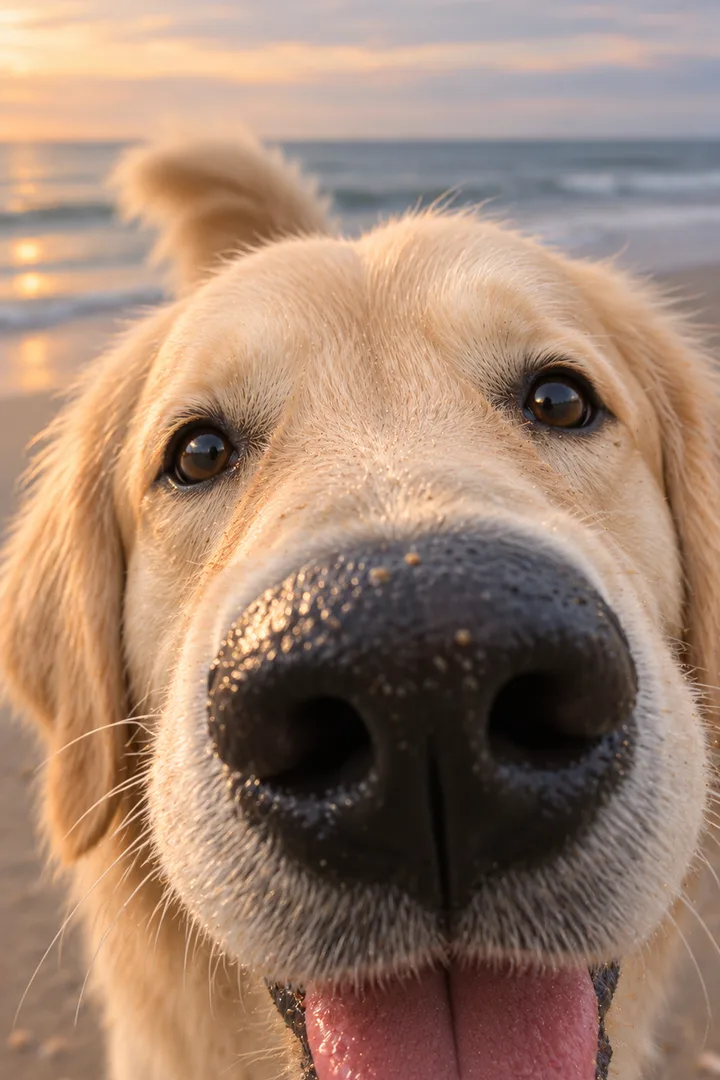
Last frame: close up
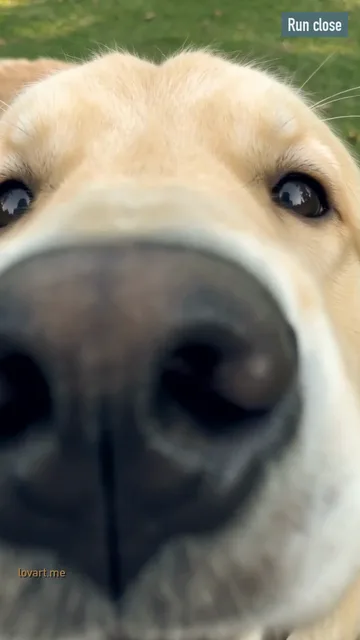
Set the last frame brings the pet right up to the camera: nose almost on the lens, eyes looking in, the place soft behind.
Keep the markings
Fur colours and markings come from your photo, so a dark, blurry or cropped photo gives a weaker match. The last frame is designed from the first; check the patches, ears and eye colour in both before you animate. Animate sends the pair to Image to Video at 9:16. Seedance 2.5 and Seedance 2.0 Mini land the clip on your last frame; other video models start from the first frame only.
Put your pet photo and one place reference in a single image request; the still moves your dog or cat to a beach, a snowy yard or a garden before it moves.
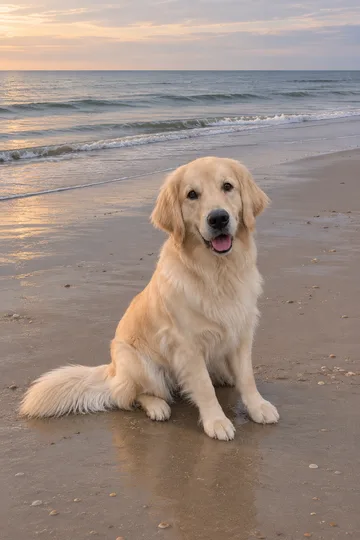
Beach Run
Wet sand, low sun, small waves. Running at the lens on sand reads well because the paws kick up a little.
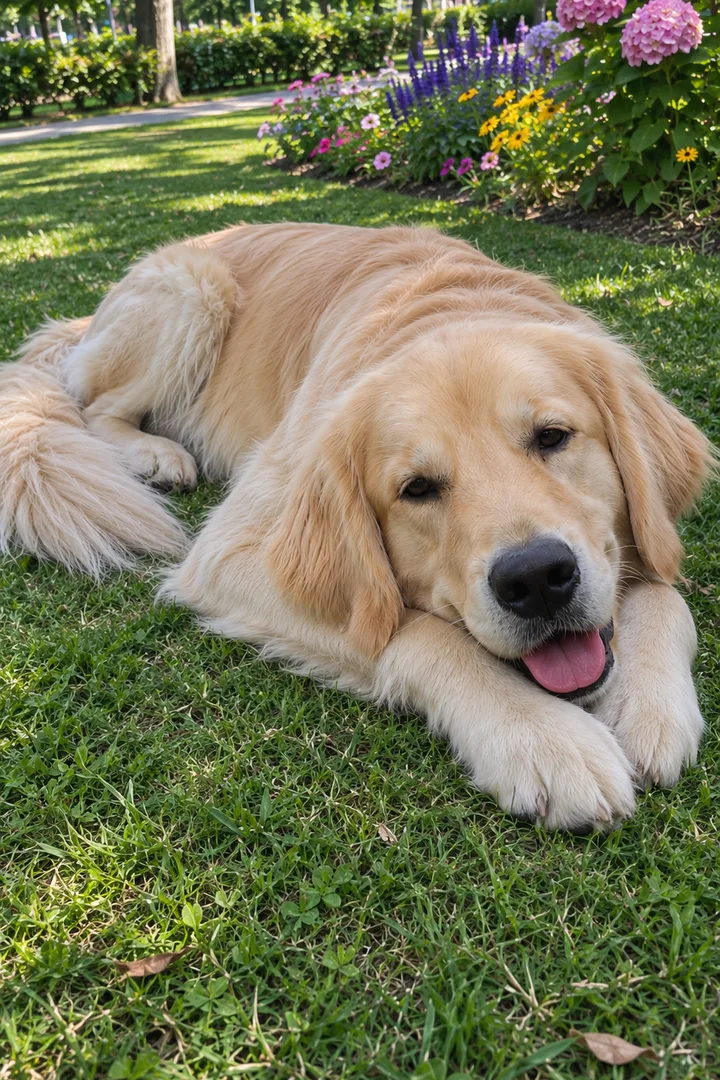
All three are the same AI golden retriever from one photo, made on Image to Image, which takes up to 16 reference pictures in one request. In the workbench, add your place picture in the second slot; peer template lists go further, with a giant cat on a city avenue or a cat stepping into a painting.
04 / The beats
Pet photo to video AI motion beats
Between the frames write three beats: a head tilt or ears up, the move itself, and how it ends at the camera, with natural legs and its real size.
The prompt for the Run Close scene
Video
Use image 1 as the first frame and image 2 as the last frame; the clip must end exactly on image 2. One steady vertical phone shot at the animal’s eye level, one continuous take. 0-2 s: it sits and looks at the camera, ears up, a small head tilt. 2-7 s: it gets up and runs straight toward the camera, natural legs, its real size. 7-10 s: it stops at the lens, nose almost touching it, and sniffs. The same face, fur and markings throughout. Original light acoustic beat, no lyrics. No text, no logos.
Start still: ears up, a small head tilt. It gives the run a start.
The move
One move only: a run, a stretch, a jump. Write “natural legs, its real size” so the animal keeps four legs and does not grow.
The ending
End at the camera. The tabby sample shows what happens with a looser ending: it sat up and looked at the lens, but the slow blink in the prompt never came.
1.9 s
Ears up
The dog is still sitting far back on the grass, looking at the camera. Three seconds of stillness before the run.
4.8 s
The move
Up and running straight at the lens, four legs, real size, the same coat as the photo.
7.7 s
The ending
It arrives at the camera; for the last second the nose fills the frame. Your last frame is this moment.
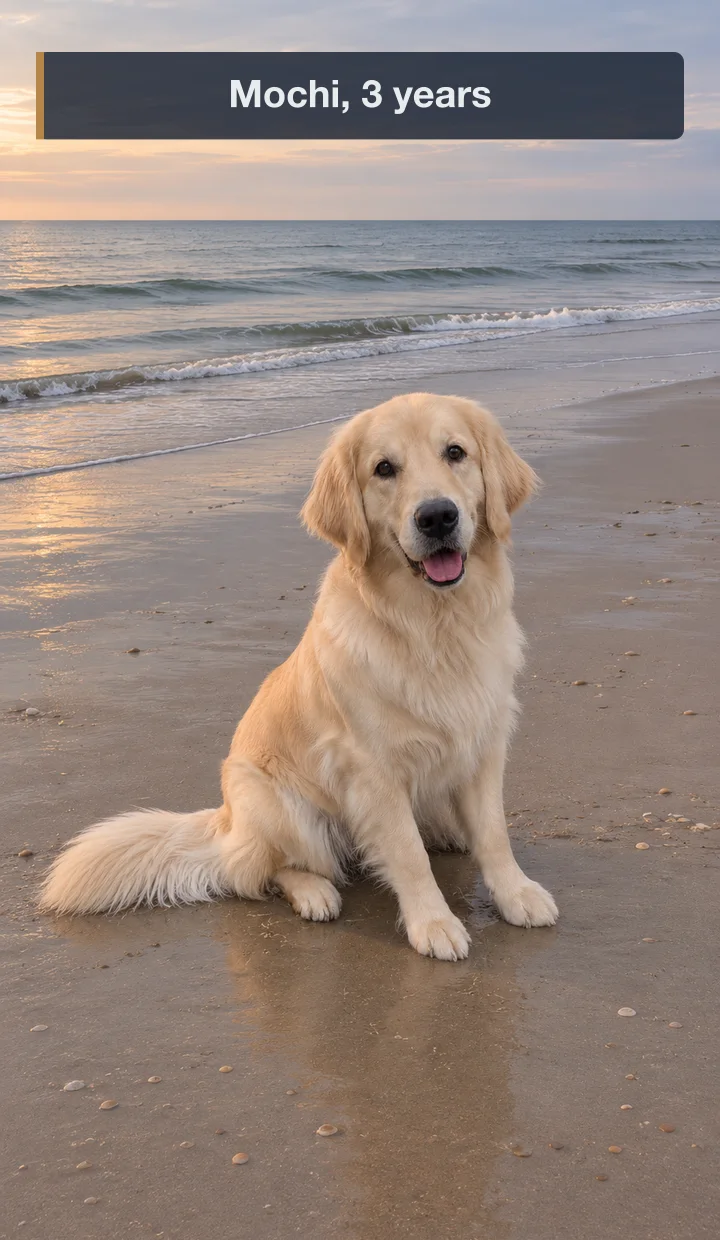
Type your pet’s name and one short line in PhotoCraft, place it above the head and export it, so the clip is ready for the family chat.
Still only · GPT Image 2.5 Flare still, name typed on top
The name
The pet’s name first, the way the family says it. Big enough to read on a phone.
Mochi, 3 years
Mochi’s first snow
Biscuit, beach day
The line
One short line after the name: an age, a place, a first. Put the band above the head, never across the face. Download still, then Open in PhotoCraft and type it. PhotoCraft is a free editor in the browser; editing costs no credits.
This week peer pages offered pet photo to video as free 4-second clips with written template prompts, or as a one-photo pet generator with a model list from Seedance 2 Mini to Seedance 2.5, Kling and MiniMax H3, credits shown before each run. On Lovart ME each button shows its cost before you generate.
Questions
Pet photo to video AI questions
Why set a last frame for a pet clip?
The last frame fixes how your pet looks at the end, so the face and markings stay right even after a fast run toward the camera.
Can I move my pet to a new place?
Yes. Add your pet photo and a place picture in the optional Place reference slot; the first frame puts your pet there, then the clip animates that still.
What goes on a pet name card?
The name and one short line, like “Mochi, 3 years”, placed above the head. Keep it off the face.
Which photo should I start from?
One animal, sharp, eyes open, good light. The whole body if it will run; head and chest are enough for a head tilt or a blink.
Is it a template or a free prompt?
Both. Start from a sample’s frames with Use these frames, or write one sentence about what your pet does in the prompt box.
Lovart ME is an independent site and is not affiliated with Movoa or Kavel. The dog and cat in the samples are original AI pets, and the sound is original.