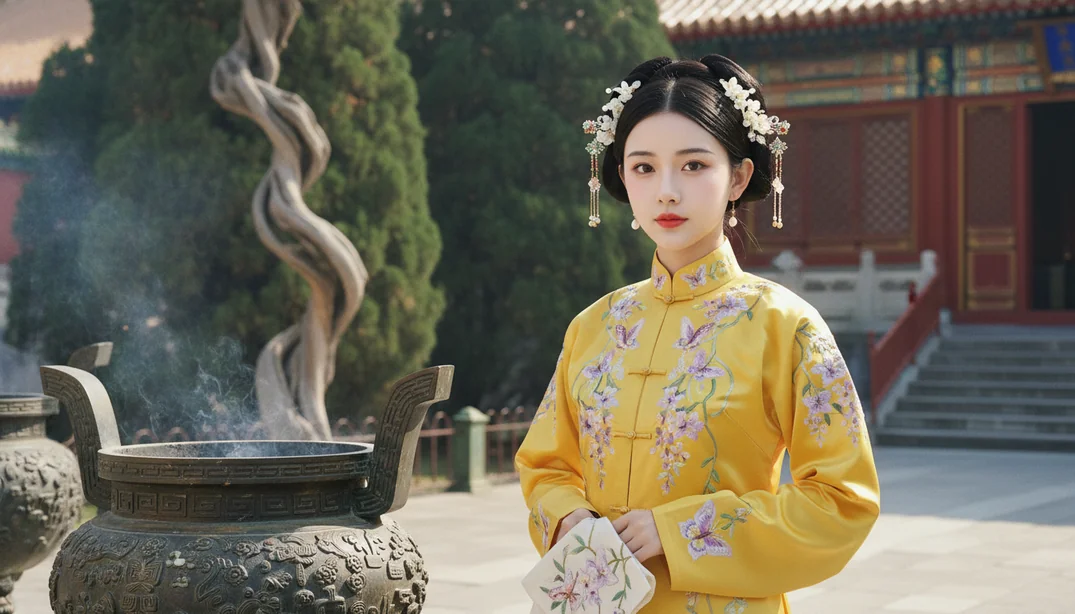
Parameters Configuration
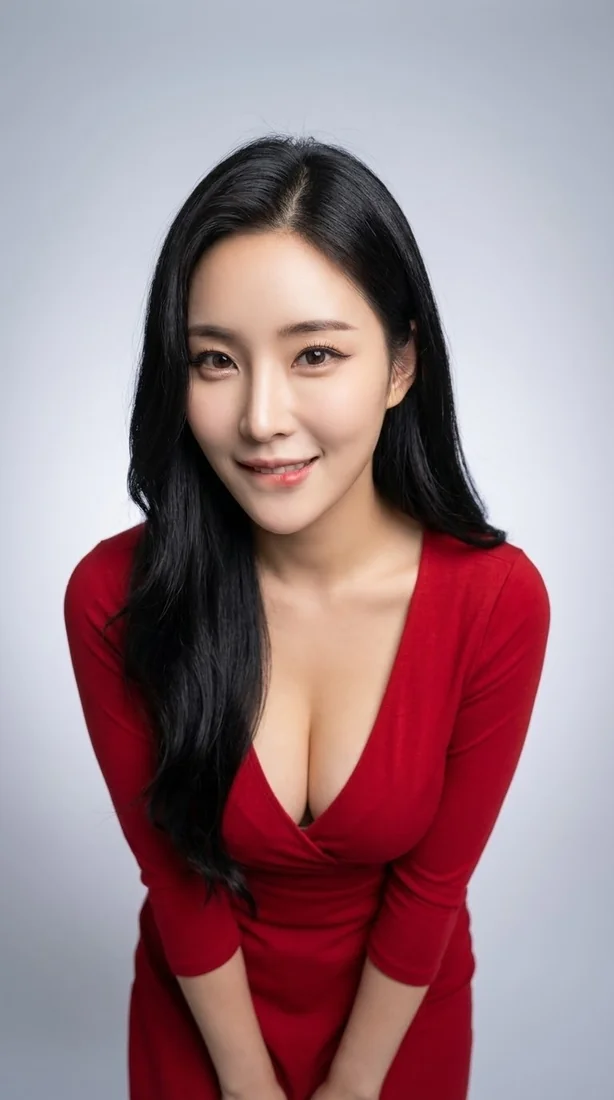
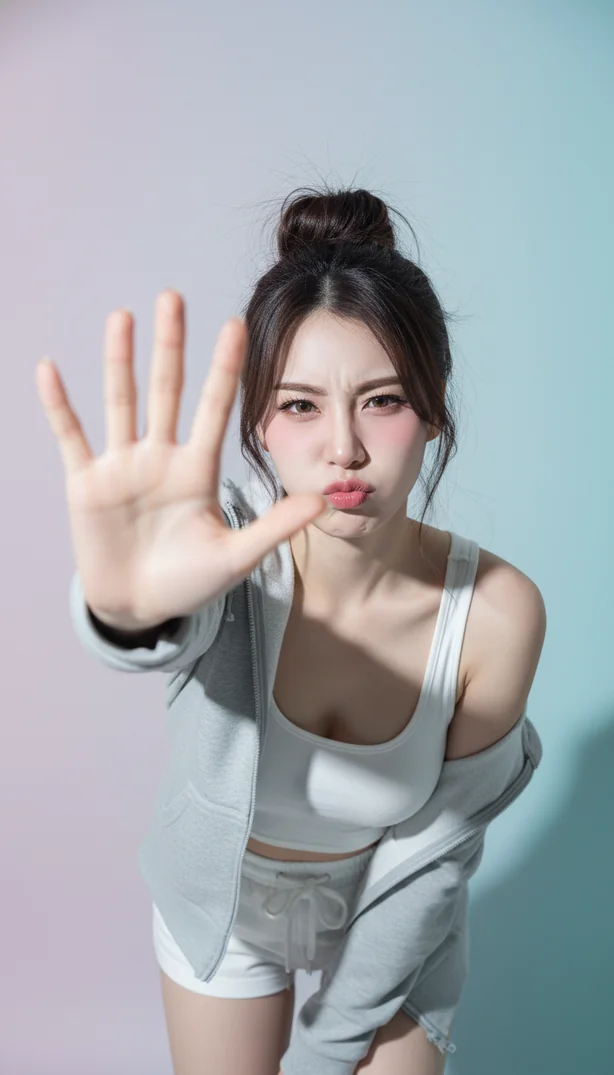
3

Preview & Examples

Live Preview

Your generated image will appear here

Configure parameters and click Generate

Portrait to Sketch - Identity Preserved AI Image Generator

What is a Portrait to Sketch Converter?

A portrait to sketch converter is an AI-powered tool that transforms regular photos into authentic pencil sketch drawings while maintaining complete facial recognition and identity. Unlike basic filters that just overlay effects, Lovart ME's portrait to sketch converter analyzes your unique facial structure, expressions, and distinctive features to recreate your portrait as genuine pencil artwork. The AI portrait sketch generator understands professional sketching techniques—cross-hatching, gradient shading, fine line work—to create depth and dimension that looks hand-drawn by skilled artists. Your identity stays perfectly preserved throughout the entire photo to pencil drawing transformation.

Key Features of Our Portrait to Sketch Converter

100% Identity Preservation

Advanced facial recognition technology ensures your realistic portrait sketch maker maintains exact facial proportions, distinctive features, and personal characteristics. You'll always be recognizable in the final sketch.

Authentic Pencil Techniques

Our AI portrait sketch generator replicates professional artist methods—cross-hatching for shadows, gradient shading for depth, and precise line work for facial contours that feel genuinely hand-drawn.

Expression & Emotion Capture

The portrait to sketch converter translates your original facial expression, mood, and emotional subtleties into sketch format without losing any nuance or authenticity in the transformation process.

High-Resolution Output

Generate professional-quality sketches suitable for printing, portfolios, or digital display. Every photo to pencil drawing maintains sharp detail and clarity at any size you need.

Smart Background Handling

The identity preserved sketch AI intelligently simplifies backgrounds while keeping focus on your portrait, creating that classic sketch aesthetic where you're the clear subject of the artwork.

Online Portrait to Sketch Converter

Create stunning pencil sketches directly in your browser with Lovart ME's online portrait to sketch converter. No software installations, no complicated art programs, no subscription fees. Access the AI portrait sketch generator instantly from any device—desktop, laptop, tablet, or phone. Just upload your photo and watch the realistic portrait sketch maker work in real-time. The entire photo to pencil drawing process happens online, so you can turn photo into sketch art anywhere with internet access. Professional results without professional software.

Portrait to Sketch Converter Showcase
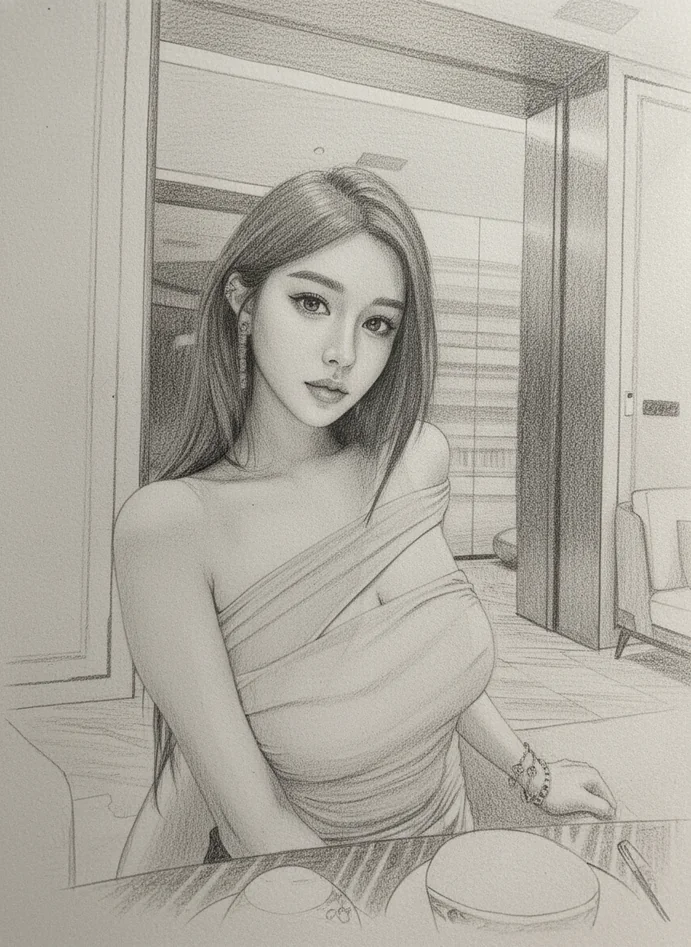
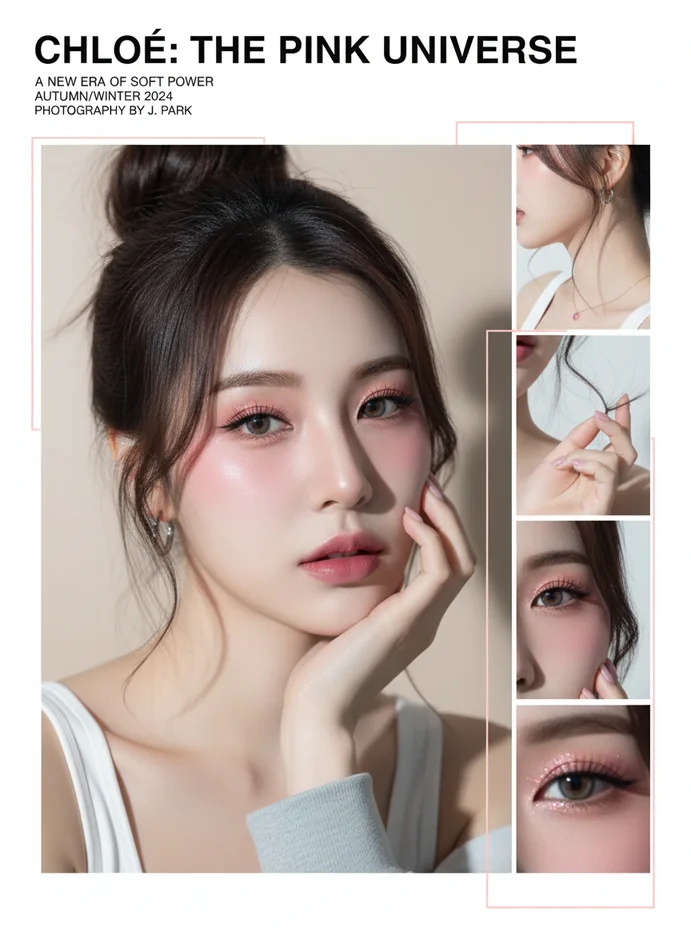
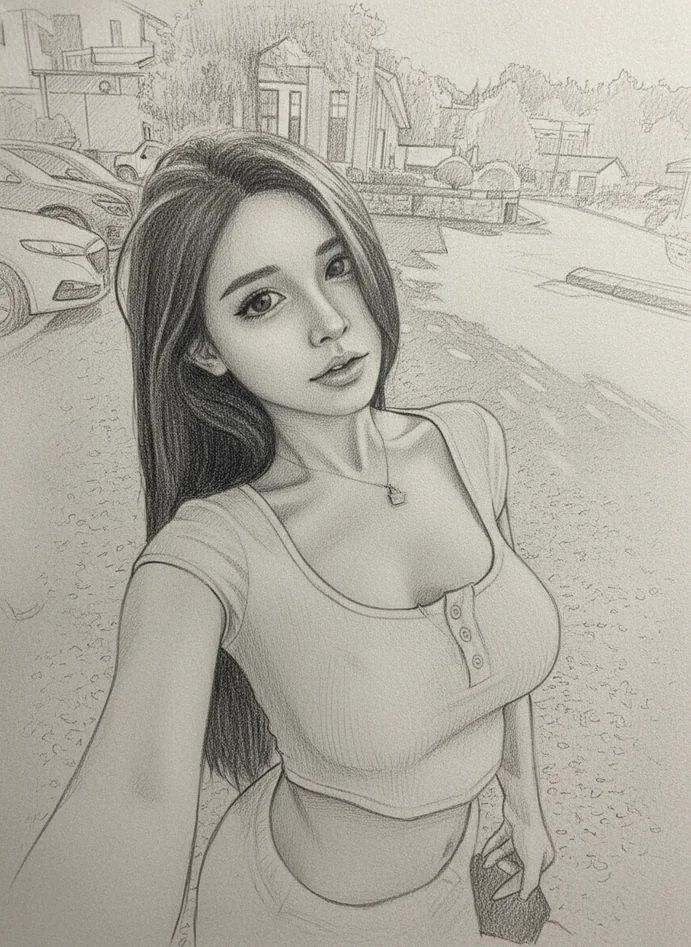
Classic Portrait Sketch

Classic Portrait Sketch

Traditional pencil portrait with subtle shading and fine detail work. Perfect identity preservation with authentic artist-quality rendering using our AI portrait sketch generator.
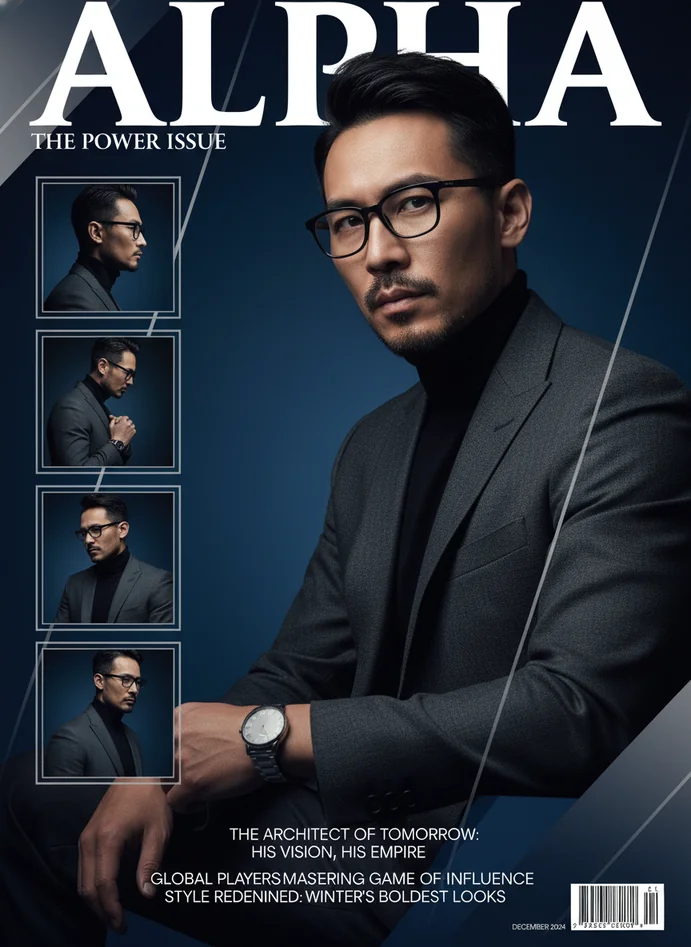
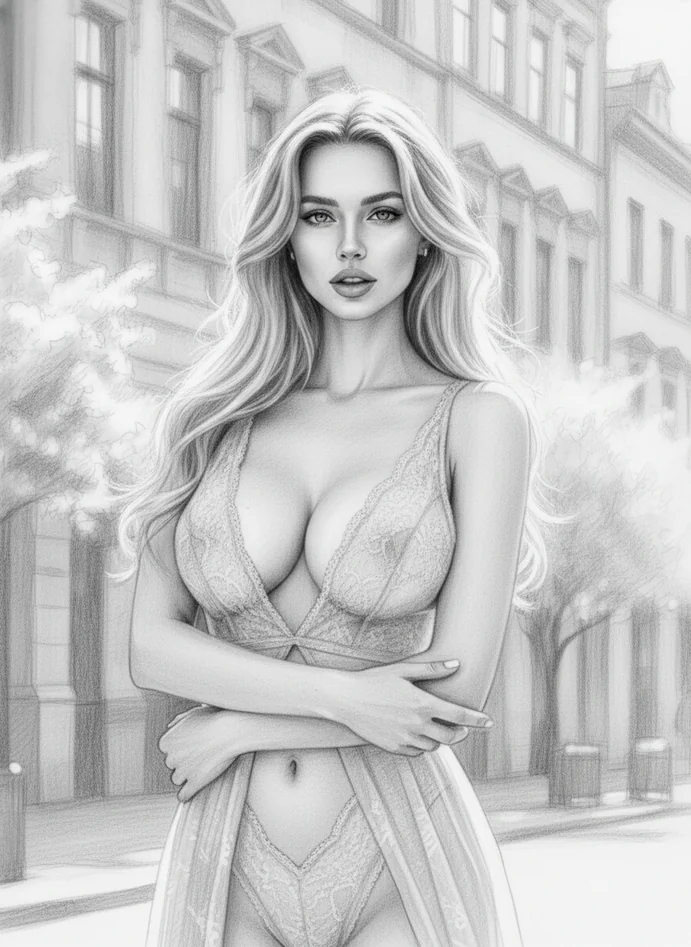
Expressive Character Study

Expressive Character Study

Emotional depth captured through dynamic shading and bold line work. The portrait to sketch converter maintains every subtle expression while creating dramatic artistic impact.
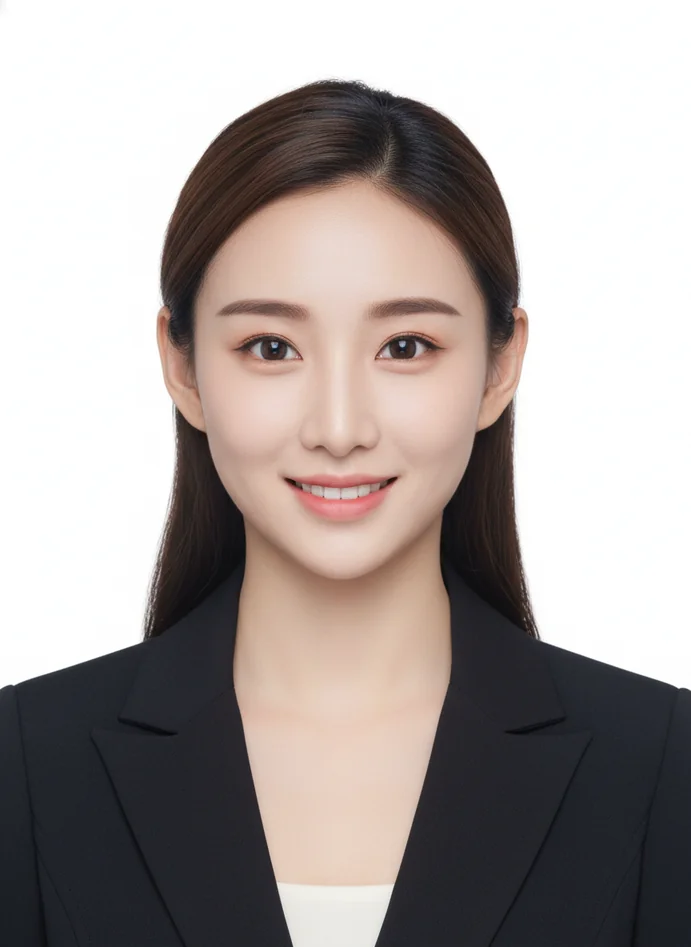
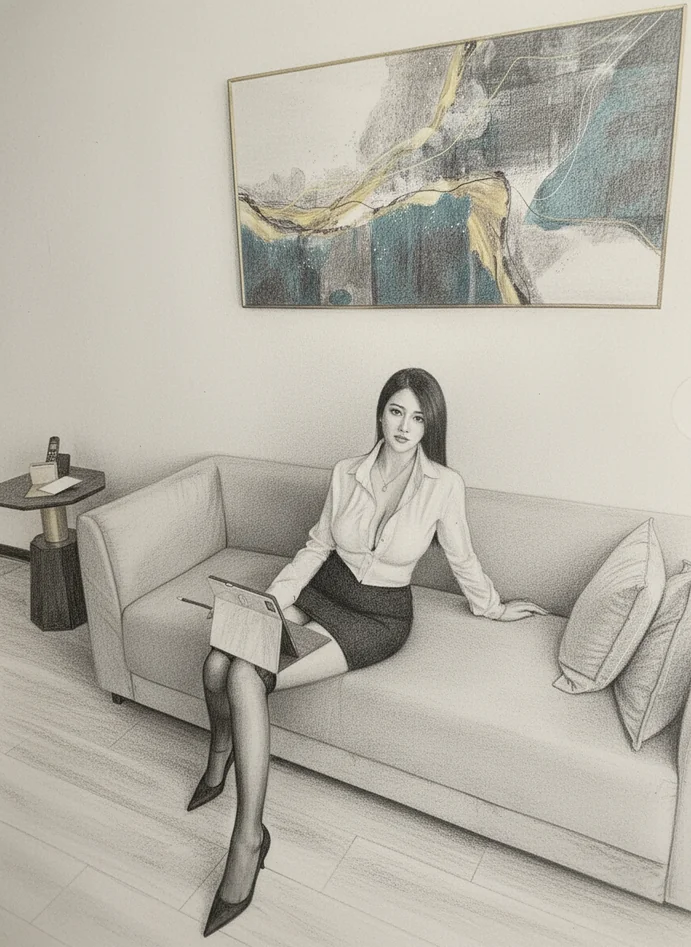
Professional Headshot Sketch

Professional Headshot Sketch

Clean, refined sketch perfect for business portfolios or artist presentations. High-detail photo to pencil drawing with polished, professional aesthetics throughout.
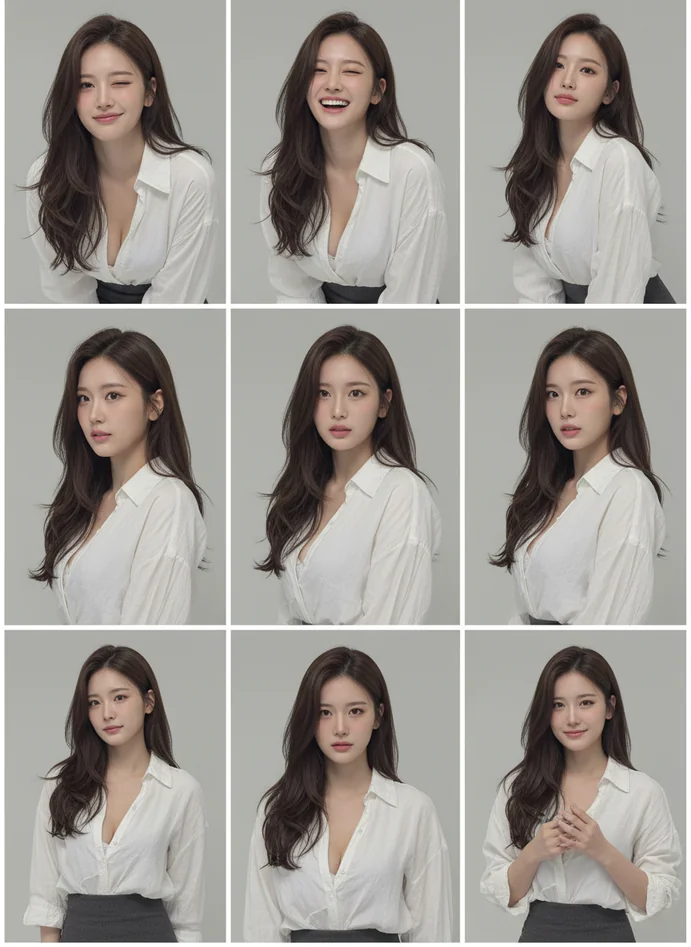
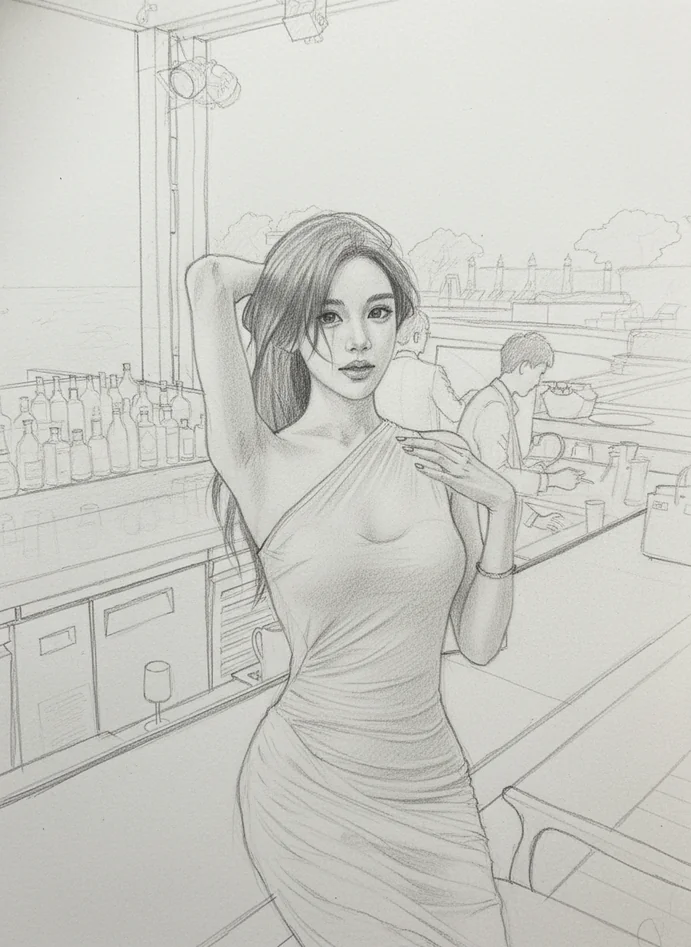
Artistic Portrait Rendering

Artistic Portrait Rendering

Creative interpretation balancing realism with artistic flair. Our realistic portrait sketch maker adds subtle stylization while keeping facial identity completely intact.
Detailed Feature Study

Detailed Feature Study

Intricate sketch emphasizing facial features, texture, and character. The identity preserved sketch AI captures every unique detail that makes you recognizable.

Innovative Technology Behind Portrait to Sketch Converter

Facial Geometry Analysis

The AI portrait sketch generator maps your unique facial structure in 3D space before applying sketch techniques, ensuring proportions remain accurate and identity stays preserved throughout conversion.

Adaptive Shading Intelligence

Smart lighting analysis determines optimal shading patterns for your specific features. Our portrait to sketch converter adjusts cross-hatching density and gradient intensity based on your photo's lighting conditions.

Expression Preservation Algorithm

Advanced neural networks trained on thousands of portrait sketches understand how to translate subtle facial movements into pencil strokes. Every smile, frown, or thoughtful gaze transfers authentically.

Multi-Layer Sketch Synthesis

The realistic portrait sketch maker builds sketches in layers—outline, base shading, detail work, highlights—just like traditional artists, creating depth and dimension that flat filters can't achieve.

Professional Sketch Techniques Used

Cross-Hatching Mastery

Authentic layered line patterns create shadow depth and tonal variation. The photo to pencil drawing process uses directional hatching that follows facial contours naturally for realistic volume.

Gradient Shading Control

Smooth tonal transitions from highlights to deep shadows. Our AI portrait sketch generator applies graduated shading that mimics traditional pencil blending techniques for soft, natural-looking results.

Contour Line Precision

Clean, confident outline work defines facial features with artist-quality accuracy. The portrait to sketch converter traces edges with varying line weight for expressive, professional-looking sketches.

Texture Rendering

Subtle texture work for skin, hair, and fabric details. The identity preserved sketch AI adds fine detail strokes that bring realism without overwhelming the portrait's overall composition.

Highlight Preservation

Strategic white space creates luminosity and dimension. The realistic portrait sketch maker knows when to leave paper white for natural highlights that make sketches pop.

Selective Detail Focus

Emphasis on facial features while simplifying less important areas. This portrait to sketch converter technique draws viewer attention exactly where it should be—your eyes, expression, character.

Creative Applications for Portrait to Sketch Converter

Artist Portfolio Development

Generate sketch variations for art portfolios, character studies, or style exploration. The AI portrait sketch generator creates professional-quality sketches perfect for showcasing range and technique.

Gift Personalization

Turn cherished photos into sketch art for meaningful, personalized gifts. Transform family portraits, couple photos, or pet pictures into timeless pencil drawings with our portrait to sketch converter.

Social Media Content

Stand out with unique profile pictures and posts. The photo to pencil drawing style catches attention while maintaining your recognizable identity across all platforms.

Book & Publication Illustration

Create author headshots, character illustrations, or editorial content. Our realistic portrait sketch maker produces print-ready artwork suitable for books, magazines, and professional publications.

Interior Design Art

Generate custom wall art from family photos or personal portraits. The identity preserved sketch AI creates gallery-worthy pieces that complement any home or office decor style.

Creative Project References

Use generated sketches as references for painting, digital art, or further artistic development. The portrait to sketch converter provides clean base drawings for creative experimentation.

Professional Branding

Establish unique personal branding with artistic sketch portraits. Perfect for consultants, creatives, and professionals wanting distinctive visual identity that goes beyond standard photography.

Portrait to Sketch Converter FAQs

Will the sketch actually look like me?
Absolutely. Lovart ME's portrait to sketch converter prioritizes facial identity preservation above everything else. The AI portrait sketch generator analyzes your unique facial structure, proportions, and distinctive features before applying any sketch effects. This means your nose shape, eye spacing, jawline, and every identifying characteristic transfers accurately into the final drawing. You'll be completely recognizable—it's not just a generic sketch filter, it's an identity preserved sketch AI that understands what makes you distinctly you.
How is this different from regular photo filters?
Standard photo filters simply overlay preset effects without understanding your face. They don't analyze facial geometry or adapt shading to your specific features. Our portrait to sketch converter uses advanced AI portrait sketch generator technology that actually studies your facial structure first, then applies authentic pencil techniques—cross-hatching, gradient shading, contour work—customized to your unique features. The photo to pencil drawing process creates genuinely artistic results that look hand-drawn, not digitally filtered.
What kind of photos work best?
Clear, well-lit portrait photos with visible facial features produce optimal results. Front-facing or slight angle shots work beautifully with the realistic portrait sketch maker. Natural daylight photos are ideal, but any good-quality image where your face is clearly visible works fine. The portrait to sketch converter handles various lighting conditions and backgrounds, though simpler backgrounds let the AI focus processing power on perfecting your facial sketch details.
Can I use these sketches professionally?
Yes. The high-resolution output from our AI portrait sketch generator is absolutely suitable for professional purposes—portfolios, business materials, publications, printed art, website content, or commercial projects. These aren't low-quality filter effects; they're genuine artistic renderings created by the portrait to sketch converter that meet professional standards. Many artists, designers, and creative professionals use Lovart ME for client work and portfolio development.
How long does the conversion take?
Most portrait to sketch conversions complete in 10-45 seconds depending on image resolution and processing queue. The AI portrait sketch generator works quickly because it runs on optimized servers handling the complex facial analysis and sketch rendering. You'll see progress in real-time as the photo to pencil drawing transformation happens. For particularly detailed conversions, the identity preserved sketch AI might take up to a minute to ensure perfect quality.
Does it work on group photos?
The portrait to sketch converter works best on individual portraits where one face is the clear focus. For group photos, the realistic portrait sketch maker will attempt to sketch all visible faces, but results are most impressive when there's a single subject. If you want sketches of multiple people, we recommend processing individual portraits separately—this lets the AI portrait sketch generator give each person the detailed attention their unique features deserve.
Can I adjust the sketch style intensity?
Lovart ME's portrait to sketch converter is optimized to produce balanced, professional-looking sketches automatically. The AI portrait sketch generator applies the ideal amount of shading, line work, and detail based on your specific photo. This smart automation means you don't need to fiddle with complicated settings—the photo to pencil drawing process just works. However, if you want variations, you can run the same photo multiple times for slightly different artistic interpretations.
Will it preserve my facial expression?
Definitely. Expression preservation is a core feature of the identity preserved sketch AI. Whether you're smiling, serious, contemplative, or laughing, the portrait to sketch converter captures and translates your exact facial expression into the sketch format. The AI portrait sketch generator understands how subtle muscle movements create expressions and ensures every emotional nuance transfers authentically into the pencil drawing, maintaining the mood and feeling of your original photo.
What resolution are the final sketches?
The realistic portrait sketch maker generates high-resolution output suitable for printing, professional use, or digital display at any size. Exact resolution depends on your input photo quality, but the portrait to sketch converter maintains or enhances detail rather than reducing it. You'll get crisp, clear pencil strokes that look sharp whether viewed on phone screens or printed as large wall art through our AI portrait sketch generator.
Does it work with old or vintage photos?
Yes, the portrait to sketch converter handles vintage photos beautifully. Actually, older photos often make stunning sketches because the AI portrait sketch generator focuses on facial features rather than photo quality. Even if your original image has some fading, grain, or imperfections, the photo to pencil drawing process extracts facial details and recreates them as clean sketch art. This makes the identity preserved sketch AI perfect for restoring and reimagining cherished old family photographs.
Can I turn photo into sketch art from any angle?
The portrait to sketch converter works with various angles—front-facing, three-quarter views, or profile shots. However, the AI portrait sketch generator performs best with angles where facial features are clearly visible. Extreme angles or heavily shadowed faces might challenge the identity preserved sketch AI's ability to perfectly preserve your likeness. For optimal results, choose photos where your face is well-lit and major features are visible to the camera.
Is there a limit to how many sketches I can create?
Lovart ME encourages creative exploration with the portrait to sketch converter. You can generate multiple sketches from different photos to find the perfect result. The realistic portrait sketch maker is designed for experimentation—try various photos, expressions, and angles to see which converts into the most striking photo to pencil drawing. Each conversion through our AI portrait sketch generator helps you discover new artistic possibilities for your portraits.
Will the background be sketched too?
The identity preserved sketch AI intelligently handles backgrounds by simplifying them while keeping focus on your face. Complex backgrounds get abstracted into softer, less detailed sketch elements that don't compete with your portrait. This technique mimics how traditional artists work—detailed subject, simplified surroundings. The portrait to sketch converter knows your face is the star of the artwork, so background elements become supporting context rather than distracting clutter.
Can I use selfies with the sketch converter?
Absolutely. Modern selfies work perfectly with the AI portrait sketch generator. Since selfies are typically front-facing with good lighting (thanks to phone cameras and natural posing), they're actually ideal for the portrait to sketch converter. The photo to pencil drawing process transforms casual selfies into artistic portrait sketches that maintain your identity while adding that hand-drawn aesthetic. Your everyday selfies become gallery-worthy sketch art through the realistic portrait sketch maker.
How does it handle different skin tones?
The portrait to sketch converter is trained on diverse facial data and handles all skin tones with equal accuracy and beauty. The AI portrait sketch generator uses shading techniques that work universally—cross-hatching density, gradient patterns, and highlight placement adapt to each individual face rather than relying on preset assumptions. Whether your complexion is fair, medium, deep, or anywhere in between, the identity preserved sketch AI creates flattering, accurate pencil sketches that celebrate your unique features and natural beauty.