Parameters Configuration
3

Preview & Examples

Live Preview

Your generated image will appear here

Configure parameters and click Generate

Modern Vector Portrait - Red Background AI Image Generator

What is a Vector Portrait Generator?

A vector portrait generator transforms regular photos into clean, poster-style artwork with bold lines and smooth colors. Lovart ME's AI vector art creator analyzes your portrait and converts it into minimalist digital art featuring crisp edges, high-contrast palettes, and professional vector aesthetics. The portrait to vector converter preserves your facial features and identity while reimagining your image in contemporary poster art style with customizable backgrounds. Upload a photo and watch as the AI poster art generator creates artwork that looks hand-crafted by a professional illustrator—no drawing skills required.

Key Features of Our Vector Portrait Generator

Identity-Preserving Conversion

The digital vector portrait maker maintains accurate facial proportions, eye shape, and recognizable features while transforming your photo into clean vector art with smooth lines and natural styling.

Professional Color Palettes

Get high-contrast styling with soft skin tones, defined shadows, and bold solid backgrounds. The minimalist portrait generator applies color schemes that create striking modern poster aesthetics automatically.

Crisp Vector Line Work

Our AI vector art creator generates confident, flowing lines and sharp edges characteristic of professional illustration. Every portrait features smooth color transitions and clean geometric precision.

Customizable Backgrounds

Choose from vibrant reds, deep blues, or neutral tones. The vector portrait generator lets you switch background colors to match your brand, mood, or design project requirements instantly.

Print-Ready Output

Generate high-resolution artwork perfect for posters, social media graphics, or wall art. The portrait to vector converter creates scalable designs that maintain quality at any size.

Online Vector Portrait Generator

Create vector portraits directly in your browser with Lovart ME's online AI vector art creator. No software installations, no expensive design apps, no subscriptions. Access professional portrait to vector converter tools instantly from any device with internet. The minimalist portrait generator runs entirely online, so you can transform photos into poster-style artwork on desktop, tablet, or mobile. Upload your image and let the digital vector portrait maker handle the artistic conversion in seconds.

Vector Portrait Generator Showcase
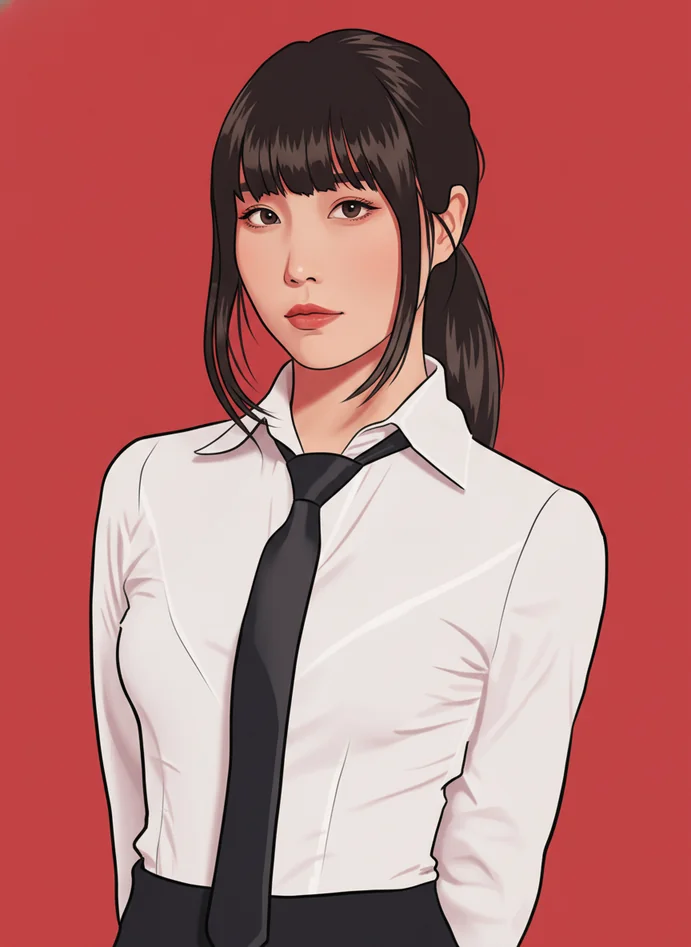
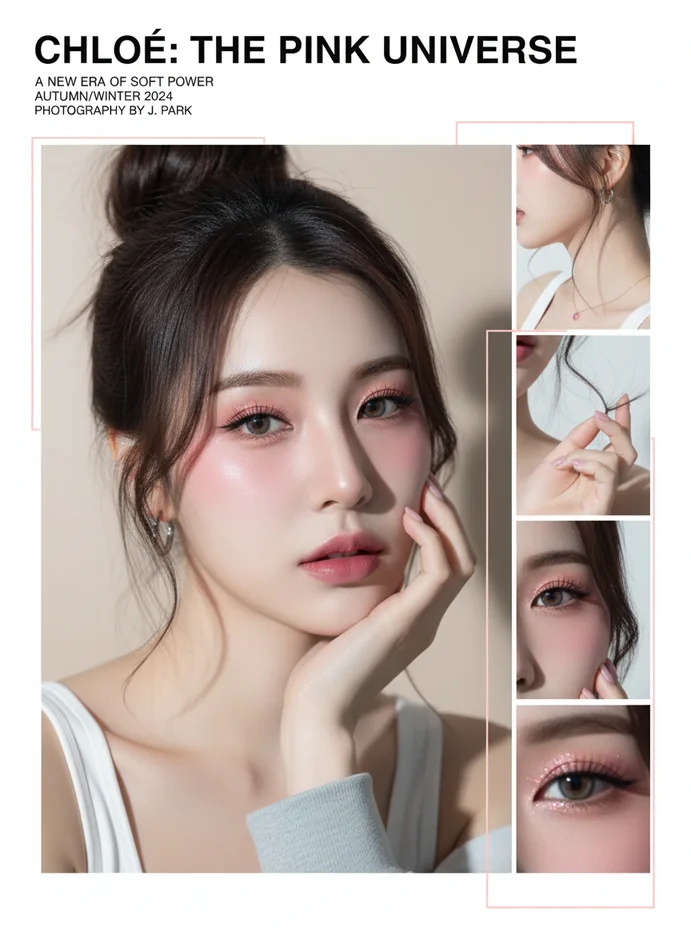
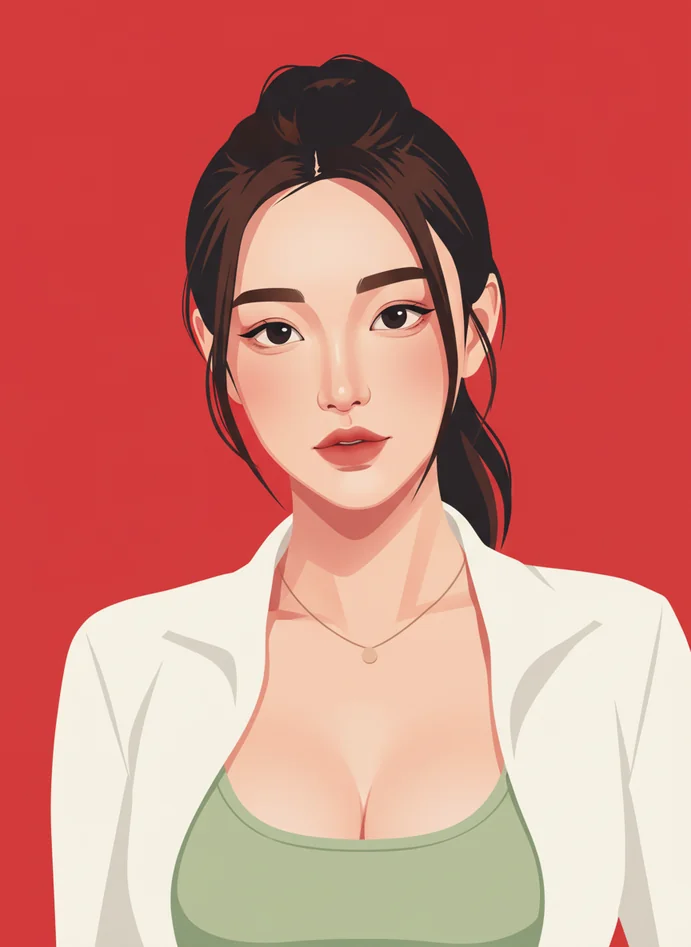
Bold Red Background Portrait

Bold Red Background Portrait

Modern vector art with vibrant red backdrop, clean facial lines, and high-contrast styling. Perfect for eye-catching social media profiles and creative portfolios.
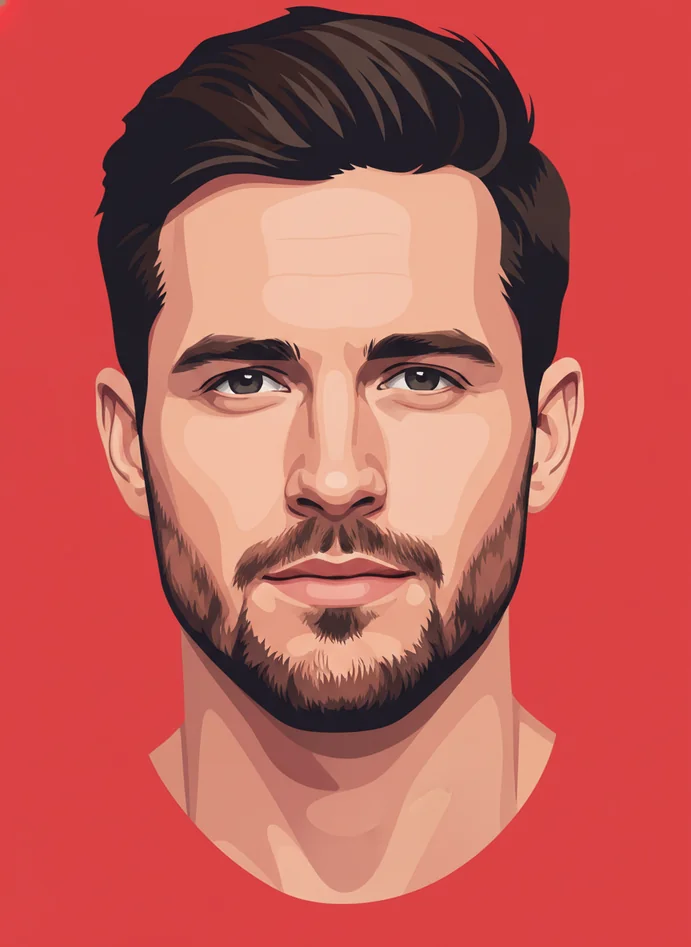
Minimalist Side Profile

Minimalist Side Profile

Elegant vector portrait showcasing profile angles with smooth gradients and professional color blocking. Ideal for contemporary art prints and personal branding.
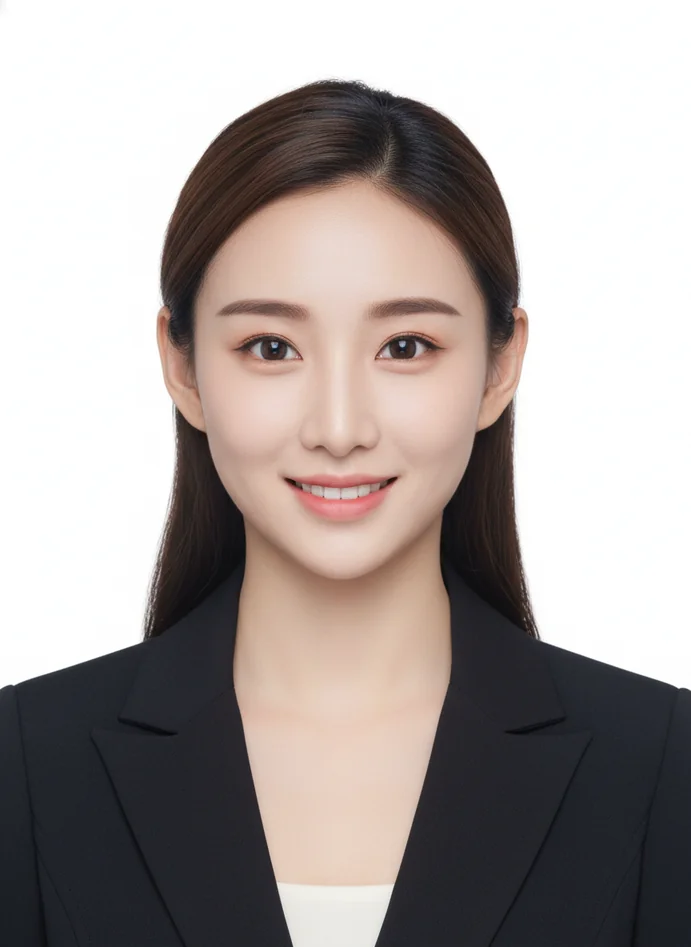
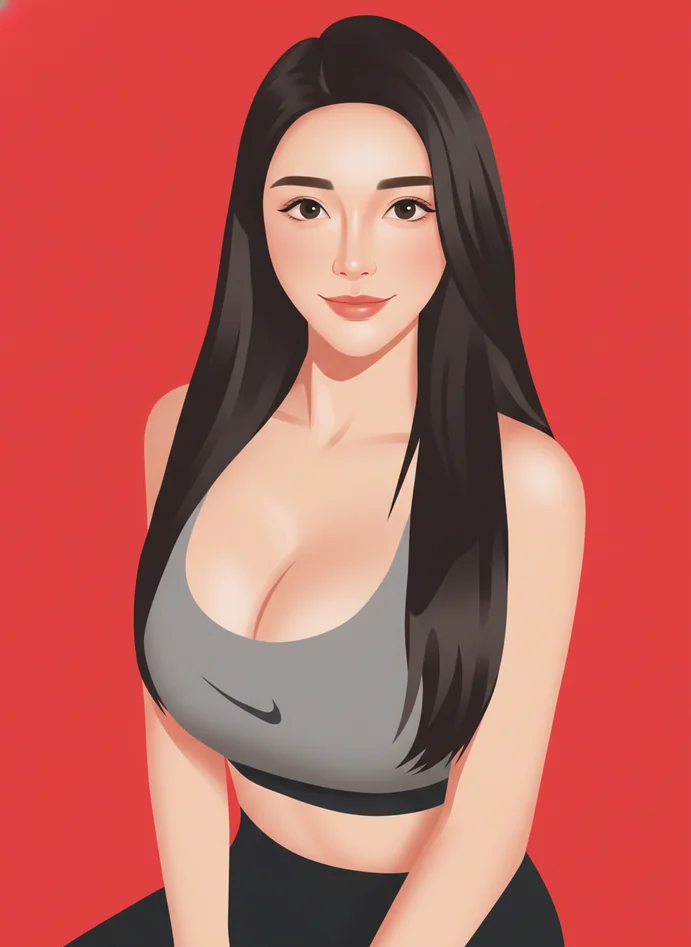
Professional Headshot Vector

Professional Headshot Vector

Business-ready portrait with clean lines, natural skin tones, and polished aesthetics. Great for LinkedIn profiles, resumes, and corporate materials.
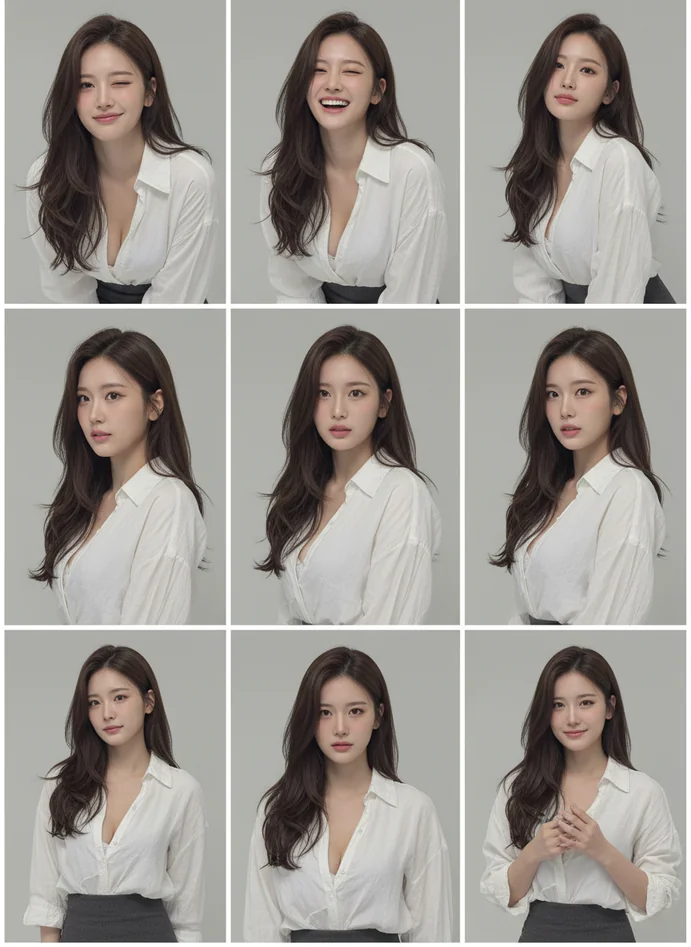
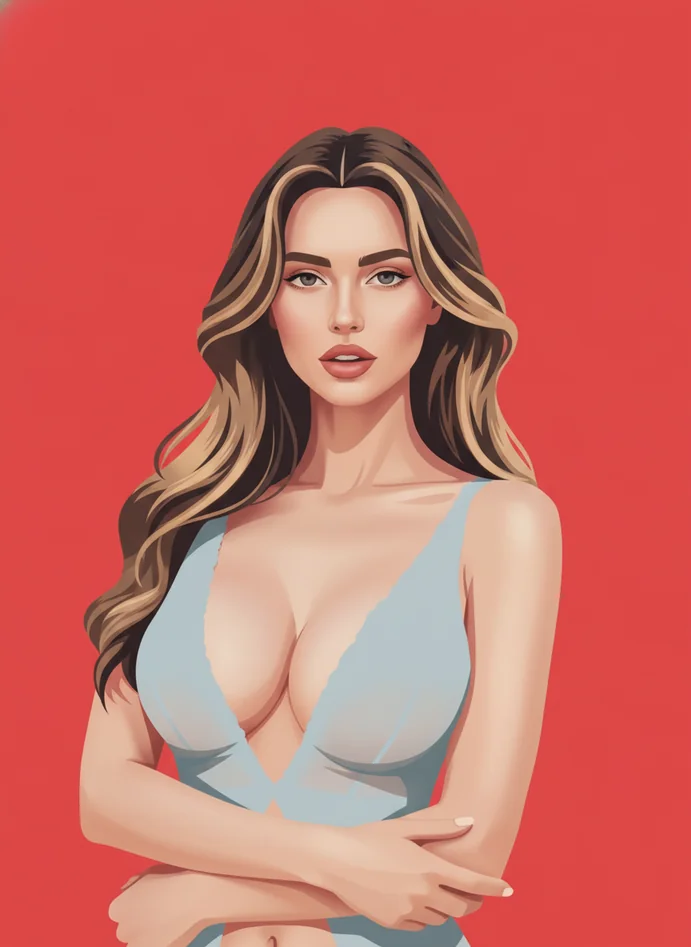
Artistic Expression Portrait

Artistic Expression Portrait

Creative vector interpretation with bold color choices and dynamic composition. Perfect for musicians, artists, and creative professionals seeking unique visual identity.
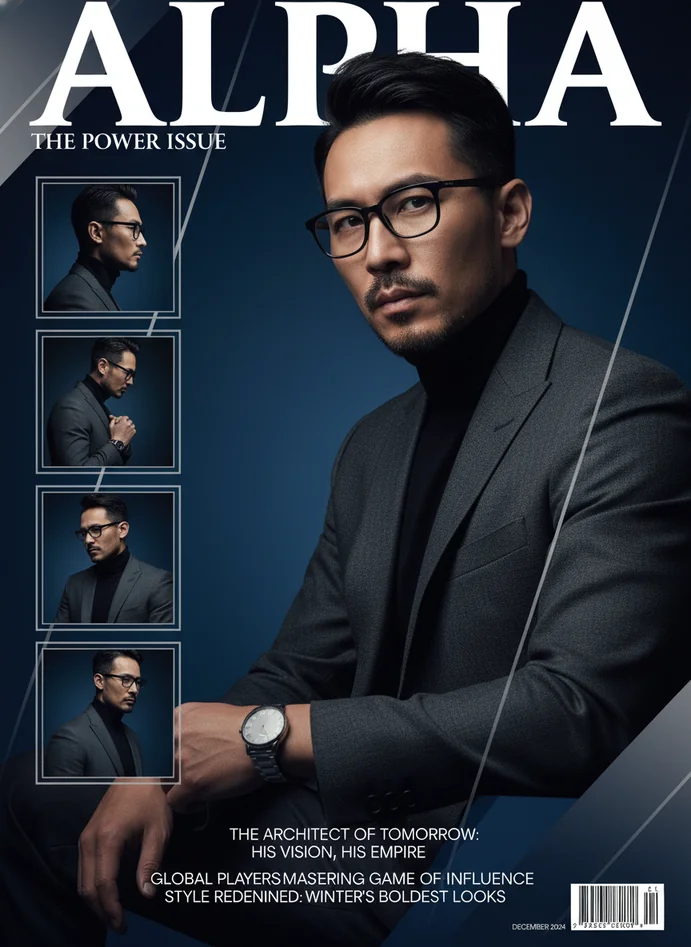
Contemporary Poster Art

Contemporary Poster Art

Gallery-worthy vector portrait with magazine-quality styling and balanced color contrast. Excellent for wall art, merchandise designs, and exhibition displays.

Innovation Behind Our Vector Portrait Generator

Facial Feature Intelligence

Advanced AI recognizes individual facial characteristics—eye spacing, nose shape, jawline—and preserves these identifiers throughout the vectorization process for authentic representation.

Adaptive Line Weight System

The AI vector art creator automatically adjusts line thickness based on facial contours, creating depth and dimension that mimics professional hand-drawn illustration techniques.

Smart Color Segmentation

Intelligent algorithms analyze lighting and skin tones, then apply optimized color blocks that maintain natural appearance while achieving that signature minimalist portrait generator aesthetic.

Edge Refinement Technology

Machine learning models smooth jagged edges and refine boundaries between color zones, producing the crisp, clean lines that define professional digital vector portrait quality.

Techniques in Vector Portrait Generation

Posterization Effect

Reduces tonal values into distinct color blocks, creating that iconic poster art look. The portrait to vector converter applies this selectively to maintain facial detail.

Contour Tracing

AI identifies key facial outlines and converts them into smooth vector paths, ensuring curves and angles flow naturally like hand-drawn artwork from skilled illustrators.

Shadow Mapping

Analyzes light direction and facial structure to place shadows strategically. The minimalist portrait generator uses high-contrast shading for dramatic, professional depth.

Color Palette Reduction

Simplifies complex photo colors into harmonious limited palettes—typically 4-8 colors—that create visual impact while maintaining portrait recognition and artistic coherence.

Geometric Simplification

Converts complex facial features into clean geometric shapes without losing character. The AI poster art generator balances abstraction with recognizability perfectly.

Background Isolation

Automatically separates subject from background, then applies solid color fills. This creates the bold, modern aesthetic that makes vector portraits pop visually.

Applications for Vector Portrait Generator

Social Media Profiles

Create unique profile pictures that stand out. The vector portrait generator produces eye-catching avatars for Instagram, Twitter, LinkedIn, and Facebook that reflect personal style.

Print-on-Demand Products

Design merchandise like t-shirts, mugs, and posters. The AI vector art creator generates scalable artwork perfect for printing on physical products without quality loss.

Personal Branding

Establish visual identity for entrepreneurs, freelancers, and creators. The digital vector portrait maker helps build consistent, memorable personal brands across all platforms.

Wall Art Decor

Transform family photos into gallery-worthy art pieces. The minimalist portrait generator creates prints suitable for home decor, office spaces, or gift giving.

Marketing Materials

Enhance brochures, flyers, and promotional content with stylized portraits. The portrait to vector converter adds professional visual interest to business communications.

Event Invitations

Design personalized invites for weddings, parties, or corporate events. The AI poster art generator creates sophisticated portrait illustrations that elevate invitation aesthetics.

Digital Collectibles

Produce unique avatar art for NFTs or gaming profiles. The vector portrait generator creates distinctive character representations perfect for digital spaces and communities.

Vector Portrait Generator FAQs

What exactly is a vector portrait and how does this generator create it?
A vector portrait is digital artwork characterized by clean lines, smooth color blocks, and geometric precision rather than pixels. Lovart ME's vector portrait generator uses AI to analyze your photo's facial features, then converts them into poster-style art with bold outlines and simplified colors. The AI vector art creator identifies key facial contours, applies professional color palettes, and generates flowing lines that mimic hand-drawn illustration. You get artwork with that modern, minimalist aesthetic seen in contemporary design studios—except it's created in seconds, not hours.
Will the generated vector portrait actually look like me?
Yes. The portrait to vector converter is specifically designed to preserve your facial identity including eye shape, nose structure, jawline, and overall proportions. While the style becomes more artistic and simplified, the AI maintains recognizable features that make the portrait identifiable as you. The digital vector portrait maker balances abstraction with accuracy—you get stylized artwork that clearly represents your appearance. People will recognize you in the vector portrait, just rendered in that clean, modern poster art style.
What type of photos work best with the vector portrait generator?
Clear, well-lit portrait photos with visible facial features produce optimal results. Front-facing or three-quarter angle shots work better than extreme side profiles. The minimalist portrait generator performs best with images where your face is the main subject, preferably against simple backgrounds. Good lighting helps the AI vector art creator distinguish facial contours for accurate line work. Avoid photos with heavy shadows, blurry focus, or faces partially obscured. Standard smartphone portrait photos taken in natural light typically work perfectly with Lovart ME's conversion system.
Can I change the background color after generation?
Most templates in the vector portrait generator offer background customization options. You can typically select from preset solid colors—vibrant reds, cool blues, neutral grays—to match your project needs or personal preferences. The AI poster art generator maintains the quality of facial elements while swapping backgrounds, so you can experiment with different looks without regenerating the entire portrait. This flexibility makes it easy to create multiple versions for different platforms or purposes from a single conversion.
Is this actually vector art or just a vector-style image?
The portrait to vector converter generates raster images (PNG or JPG) that accurately mimic the visual appearance of vector artwork through advanced AI processing. While not true vector files like SVG or AI formats, the output features the clean lines, smooth color transitions, and geometric precision characteristic of professional vector illustration. For most applications—social media, printing, web graphics—these high-resolution raster images deliver the vector aesthetic you're seeking. The digital vector portrait maker prioritizes visual quality and stylistic accuracy over technical file format.
How does the AI maintain my facial features in the simplified style?
The vector portrait generator uses facial recognition technology to map key features—eye position, nose shape, mouth curve, face outline—then preserves these relationships during stylistic conversion. Even as the AI vector art creator simplifies your photo into poster art with fewer colors and cleaner lines, it maintains the geometric relationships between facial features that make you recognizable. Advanced algorithms ensure proportions stay accurate while applying the minimalist aesthetic. This balance between artistic simplification and identity preservation is what separates professional results from generic cartoon filters.
Can I use these vector portraits commercially?
Yes, portraits generated through Lovart ME's vector portrait generator are typically available for commercial use, including merchandise, marketing materials, and business branding. Always check the specific licensing terms for your account type. The AI poster art generator creates original artwork based on your uploaded photos, giving you rights to use the output professionally. This makes the minimalist portrait generator valuable for entrepreneurs, content creators, and businesses needing custom visual assets without ongoing licensing fees or attribution requirements.
How long does it take to generate a vector portrait?
The portrait to vector converter typically completes processing in 15-45 seconds depending on image complexity and server load. Upload your photo, select your preferred style or background color, and the AI begins working immediately. The digital vector portrait maker analyzes facial features, applies color palettes, generates line work, and renders the final image—all within under a minute. No waiting hours for manual illustration or wrestling with complex design software. Lovart ME's system prioritizes speed without compromising the professional quality of your vector portrait output.
What resolution are the generated vector portraits?
The vector portrait generator produces high-resolution images suitable for both digital use and printing. Output typically ranges from 1500x1500 to 3000x3000 pixels, providing enough detail for sharp social media posts, large prints, or merchandise designs. The AI vector art creator ensures clean edges and smooth gradients at these resolutions, so your poster-style portrait maintains quality when scaled or cropped. Whether you need a small profile picture or poster-sized wall art, the minimalist portrait generator delivers appropriate resolution for professional applications.
Can I adjust the level of detail or abstraction?
Many templates in the vector portrait generator offer style variations ranging from more detailed representations to highly abstract interpretations. Some versions preserve more facial nuance while others lean into bold geometric simplification. The AI poster art generator provides these options so you can choose between realistic vector portraits that closely match your photo or more artistic renditions with stylized features. Experiment with different templates to find the abstraction level that matches your aesthetic vision and intended use.
Does the generator work with group photos or only individuals?
The portrait to vector converter works best with single-subject portraits where one face is clearly the focus. Group photos with multiple people may not convert as effectively since the AI optimizes for individual facial feature recognition and composition. For best results with multiple subjects, consider processing each person separately using the digital vector portrait maker, then combining the individual vector portraits in your own layout. This approach gives you better control over each person's appearance and maintains the quality that makes Lovart ME's vector portraits look professionally crafted.
What makes this different from simple photo filters?
Basic photo filters apply blanket effects without understanding facial structure or artistic composition. The vector portrait generator uses sophisticated AI that recognizes facial features, analyzes lighting, determines optimal color palettes, and generates clean vector-style line work tailored to your specific image. The AI vector art creator makes intelligent decisions about where to place shadows, how to simplify colors, and which contours to emphasize—mimicking decisions a skilled illustrator would make. You get artwork with intentional composition and professional aesthetics, not just automated filter effects.
Can I use the vector portrait generator on my phone?
Absolutely. Lovart ME's minimalist portrait generator works seamlessly on mobile devices through your web browser. Upload photos directly from your phone's camera or gallery, select your style preferences, and generate vector portraits on the go. The interface adapts to smaller screens while maintaining full functionality. No app installation required—just open your mobile browser, visit the AI poster art generator, and start creating. This makes professional portrait illustration accessible anywhere, whether you're working from your phone, tablet, or desktop computer.
How does the color palette selection work?
The portrait to vector converter analyzes your original photo's colors, then intelligently reduces them to a harmonious limited palette—typically 4-8 colors—that creates visual impact while maintaining natural appearance. The AI considers skin tones, lighting conditions, and color theory principles to select hues that work together artistically. For background colors, you often get customization options to match brand colors or personal preferences. The digital vector portrait maker balances artistic color choices with recognizable representation, ensuring your portrait looks stylish without losing your identity.
What if I don't like the first result generated?
Most users find satisfaction with initial results from the vector portrait generator, but Lovart ME often provides options to regenerate with different parameters or try alternative templates. You can experiment with different background colors, style variations, or even slightly different source photos to achieve your desired aesthetic. The AI vector art creator offers enough flexibility that you can refine results until you get a minimalist portrait that matches your vision. Professional-quality poster art sometimes requires a few iterations to nail the perfect look for your specific needs.